- 27 -
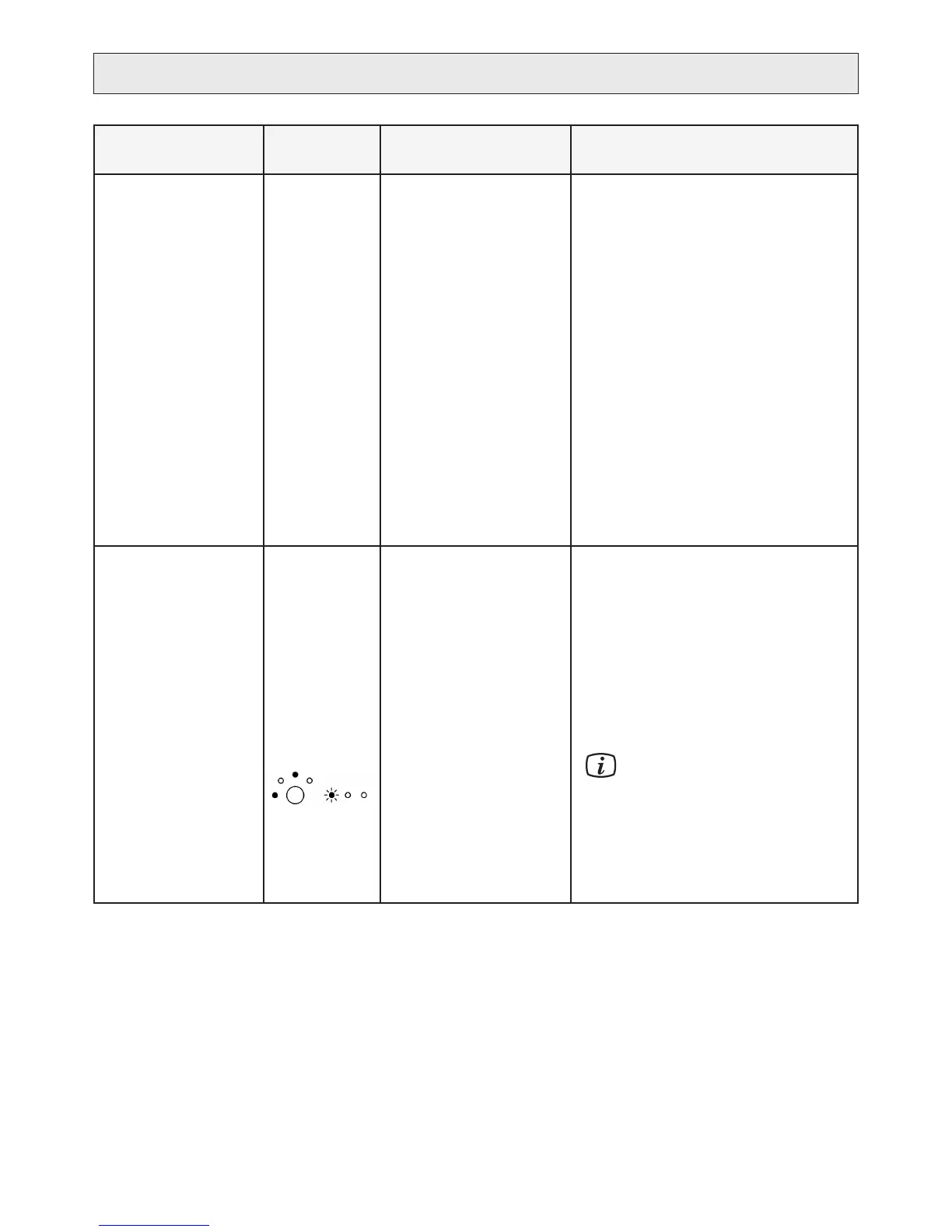
Symptom
Possible error
codes
Check/Action Remedy
Alarm, too low pres-
sure due to a broken
inlet pressure sensor.
Alarm, too low pres-
sure due to errone-
ously calibrated inlet
pressure sensor.
15
Verify that the connection of •
the inlet pressure sensor to
the PCB is sound.
Check the soldering of con-•
tacts on the rear of the PCB.
Furthermore, check for
oxidation on the contacts by
removing the connector and
plugging it back again.
Did the problem appear •
after a power failure
- or - has the product been
disconnected and then
reconnected?
Carefully, short circuit pin 1 and 4 at the con-
nection of the pressure sensor on the PCB.
This will indicate full feed pressure and the
alarm should be turned off.
Shift the high pressure and the inlet pressure
sensor. Do not connect the ”new” high pres-
sure contact. Make sure that the faucet/valve
on the pure water line is open. If this solves
the problem, reinstall the outlet pressure sen-
sor and then, replace the faulty sensor. On the
PCB, check the soldering where the pressure
sensors are connected.
Recalibrate the inlet pressure sensor, see
“SERVICE”.
6.
warning/stop.
The measured
conductivity shows that
the reduction is OK.
A change in feed
water temperature or
water quality.
16
Broken TDS-sensor.
Does not reach
purication level
2-3.
Low purication
level stop.
Disconnect and connect •
the water purier. Flushing
starts and allows cold water
to enter the product.
Check the TDS-sensor.•
If the purication is sufcient, recalibrate the
product.
recalibrated unless water conduc-
-
Check that the pins of the sensor are not bro-
ken or that the soldering at the connection to
the PCB is bad.
TROUBLESHOOTING
g)
h)
b)
a)


 To Next Page