3.10. Movement of the guillotine door. (OPTIONAL DOOR)
3.10.1. Automatic door open:
This consists of two moving parts that slide over the front panel of the dryer. To open and close the door,
press the open / close button on the front right side of the dryer. The upper moving part will move upwards
when the door is opened and downwards when the door is closed. The lower moving part will move
downwards when the door is opened and upwards when the door is closed.
The first time the open/close button of the automatic door is pressed, the door will start to slowly open until
it reaches the maximum opening. In this way, the door completes the process called the “taking a
reference” and is now ready to operate at normal speed. From now on, when the open/close button is
pressed, the door will quickly move to the closed-door position.
WARNING, if the power supply is disconnected from the machine, when the power is restored,
it will be necessary to repeat the “taking a reference” process. During the “taking a
reference” process, the machine will not respond if the open/close button is pressed.
When the door is in closed position, if the open/close button is pressed, the door will quickly move to the
open-door position.
If the open/close button is pressed while the door is moving, the door will stop moving immediately. Then, if
the open/close button is pressed again, the door will immediately start moving again.
The automatic door has a certified safety system with a photoelectric barrier that prevents any object or
person from being trapped between the two moving parts. The system includes LEDs on either side of the
door to reflect the detection status of the photoelectric barrier. If the LEDs are green, this means that there
are no objects or persons in the entrapment zone, the door has permission to move, if the open/close
button is pressed it will move. On the other hand, if the LEDs are red, this means that there is an object or
person in the entrapment zone, the door will be blocked, it will not be able to move, even if the open/close
button is pressed.
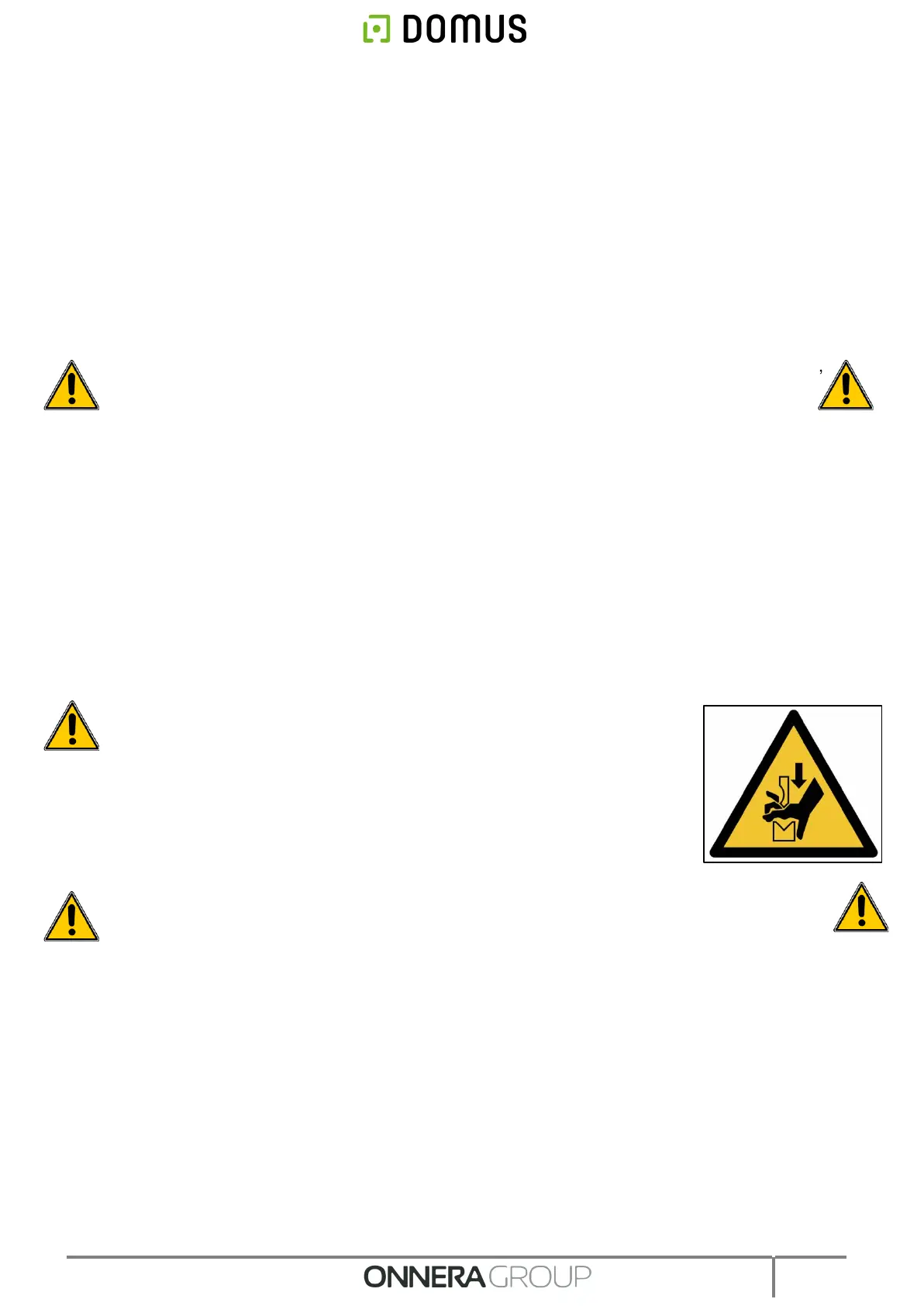
WARNING, although the door has a highly reliable safety system to prevent
trapping between the moving parts, parts of the body must not be placed
between the moving parts when they are in motion.
If the door does not respond to the open/close button, check whether the side
LEDs are red. If this is the case, check that there are no garments or other
objects in the entrapment zone of the moving parts, remove the garment or
object until the LEDs are in green. Then it will be possible to press the
open/close button to open or close the door.
WARNING, if any unusual noise is observed or if the door does not operate as described in
this manual, please carry out lubrication maintenance. If the problem persists, please contact
the technical service.



 To Next Page