OP000506Safety
1-34
MAINTENANCE
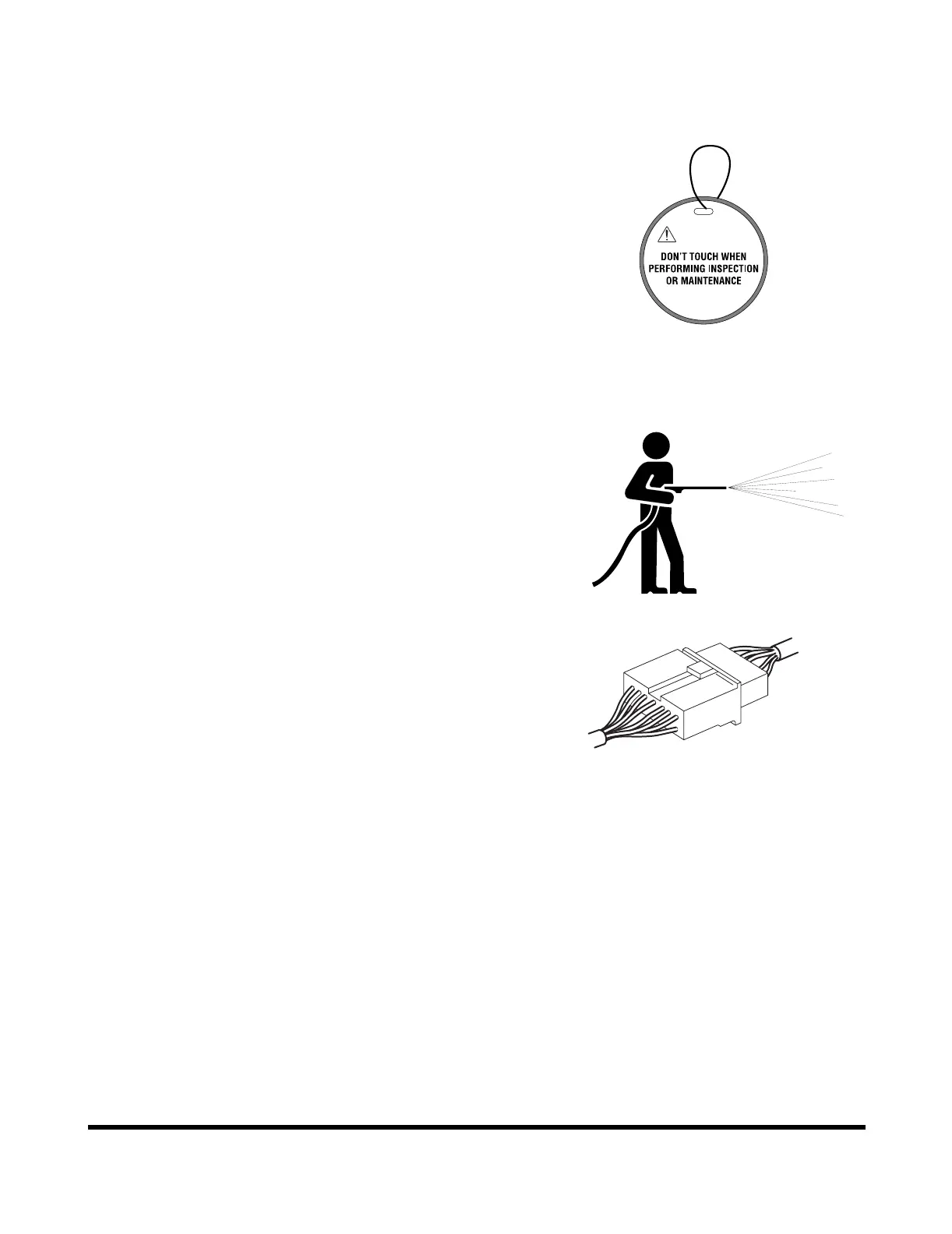
Use Warning Tag During Service
Alert others that service or maintenance is being performed
and tag operator's cabin controls - and other machine areas
if required - with a warning notice.
Warning tags for controls are available from DOOSAN
distributors; see Figure 23.
Clean Before Inspection or Maintenance
Clean the machine before carrying out inspection and
maintenance. This prevents dirt from getting into the
machine and also ensures safety during maintenance.
If inspection and maintenance are carried out when the
machine is dirty, it will become more difficult to locate the
problems, and also there is danger that you may get dirt or
mud in your eyes or that you may slip and injure yourself.
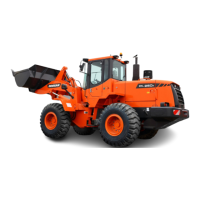
When washing the machine, do the following:
• Wear shoes with nonslip soles to prevent yourself
from slipping and falling on wet places.
• Wear safety glasses and protective clothing when
washing the machine with high-pressure steam.
• Take action to prevent touching high-pressure
water and cutting your skin or having mud fly into
your eyes.
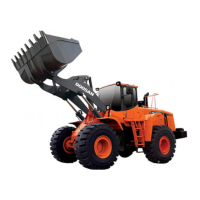
• Do not spray water directly on electrical
components (sensors, connector) (1, Figure 24). If
water gets into the electrical system, there is
danger that it will cause defective operation and
malfunction.
Pick up any tools or hammers that are laying in the work
place, wipe up any grease or oil or any other slippery
substances, and clean the area to make it possible to carry
out the operation in safety. If the work place is left untidy,
you may trip or slip and suffer injury.
Figure 23
WARNING
HAOC920L
ARO1330L
Figure 24


 To Next Page