EasyManua.ls Logo

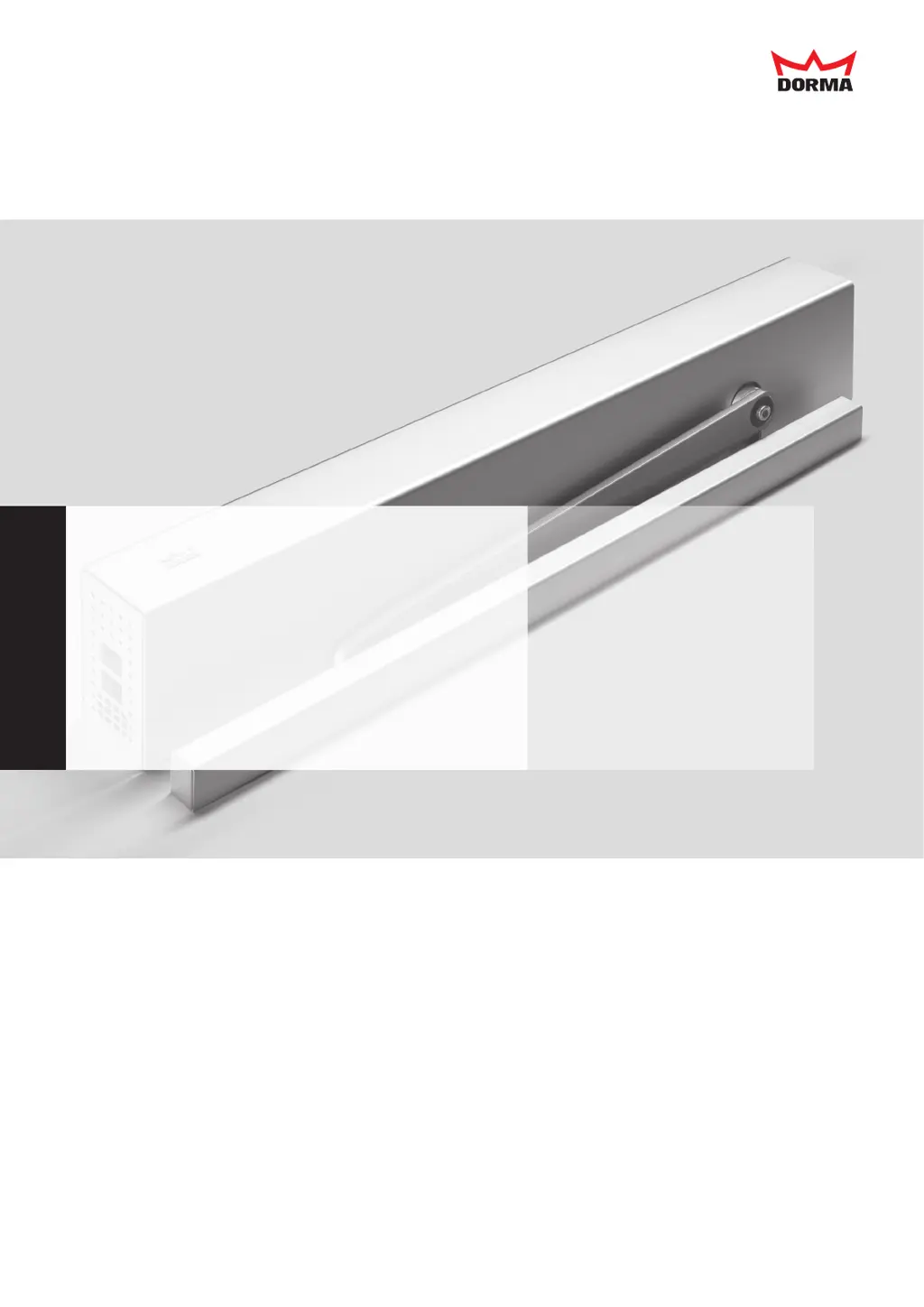
Dorma ED 100 - User Manual

Dorma ED 100
44 pages
Print Icon
To Next Page IconTo Next Page
Loading...
Installation and Operating Instructions
ED 100, ED 250

Other manuals for Dorma ED 100

Questions and Answers

Summary

General Information

Safety

Product Description Continued

Technical Data Summary

Presents comprehensive technical specifications for the drives.

Installing the Drive

5.1 Dismantling Drive from Mounting Plate

Provides steps for safely removing the drive from its mounting plate.

5.3 Installing the Mounting Plate

Guides on securely mounting the drive's base plate to the substructure.

5.4 Fixing Drive to Mounting Plate

Steps for attaching the drive unit to the prepared mounting plate.

5.8 Installing the Lever

Guides on screwing the lever onto the drive axle with the correct torque.

5.10 Setting the Braking Circuit

Outlines how to set the braking circuit for safe door operation.

5.8 Setting the Spring Tension

Explains how to adjust the spring tension for proper drive operation.

5.11 Setting Closing Time (De-Energized)

Details setting the closing time potentiometer when the drive is de-energized.

5.12 Commissioning the Drive

Refers to the main commissioning procedure on page 27.

Connecting Accessories

6.1 Terminal Assignment

Details the function and connection points for various accessories.

Commissioning

Learning Cycle and Double-Leaf System

Details the learning cycle and commissioning for double-leaf systems.

Diagnosis; Troubleshooting

Handling Error Messages E0-E9

Details how to manage and reset error messages indicating hardware defects.

Troubleshooting Common Malfunctions

Provides solutions for common installation and operational issues.

Diagnosis; Troubleshooting Continued

Error Messages

Error Codes In 01-72 Overview

Lists and explains error codes from In 01 to In 72.

Error Messages Continued

Error Codes In 73, 91 and E02-E25

Explains error codes In 73, 91 and E02 through E25.

Information for Facility Drive

Summary

General Information

Safety

Product Description Continued

Technical Data Summary

Presents comprehensive technical specifications for the drives.

Installing the Drive

5.1 Dismantling Drive from Mounting Plate

Provides steps for safely removing the drive from its mounting plate.

5.3 Installing the Mounting Plate

Guides on securely mounting the drive's base plate to the substructure.

5.4 Fixing Drive to Mounting Plate

Steps for attaching the drive unit to the prepared mounting plate.

5.8 Installing the Lever

Guides on screwing the lever onto the drive axle with the correct torque.

5.10 Setting the Braking Circuit

Outlines how to set the braking circuit for safe door operation.

5.8 Setting the Spring Tension

Explains how to adjust the spring tension for proper drive operation.

5.11 Setting Closing Time (De-Energized)

Details setting the closing time potentiometer when the drive is de-energized.

5.12 Commissioning the Drive

Refers to the main commissioning procedure on page 27.

Connecting Accessories

6.1 Terminal Assignment

Details the function and connection points for various accessories.

Commissioning

Learning Cycle and Double-Leaf System

Details the learning cycle and commissioning for double-leaf systems.

Diagnosis; Troubleshooting

Handling Error Messages E0-E9

Details how to manage and reset error messages indicating hardware defects.

Troubleshooting Common Malfunctions

Provides solutions for common installation and operational issues.

Diagnosis; Troubleshooting Continued

Error Messages

Error Codes In 01-72 Overview

Lists and explains error codes from In 01 to In 72.

Error Messages Continued

Error Codes In 73, 91 and E02-E25

Explains error codes In 73, 91 and E02 through E25.

Information for Facility Drive

Dorma ED 100 Specifications

General IconGeneral
Adjustable Closing SpeedYes
Latching SpeedAdjustable
TypeElectromechanical
Power Supply230 V AC, 50 Hz
Fire RatedYes
BackcheckAdjustable
Delayed ActionAdjustable
Hold-Open FunctionYes
FinishSilver

Related product manuals