26
DORMA AUTOMATICS, Inc. 924 Sherwood Drive Toll-Free: 877-367-6211
Lake Bluff, IL 60044 Fax: 877-423-7999 DL3038-010 Rev. B 6/08
E-mail: automatics@dorma-usa.com
Subject to change without notice
ED700
Low Energy
Automatic Swing Door
DORMA
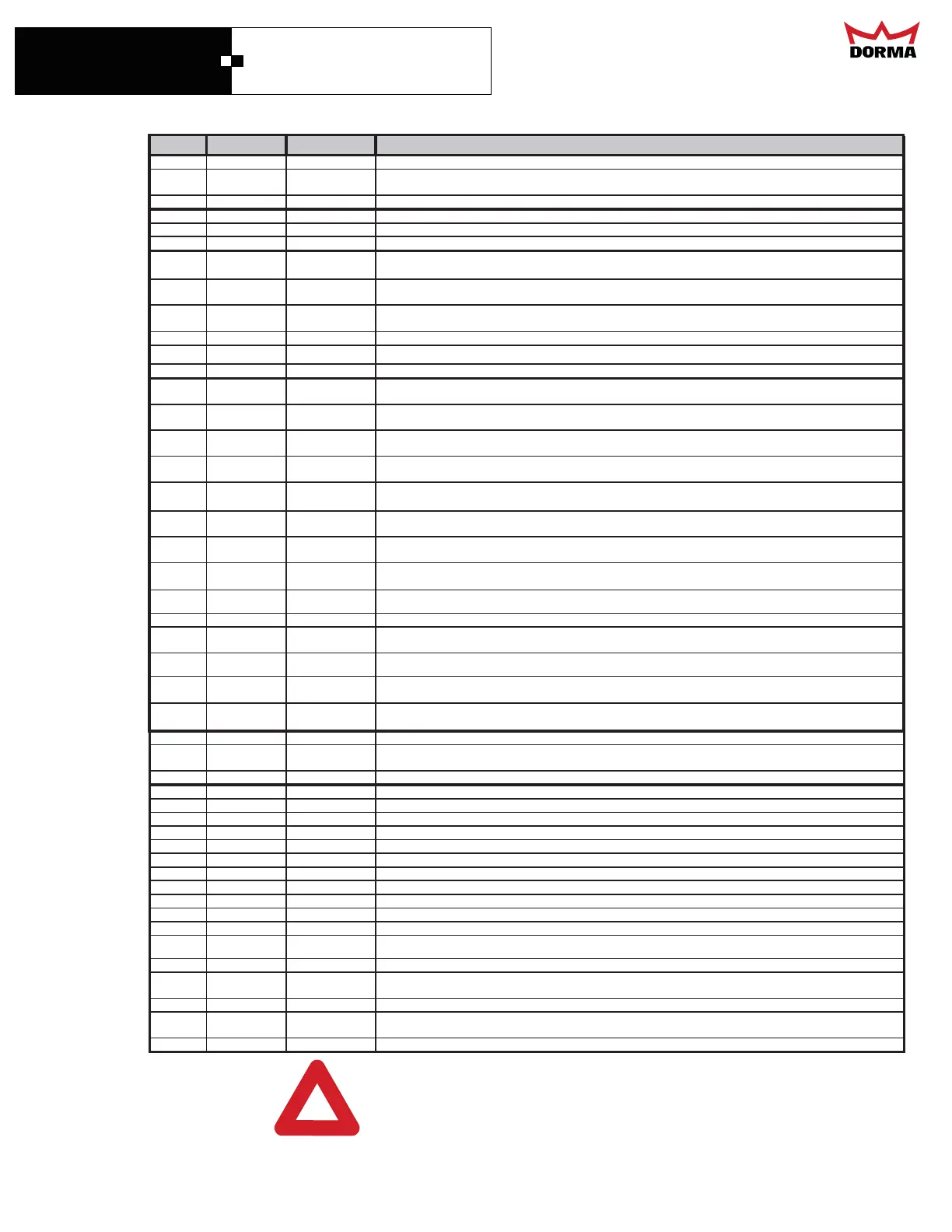
ED700 Controller Code Information
DISPLAY
SETON DNA NOITINIFEDNOITCNUFNOITCES
LE Run
Low Energy
Low Energy operation, switch on side of control must also be turned to LE for Low Energy function. Adjusted
according to ANSI 156.19.
PA
Run
Power Assist
Power Assist operator will assist in manual operation but will not open the door.
OCN Mount Type
OCM
Overhead concealed, direct drive application.
PSH Mount Type
Push Arm
Push or Out arm application, door swings away from the header.
PUL
Mount Type
Pull Arm
Pull Arm or In arm application, door swings under the header.
LOG
Mon
Log
The controller logs the last 16 unusual events, turn dial knob counter clockwise to view. This feature is helpful in
troubleshooting problems. See Event at end of form.
ObS Mon
Obstacles
Total obstacle count up to 255; to reset, turn dial knob counter clockwise. Remember to reset if you adjust
O.Ob, or C.Ob.
CYC Mon
Number of Cycles
Total number of complete cycles up to 9,999,999 that the controller completed. Turn dial knob clockwise to
view complete number.
rEL Mon
Softward Version
Displays the software release version the controller contains.
AnG Mon
Angle
Approximate door angle in degrees. Setting and actual opening point must agree for proper operation.
CUr
Mon
Current
The motor current exceeded maximum for too long.
HLd
Misc. Selections Hold
Power Hold function, adjustable force setting to hold the door against the latch or closed position OFF is spring
tension only.(OFF 0.01 AMPs - 0.70 AMPs)(OFF is default after reset)
PnG
Misc. Selections Push to Open
Push to open feature opens the door automatically when it is pushed off the latch stop. (Yes - No, default is NO)
OOS
Misc. Selections
Opening
Obstruction
This menu is used to adjust Opening obstruction threshold. Value is displayed in TIME. Higher TIME means
less sensitivity.(1.5 default, 0.2 - 2.0)
COS
Misc. Selections Closing Obstruction
This menu is used to adjust Closing obstruction threshold. Value is displayed in TIME. Higher TIME means
less sensitivity.(0.5 default, 0.2 - 1.1 )
UAL
Misc. Selections Wall Mask Angle
Menu adjust the angle at which point a swing side door mounted sensor is inhibited. (Default 65°, 60-115°)
OPd
Misc. Selections Lock Delay
Lock delay function used for doors with locks or panic hardware that have to release before the door opens.
OFF equals no delay.(OFF is default, OFF is 0.1 Sec., 0.1 - 2.0 Seconds.)
OCd
Misc. Selections Occupied Delay
How long the door stops after an obstacle or presence signal is received. ( 2 Sec default, 0.1 - 10.0 Sec.)
dEC
Misc. Selections Deceleration
How quickly the door shows at back check; the higher the number the faster the door slows. (50 Default, 10-127)
PCE
Misc. Selections
Power Close
Engaged
("no" or "yes") Turns power close on or off. ("no" is default after reset)
PCA
Misc. Selections Power Close Angle
(off or 1 - 30 degrees) - Sets the angle the power close turns on at. (20 is default after reset)
PCd
Misc. Selections
Power Close Time
Delay
(00.1 - 10 seconds) - Sets the time delay the power close starts after it achieves the proper power close angle.
(4 is default after reset)
PCC
Misc. Selections
Power Close
Current
(off or 0.01 - 1.00 Amps) - Sets the power closing amps in PCd area.(1.00 is default after reset)
CLC
Misc. Selections Power Boost
"Closing Current" (Off, or 0.01 - 1.00 Amps) - Sets the closing current while the door is at "any angle" of it's
closing cycle.(0.50 is default after reset)
rSt
Misc. Selections Reset
Resets all parameters back to factory defaults. Reset the control before the learn cycle on new installs, or
use the learn function to force a learn cycle on existing installations.
ALL Learn
Learn
The opener needs to do a full learn c
cle, required on initial install see, rSt
CYC Learn
Cycle
The operator needs to do an open and closing cycle. The door will cycle after initial tune in until door is turned
OFF and back ON.
rdY
Learn
Ready
The learn cycle is completed and the operator is ready.
- - - Even
No other event in the lo
.
bad Even
BAD
variable in the control is out of established limits.
Cob Even
Closing Obstacle
The door encountered an obstacle while openin
. See COS parameter in Misc. Selections.
CUr Even
Over Current
The motor current has exceeded limits for extended period.
DIr Even
Direction
The motor is wired backwards.
EnC Even
Encoder
The control is not receivin
encoder information.
ENE Even
Breakout
n emer
enc
link was broken. Breakout switch or Smoke detector activation.
FAI Even
Controller
The control box has failed to function.
HEA Even
Overheat
The motor overheated.
LOC Even
Locked
The door encountered an obstacle at latch stop.
Ntr Even
Motor
The motor is not connected, or is open.
OOb Even
Opening
Obstruction
The door encountered an obstacle while openin
. See OOS parameter in Misc. Selections.
PUP Even
Power Up
utomatic power up after a bad value was detected.
Set Even
Set-up
The operator is not set-up; a learn cycle is needed. If ready does not appear after a learn cycle , reset the
control and tr
a
ain.
SnG Even
Presence Sensor
The swin
side door mounted sensor was activated.
SUP Even
Set-up
The operator is not set-up; a learn cycle is needed. If ready does not appear after a learn cycle , reset the
control and tr
a
ain.
to
Event
Time Out
A state lasted longer then expected.
If this unit is installed as a LOW ENERGY Operator, it is the installer's responsibility to adjust the operating
parameters of the operator as to NOT EXCEED those in the BHMA/ANSI 156.19 standard.
If these parameters are exceeded, additional safety devices MUST be installed to satisfy the requirements that
are stated in the BHMA/ANSI 156.10 standard for FULL POWER DOORS.
!



 To Previous Page