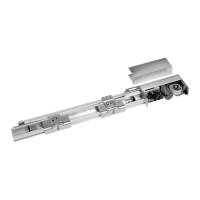
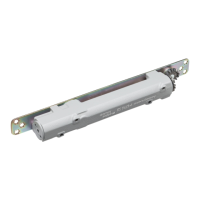
ED700
Low Energy
Automatic Swing Door
DORMA
17
DORMA AUTOMATICS, Inc. 924 Sherwood Drive Toll-Free: 877-367-6211
Lake Bluff, IL 60044 Fax: 877-423-7999
DL3038-010 Rev. B 6/08
E-mail: automatics@dorma-usa.com Subject to change without notice
Basic Set-Up
The purpose of the initial set-up is to bring the ED700
to a point where it can open the door.
Preparation for Initial set-up
BasicRequirements
• All cables are connected.
• Swing area is clear of obstacles
• Mode switch in position "OFF".
• Power connected.
Start-Up
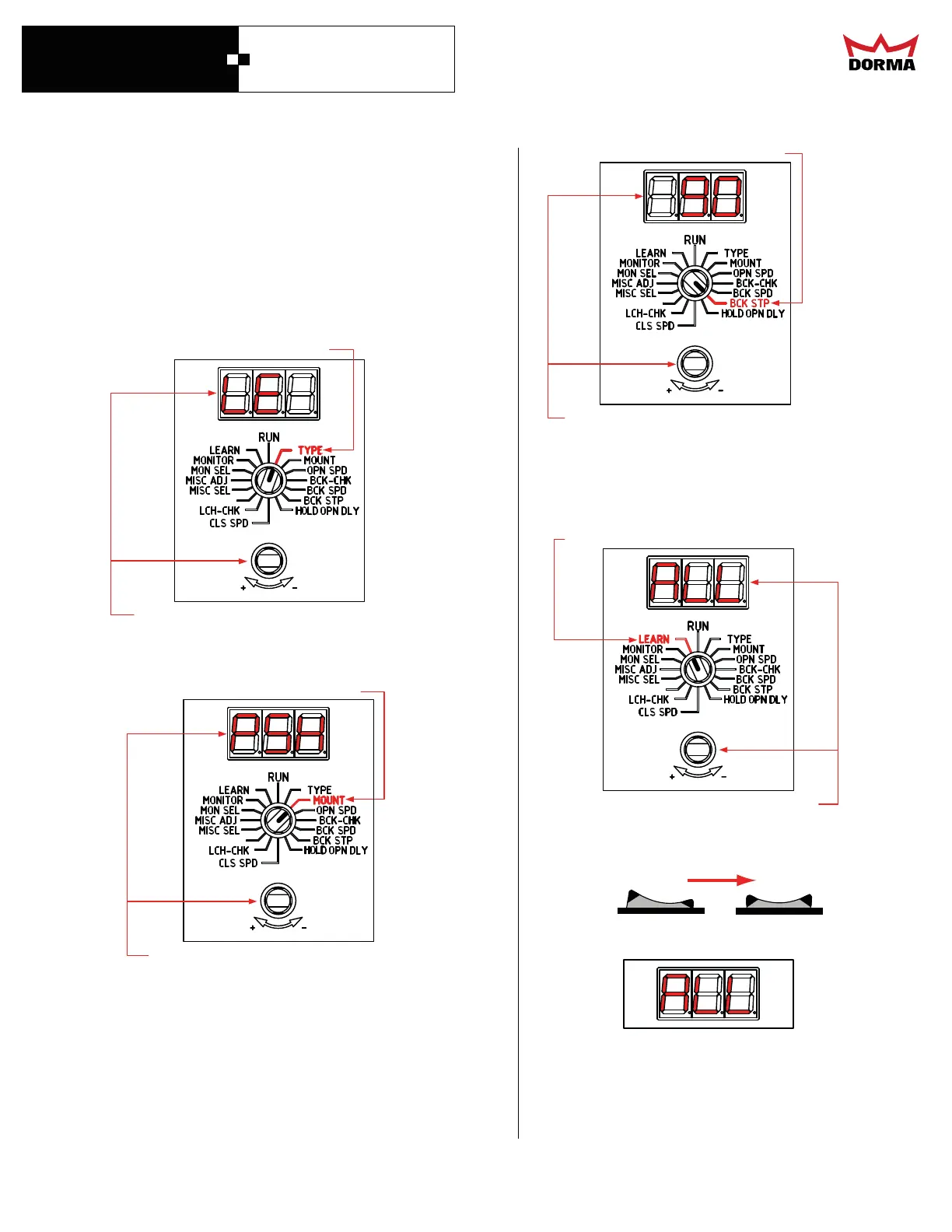
• Turn selector knob to “TYPE”.
• Turn dial knob to select “Low Energy”
or “Power Assist.
The corresponding letter codes are
“LE” or “PA”.
• Turn selector knob to “MOUNT”.
• Turn dial knob to select “Push or Pull mount.
• Turn selector knob to “BCK STP”.
• Turn dial knob so that display shows “90”.
This is your back stop in degrees.
NOTE: If the door is to be set to an angle
other than 90, measure the angle the door
will open to and input that value in the step
above.
o
• Turn selector knob to “LEARN”.
• Turn dial knob so that display shows
“ALL”. This will cause a full Learn Cycle.
The door will stay closed for 10 seconds to
let you get into position to catch it at the
desired Back Stop.
• Turn mode switch from “OFF” to the “ON”
position.
ON
OFF
• The control box display will show “ALL”,
indicating that a Learn Cycle is in progress.



 To Next Page