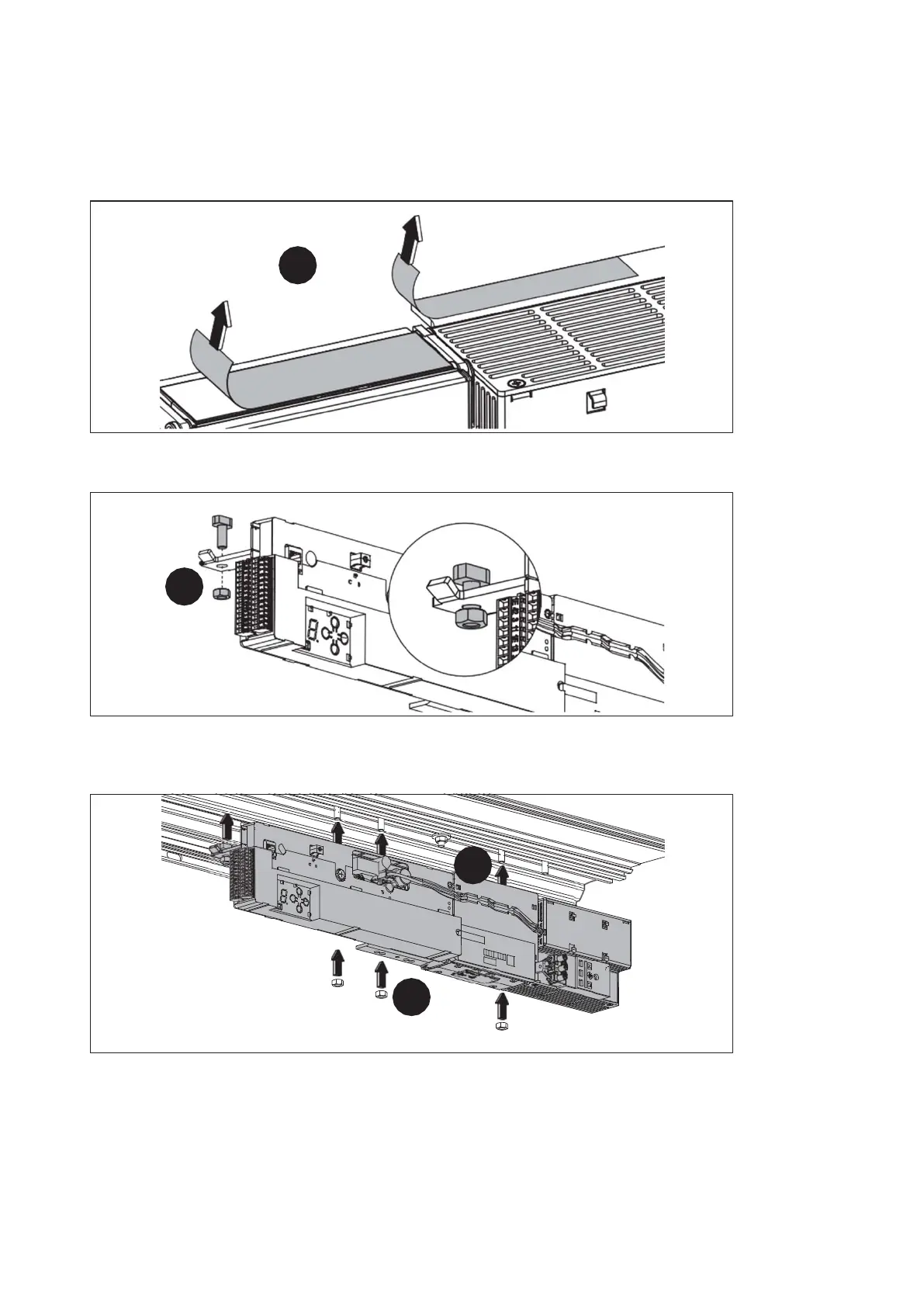
4.13 Mount the DRIVE UNIT
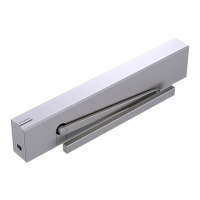
1. Remove the protective films from the heat conducting pad on the drive and
from the control carrier.
1.
Fig. 44
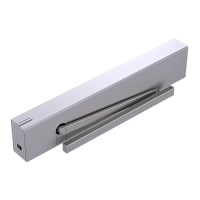
2. Loosely fasten the T-head bolt in the bracket
2.
Fig. 45
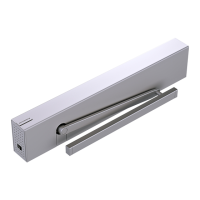
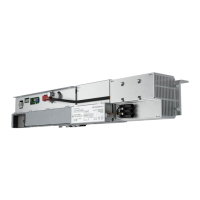
3. Place the DRIVE UNIT on the threaded bolts on the attachment strip.
3.
4.
Fig. 46
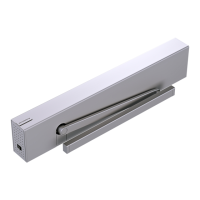
4. Tighten the DRIVE UNIT with the nuts and the T-head bolt. Do not screw the
rightmost nut onto the bolt yet.
ES 250 PRO Easy
2024-03
32
ES250ProEasy Installation Manual
Mounting



 To Next Page