Mounting
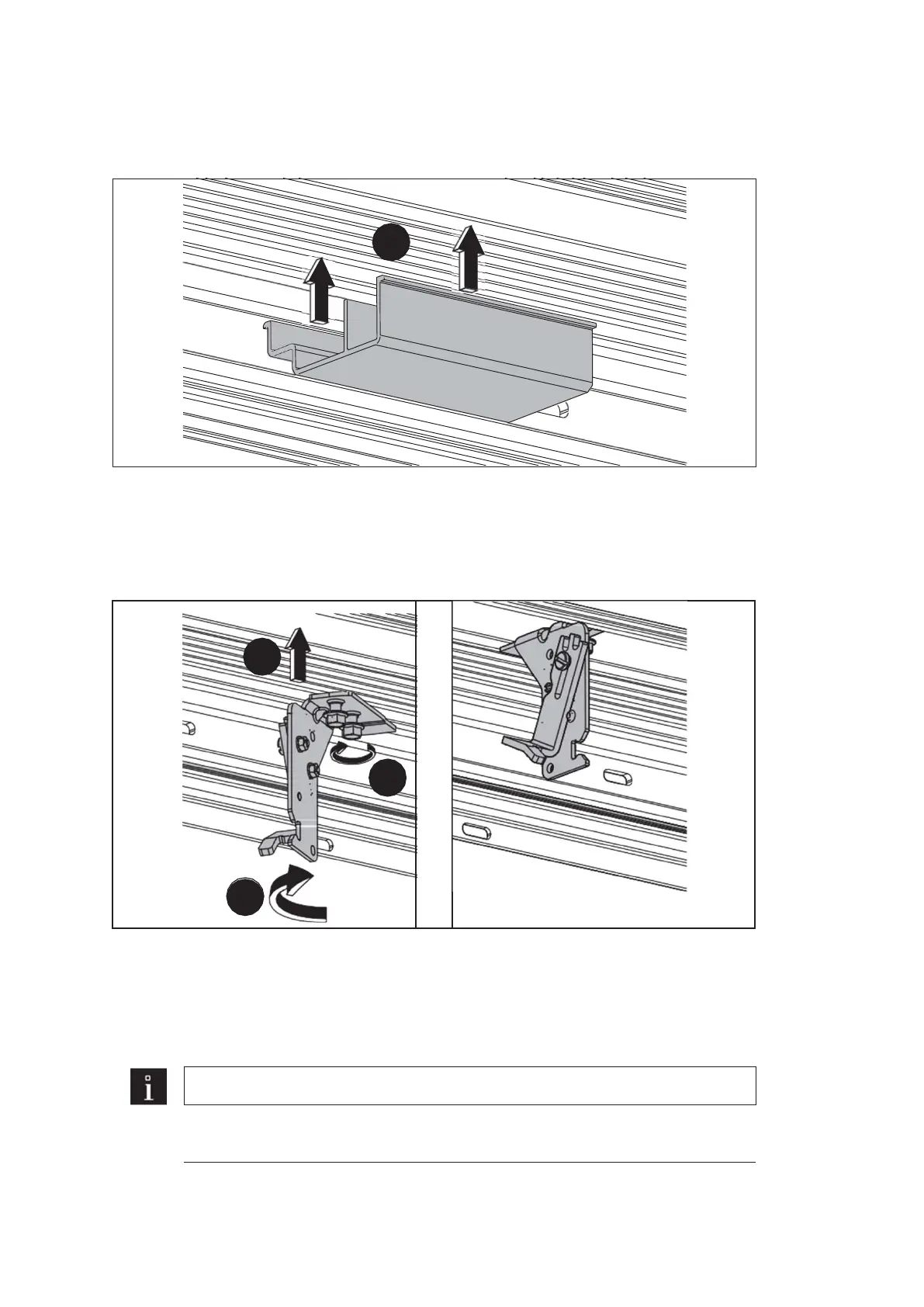
4.19 Mount the cable ducts
1. Clip the cable ducts into the operator profile from below.
1.
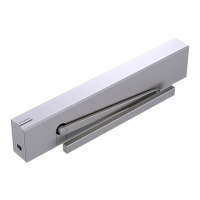
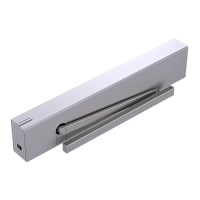
Fig. 62
4.20 Mount the cover holders
Mount 1cover holder a t each end of the opera tor profile.
1. Insert the cover holders into the operator profile from below.
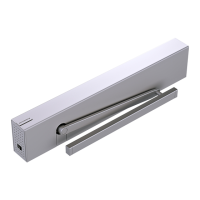
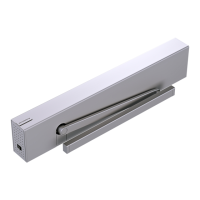
Fig. 63
2. Turn the cover holders so t h a t the mounting bracket is perpendicular to the
profile.
3. Tighten the cover holders with both hexagon screws.
Note
For an operator length of more than 4.50 m, mount 2 additional cover
holders.
ES 250 PRO Easy
2024-03
38
1
3
2
ES250ProEasy Installation Manual



 To Next Page