34/40 35/40
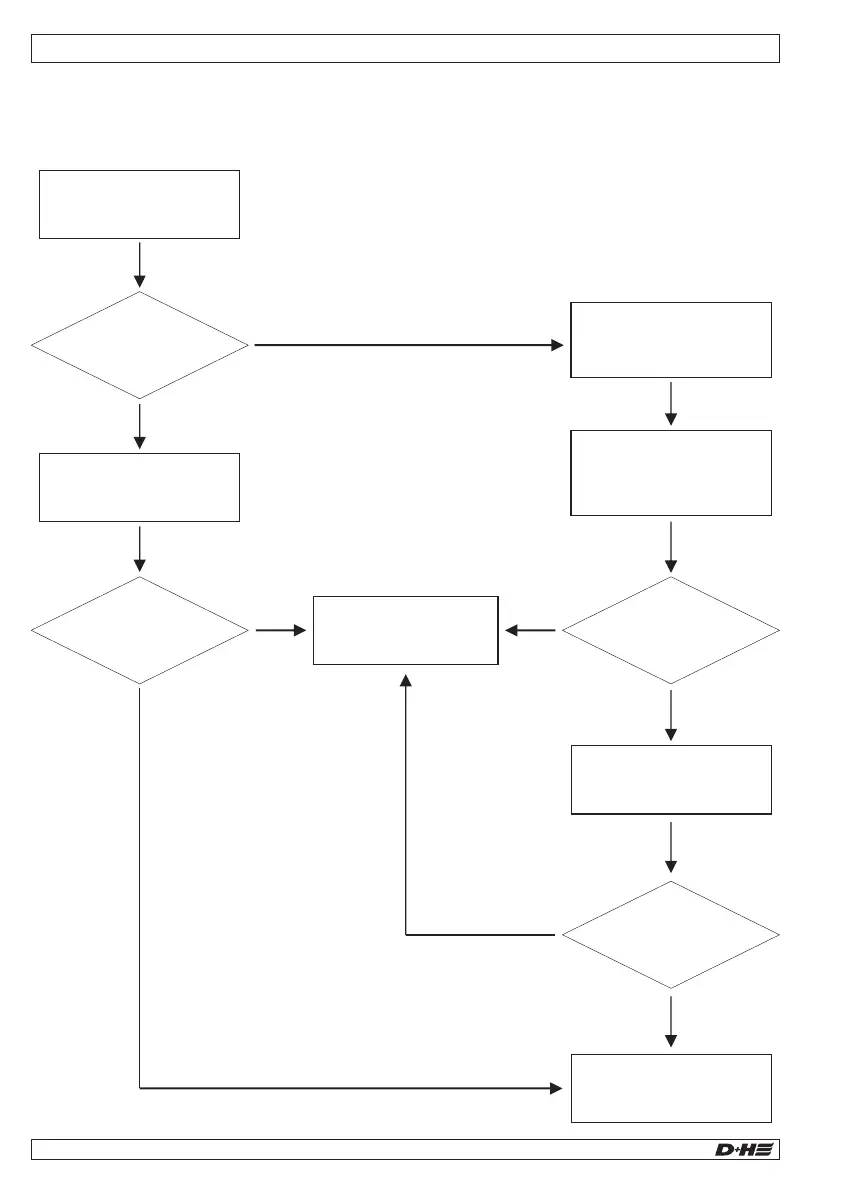
Troubleshooting - Ventilation element does not open
Starting point: Ventilation element does not open in the event of an alarm or fault, at minimum 1 LED at
the central unit lights up yellow or red.
Troubleshooting - Malfunction of the LST-CO2
Starting point: Troubleshooting fault indications has been completed.
99.829.07 1.2/06/2399.829.07 1.2/06/23
AIO Basic AIO Basic
English
English
Disconnect the motor
connection plug.
Ventilation element opens?
N
Y
Reconnect motor.
Ventilation element closes?
N
Y
Replace central unit
Check VE, if applicable
replace motor.
Connect motor.
Press service button
on central unit twice
for 3 seconds (level 2).
Deactivate
maintenance level 2.
Motor and ventilation
element are working.
Ventilation element closes?
Ventilation element opens?
N
Y
Y
N
Troubleshooting
LSR malfunction
(see next page)
Does
“communication”
LED light up?
LST-CO2 working
Replace central unit.
Check battery or
230 V AC connection
First
unsuccessful calibration
attempt?
N
Y
N
Does ”power supply”
LED light up?
LED off for
the first time?
Press maintenance
button on LST-CO2
> 5 seconds
N
Y
Y
N
Y
N
N
LST-CO2
available?
Press maintenance
button on LST-CO2
> 5 seconds
Change
LST-CO2
Quit service mode
LED off for
the first time?
Log off LST-CO2
Recalibrate
LST-CO2
Y
Y
Calibration
successful?
N
Y


 To Next Page