Rev 0.0
Dr.coffee Service Manual 27
8 Warning
8.1 Warning with Tips in the Screen
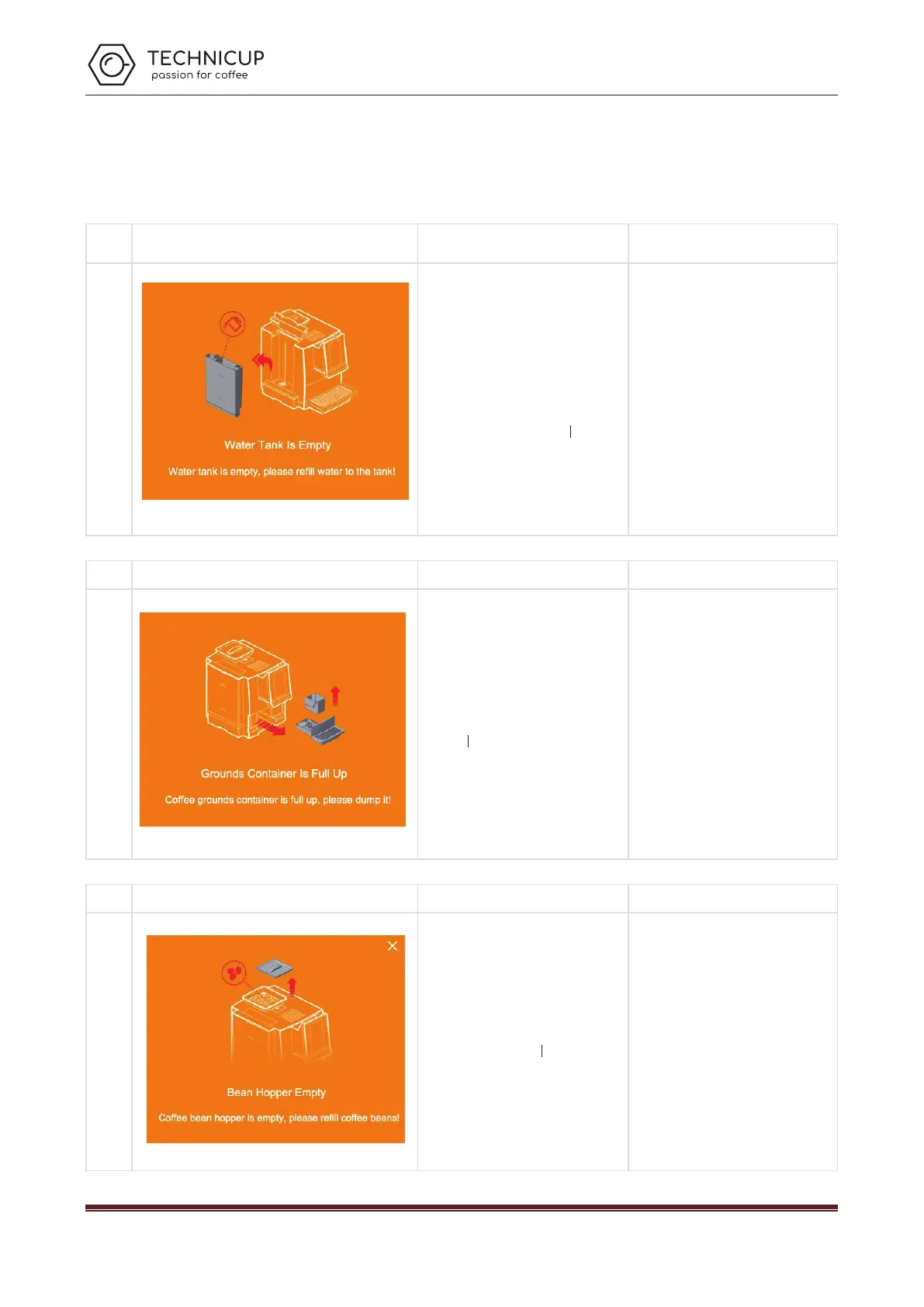
8.1.1 Water Tank Is Empty
Name
Showing on the Screen Cause Solutions
Water
Tank Is
Empty
a) The water in the tank is already below the
detection level;
b) The water tank is not installed correctly
and too far from the sensor;
c) Water level sensor is broken;
Take out the tank and add water, make
sure the water is not higher than the
“Max” line marked on the tank.
Check and reinstall the water tank;
Replace a new sensor;
8.1.2 Grounds Container Is Full Up
Containe
r Is Full
Up
a) The grounds count in the grounds
container reaches 30 pieces or is already
full;
Pull out the drip tray, take out the
grounds container, and empty the
container;
8.1.3 Bean Hopper Empty
Bean
Hopper
Empty
a) coffee bean hopper is empty;
b) Beans sticks together;
Fill coffee beans to the bean box;
Stir the beans in the bopper until they are
loose;
Technicup Service Manual



 To Next Page