Rev 0.0
Dr.coffee Service Manual 33
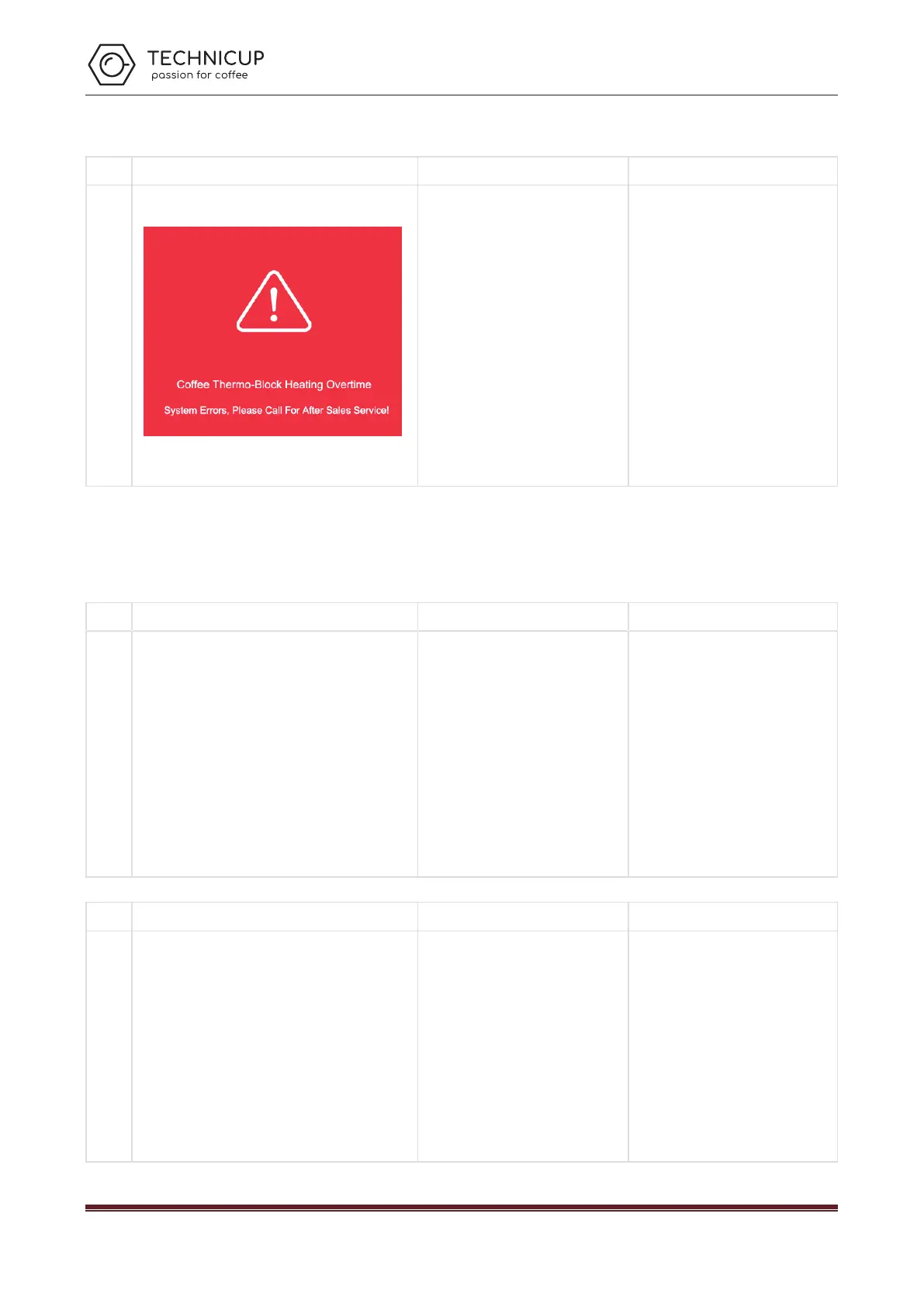
9.1.5 Coffee Thermo-block Heating Overtime
Coffee
Thermo-
block
Heating
Overtim
e
a) The temperature of the thermos-
exceeds settled value and fuse burn out
b) sensor damaged;
c) Thermo-block damaged
Replace the fuse of thermos-block;
Replace the NTC sensor;
Replace thermos-block group
9.2 Error without Tips in the Screen
9.2.1 Fail to switching on
Fail to
switchin
g on
No picture
a) No power connection ;
b) Voltage isn’t high enough;
c) Not Switched on
d) Power PCB damages;
e) The fuse of Main Power is blown;
Check if the machine is connected with
power;
Connect the machine with acceptable
power;
Check if the machine is switched on;
Replace a new Power PCB;
Replace a new Fuse of Main Power;
9.2.2 No Coffee
No
Coffee
No picture
a) The Coffee Grounds are too fine;
b) The amount Coffee Grounds from Grinder
are over the max capacity of Brewer;
c) The pipe or strainer of Brewer is blocked;
d) The Brewer damages;
e) The Strainer of inlet valve is blocked;
Adjust the gear position of the coffee
machine to clockwise. The bigger number
represents coarser;
Do Grounds Calibration;
Do Brewer Deep Rinse with tablets;
Re-fix the Brewer, or replace a new
Brewer;
Clean Strainer or replace a new one;
Technicup Service Manual



 To Next Page