Rev 0.0
Dr.coffee Service Manual 29
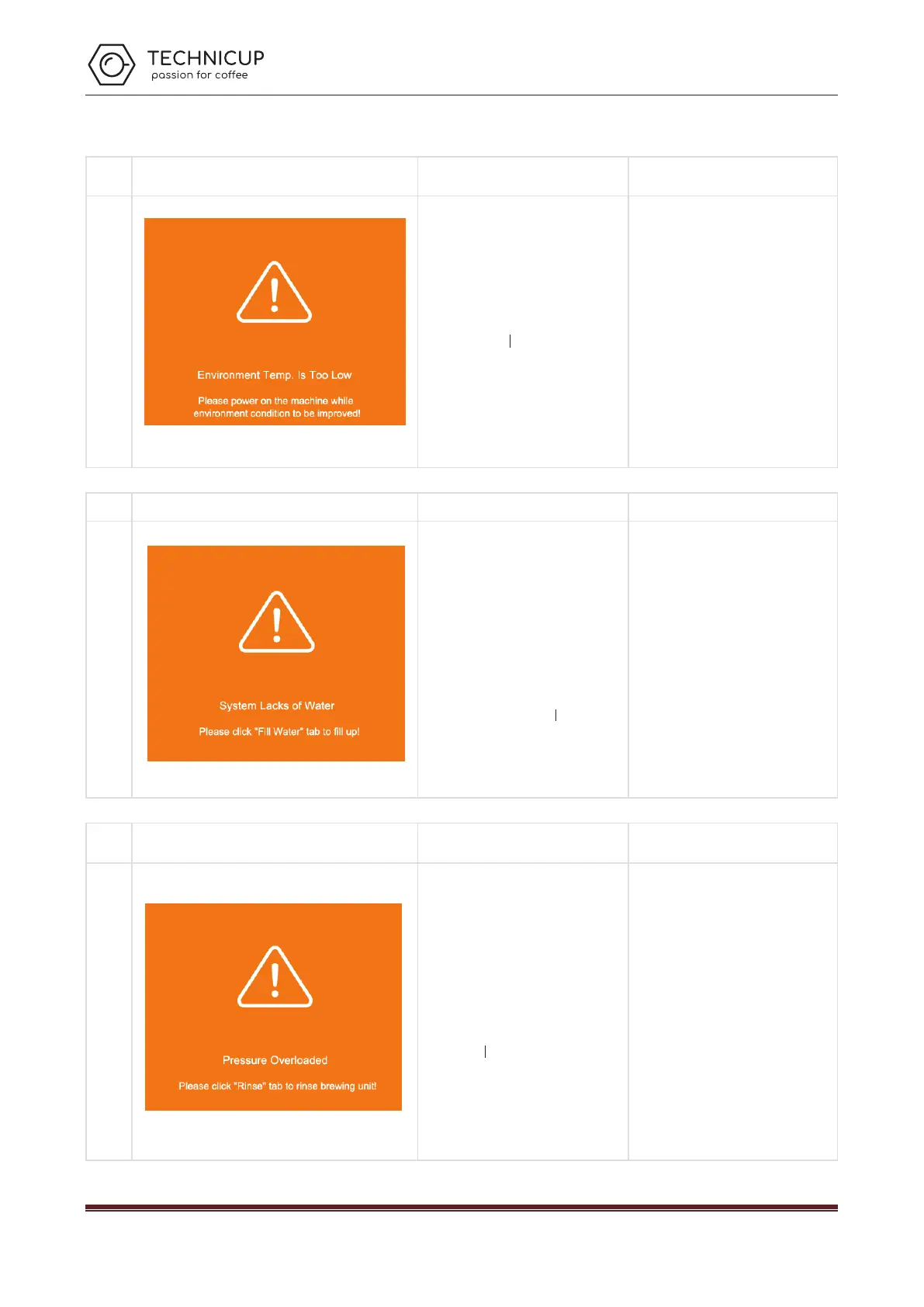
8.1.7 Environment Temp. Is Too Low
Showing on the Screen Cause Solutions
Environ
ment
Too Low
a) The temperature of the environment is
0℃ or lower;
Please power on the machine when the
temperature of environment is 10℃~
40℃;
8.1.8 Lack of Water
Lack of
Water
a) Tap water is lack of water;
b) The connector of inlet pipe is loosed ;
O-ring doesn’t work or is missing;
c) The inlet of tank or tap water is blocked.
d) The tank is unfixed;
e) The strainer of Brewer is blocked;
f) The Pump damages;
g) The Flowmeter damages;
Check the way of water supply both the
setting in the machine and in the reality.
Tap ”Fill Water”;
Check if the connector or O-ring are
installed correctly;
Clean the inlet of tank or tap water;
Re-fix the tank. Push it to the end;
Clean the strainer by Brewer Deep Clean
with tablets or by dissembling;
Replace a new Pump;
Replace a new Flowmeter;
Switch off and restart the machine;
8.1.9 Pressure Overloaded
Name
Showing on the Screen Cause Solutions
Overload
ed
a) The pipe or strainer of Brewer is blocked;
b) Coffee Grounds from Grinder are too fine;
c) The amount Coffee Grounds from Grinder
are over the max capacity of Brewer;
d) Air is coming into the Pump while coffee
making;
Tap ”Rinse” to rinse Brewer;
Adjust the gear position of the coffee
machine to clockwise. The bigger number
represents coarser.
Do Grounds Calibration;
If water supplied by tank, clean the Inlet
of tank; If water supplied by tap water,
check if there is water available, or the
connector is loosed;
Technicup Service Manual



 To Next Page