95
English
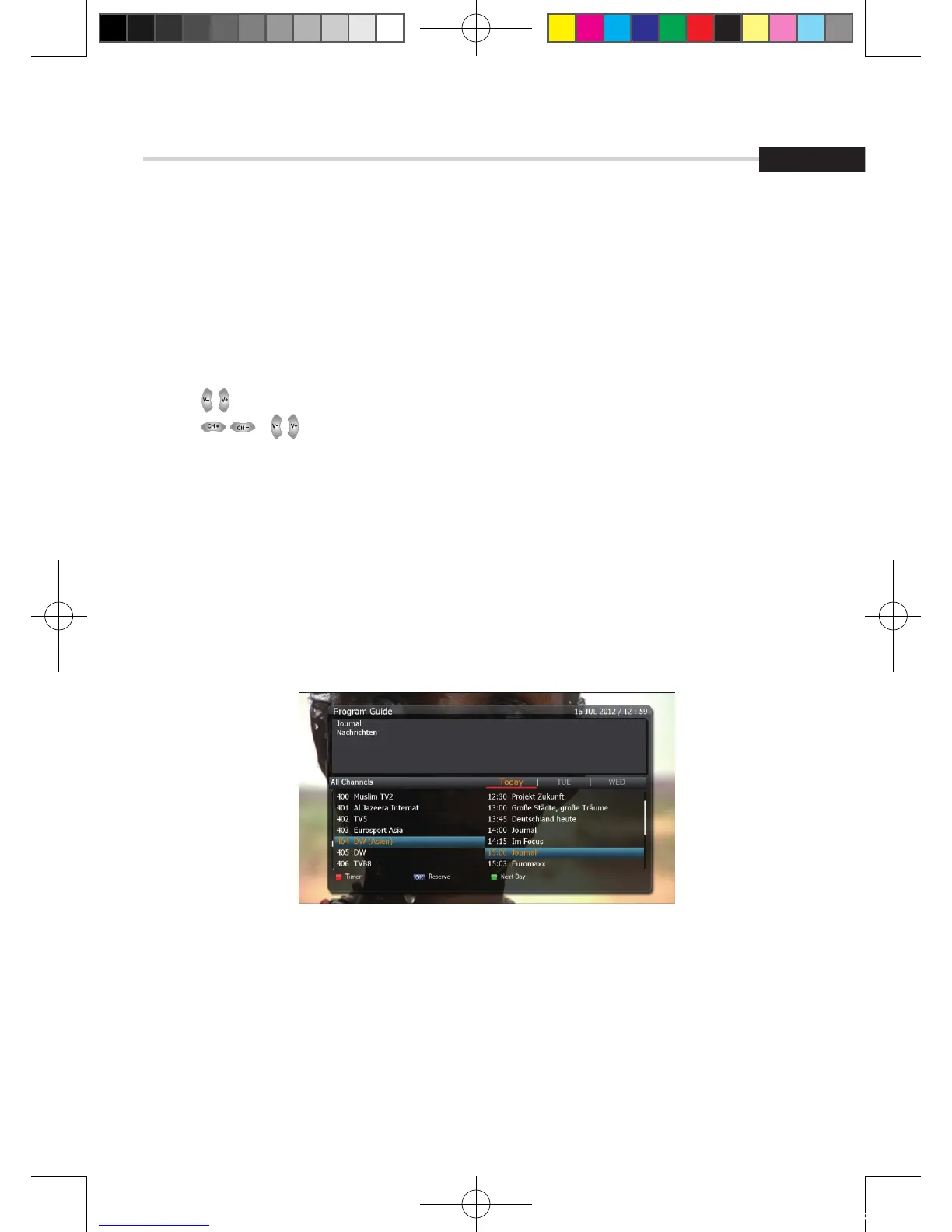
Figure 6.1.12
6. Operation
6.1
Getting Started
3. Electronic Program Guide
➊ EPG
This submenu allows you to access the electronic program guide when available.
1. Press the EPG button to display the guide menu. <Figure 6.1.12>
2. Press to see the previous/next guide.
3. Press , to select another channel. <Figure 6.1.12>
4. Press OK to watch the selected channel and access its EPG data. If you press OK in the right
side of the screen (Event display list).
▪ If the current time EPG is selected, you will return to the previous menu and get signal from
the selected channel.
▪ If a future time (next) EPG is selected, the selected program will be reserved and the event
color w ill change.
5. You can select TV or Radio channels by pressing the TV/RADIO button
6. You can choose a channel list group by pressing the GROUP button.
7. You can access the timer menu by pressing the RED button. <Figure 6.1.12>
[2012.10.12]D15+F15_russian+english.indd 95 2012-10-12 11:23:08



 To Next Page