134
6. Operation
6.9 DVR
➎
Timer Recording
This function is availabe when usb device is connected. You can choose a channel to record the
Program Guide menu by using . (Refer to 6.4 Electric Program Guide, 2)Timer)
➏
Time Shift
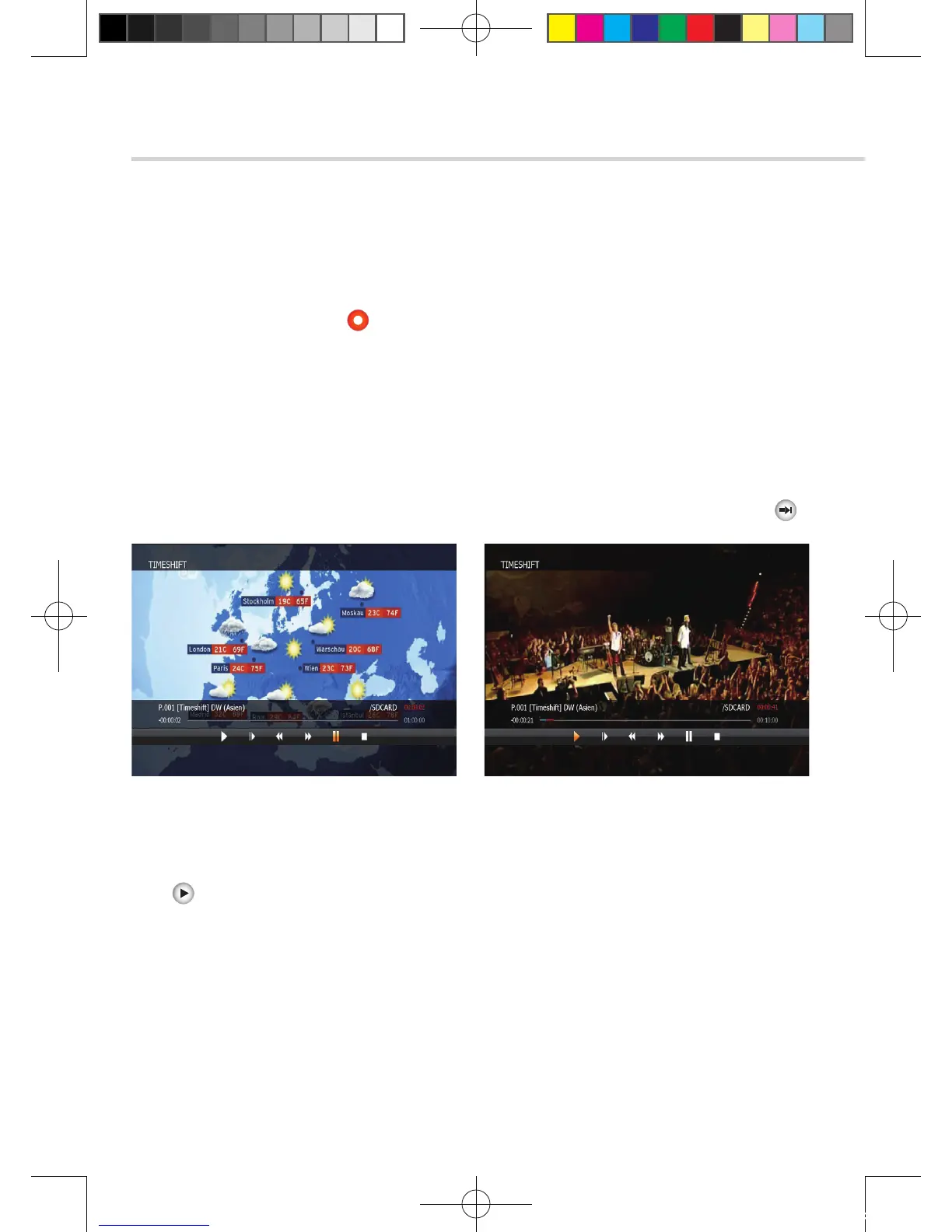
1. If you want to pause and resume live TV channel, press TIMESHIFT button.
The default time of Time-Shift is 60 min in your STB.<Figure 6.9.14>
2. If you want to resume live TV channel, press PLAY button. <Figure 6.9.15>
3. The trick-mode operations are provided. If you want to jump to live channel, please press
➐
Divx Play
Press button to display divx file list.
Press OK button to play the selected file.
Figure 6.9.15Figure 6.9.14
[2012.10.12]D15+F15_russian+english.indd 134 2012-10-12 11:23:24



 To Next Page