130
6. Operation
6.9 DVR
➋
Trick Mode
You can operate the trick mode while you are playing the recorded files.
These functions are available in playback mode or time-shift mode powerfully.
▣ PLAY
This button will display a time- banner.
If you want to show the play list while playing the file by using .
▣ PAUSE
This button will pause the playing file until you play again with or . <Figure6.10.4>
▣ ADVANCE
▪ If the time-shift mode is enabled, You can press to jump the live program.
▪ If the playback mode is enabled, You can press to stop the current playing file and
then jumping the live program.
▣ FF(Fast Forward)
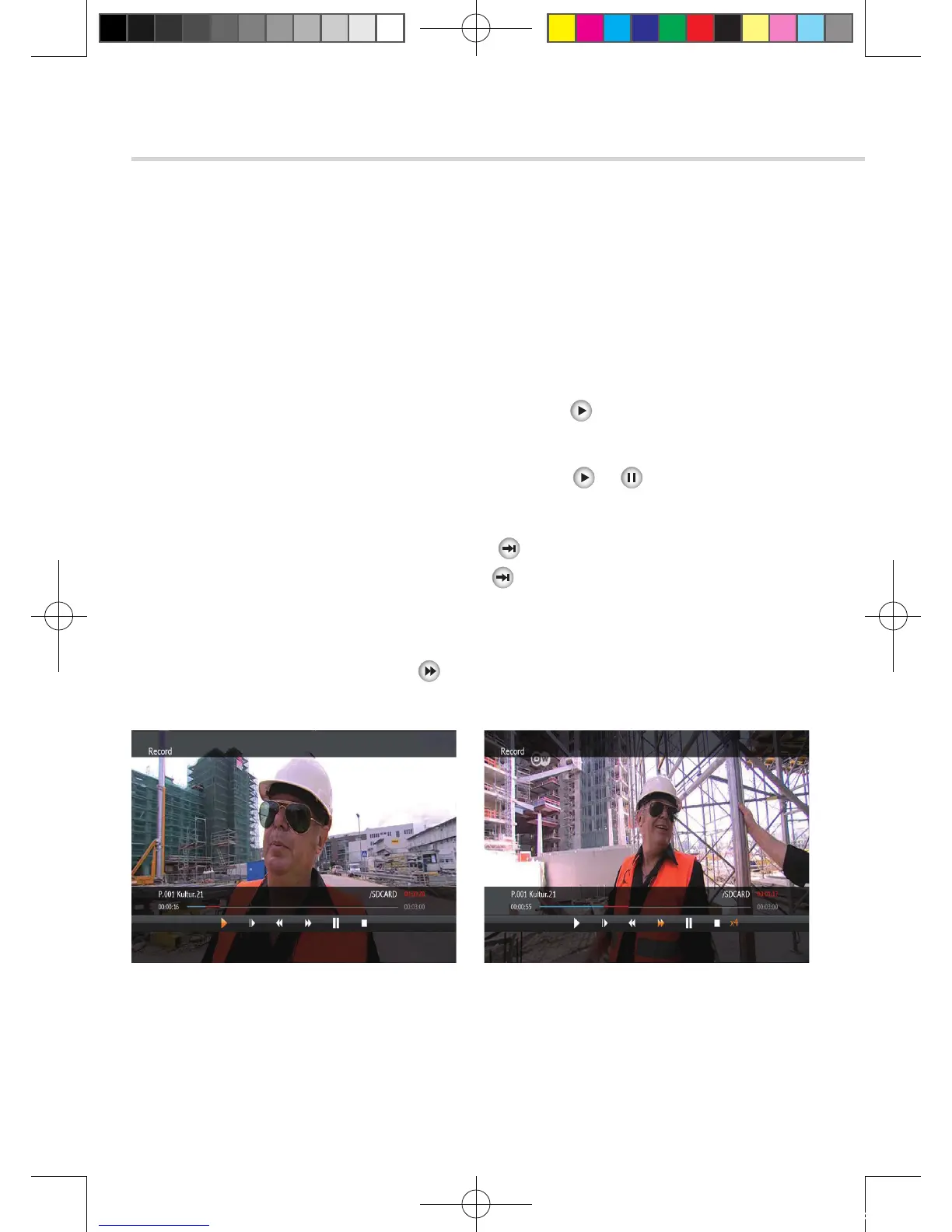
▪ When playing the file, you can press to adjusting the playing speed.<Figure 6.9.5>
▪ The speed will change to x2, x4, x8, x16 and x32.
Figure 6.9.4 Figure 6.9.5
[2012.10.12]D15+F15_russian+english.indd 130 2012-10-12 11:23:22



 To Next Page