121
English
6.6 Utils
6. Operation
➏
Disk Manager
Use the cursor keys to activate the desired functions from this menu.
▪ Default Disk: If you have additional Storage devices connected to your receiver
(i.e. USB HDD)
you can select which storage device is to be the default drive for playback and
recording
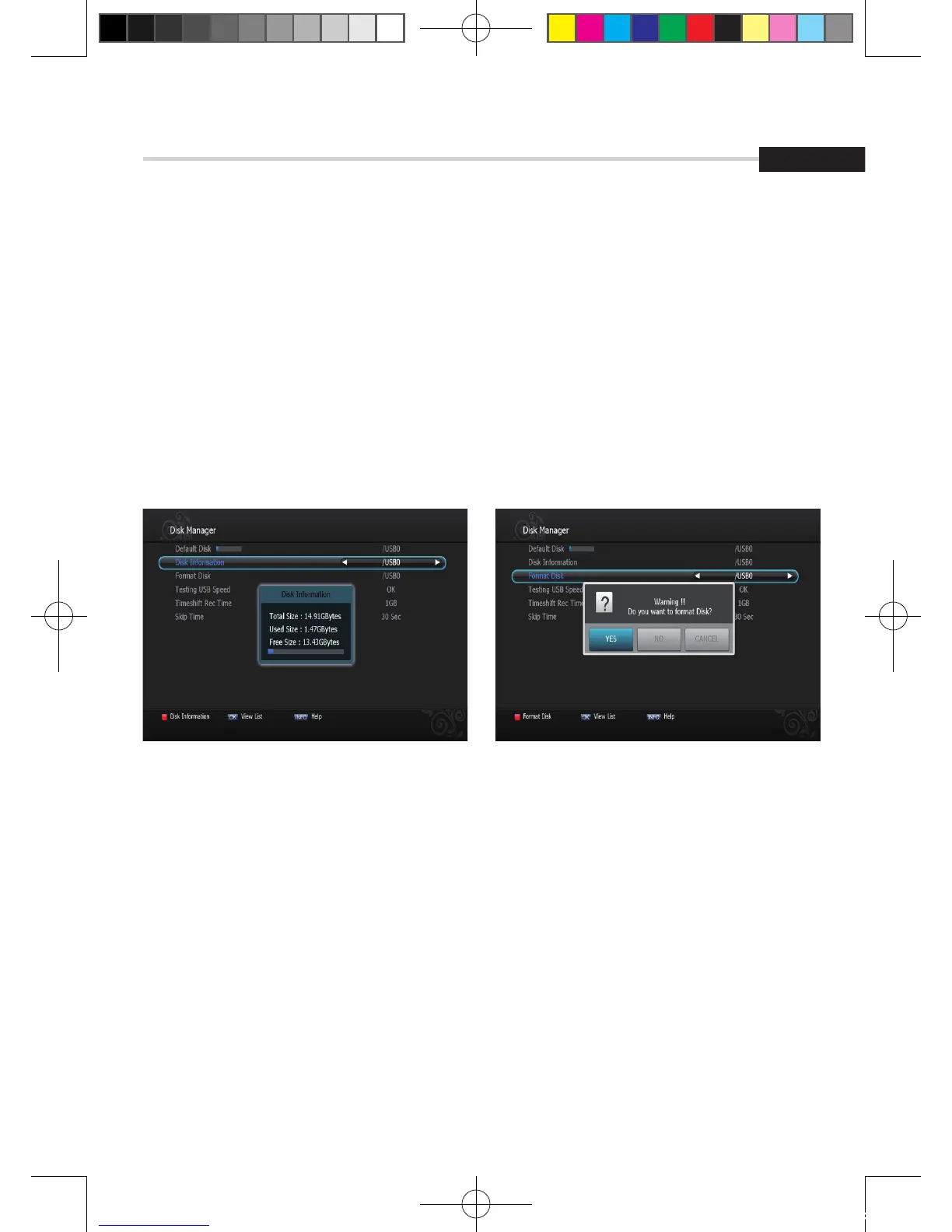
▪ Disk Information: Select the Hard disk volume, USB device.
Information of the storage devices will be displayed (i.e. used size, total size, free size) <Figure 6.6.7>
▪ Format Disk: Format disk enables you to delete all information stored on the selected
storage device. <Figure 6.6.8>
Figure 6.6.8Figure 6.6.7
[2012.10.12]D15+F15_russian+english.indd 121 2012-10-12 11:23:19



 To Next Page