120
6.6 Utils
6. Operation
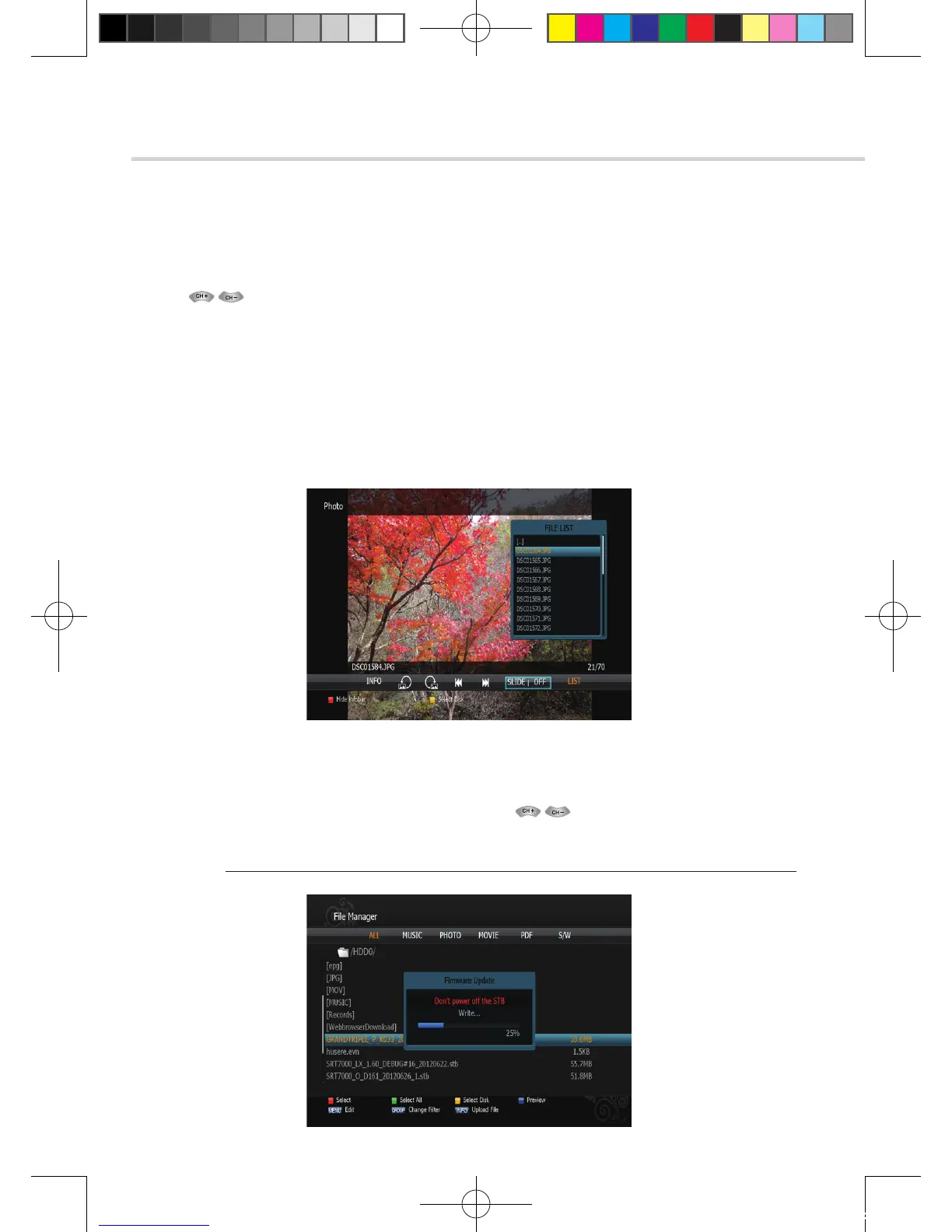
Figure 6.6.5
Figure 6.6.6
➍
JPG menu
1. Press to select a picture. <Figure 6.6.5>
2. Press OK to show the picture you want to display.
▪ RED: Sets the time interval between slides.
▪ GREEN: Selects slide show.
▪ YELLOW: Choose the Hard disk volume or usb device with USB hub.
▪ BLUE: Rotate the picture.
▪ FILELIST: Shows/Hides the JPEG file list.
➎
Download
1. Select the software you want to download by using in the list <Figure 6.6.6>
2. Press OK to start software downloading
✽ Warning: Please do not switch off your receiver before software downloading is completed.
[2012.10.12]D15+F15_russian+english.indd 120 2012-10-12 11:23:18



 To Next Page