124
6.7 Common Interface
6. Operation
➊
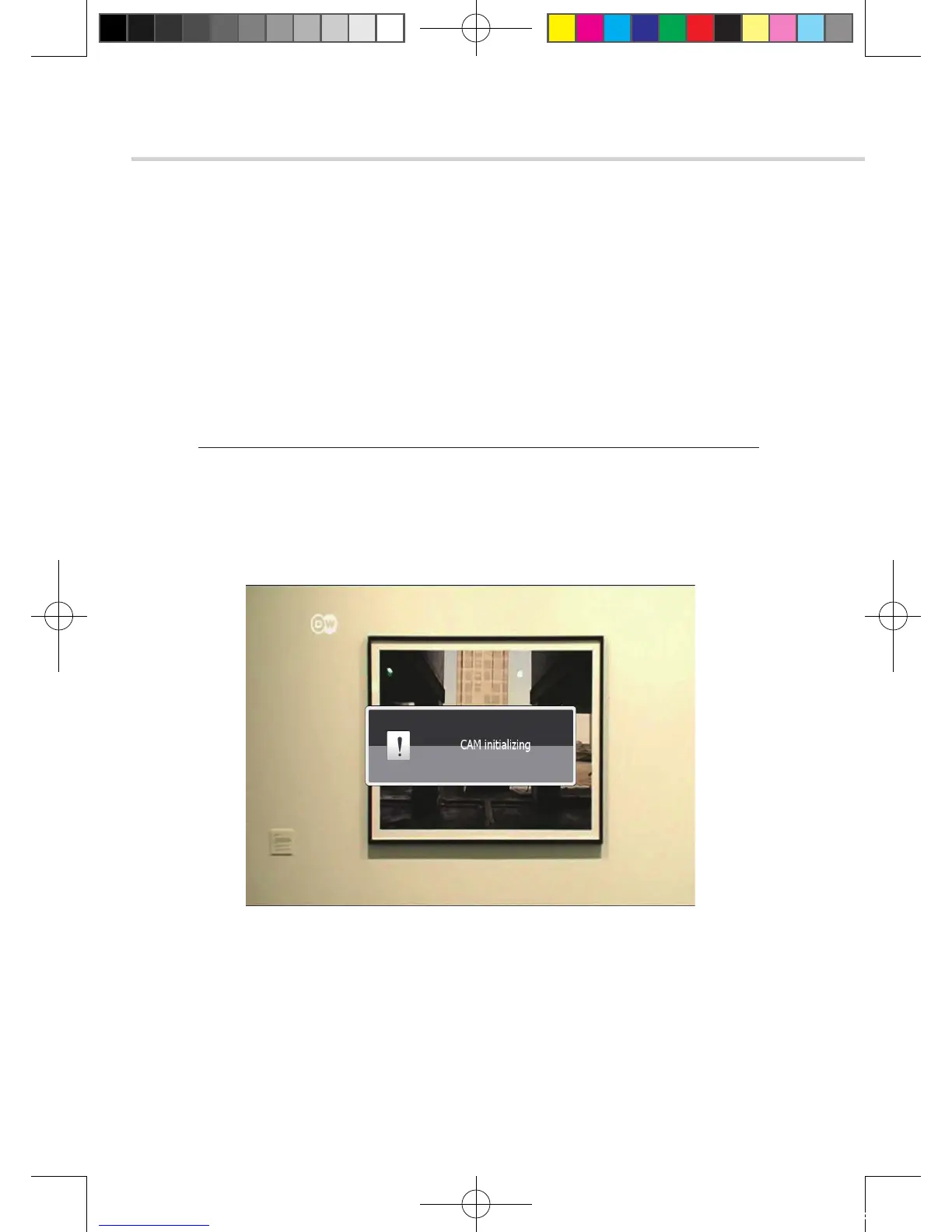
CAM Initializing
To enjoy scrambled channels, you will need a Common Interface Conditional Access Module
(CAM) and a Smart Card from the service provider (program distributor). If you are subscribing
to services from more than one service provider, you will need a Smart Card from each one, and
may even need different CAMs (depending on the DVB Common Interface standard each uses).
Since a Smart Card is connected to a single service provider, a limited range of channels will be
available via it.
✽ Note: Without the CAM and the smart card, you can watch only Free-to-Air programs.
1. Insert a CAM into a receiver’s slot designed for it, and a Smart Card into the CAM.
2. The message ‘CAM Initializing’ will appear on the screen. <Figure 6.7.1>
3. After the message ‘CAM Initializing’ has disappeared, you can select the channel that
you want to watch.
Figure 6 .7.1
[2012.10.12]D15+F15_russian+english.indd 124 2012-10-12 11:23:20



 To Next Page