108
6. Operation
6.3 Channel Manager
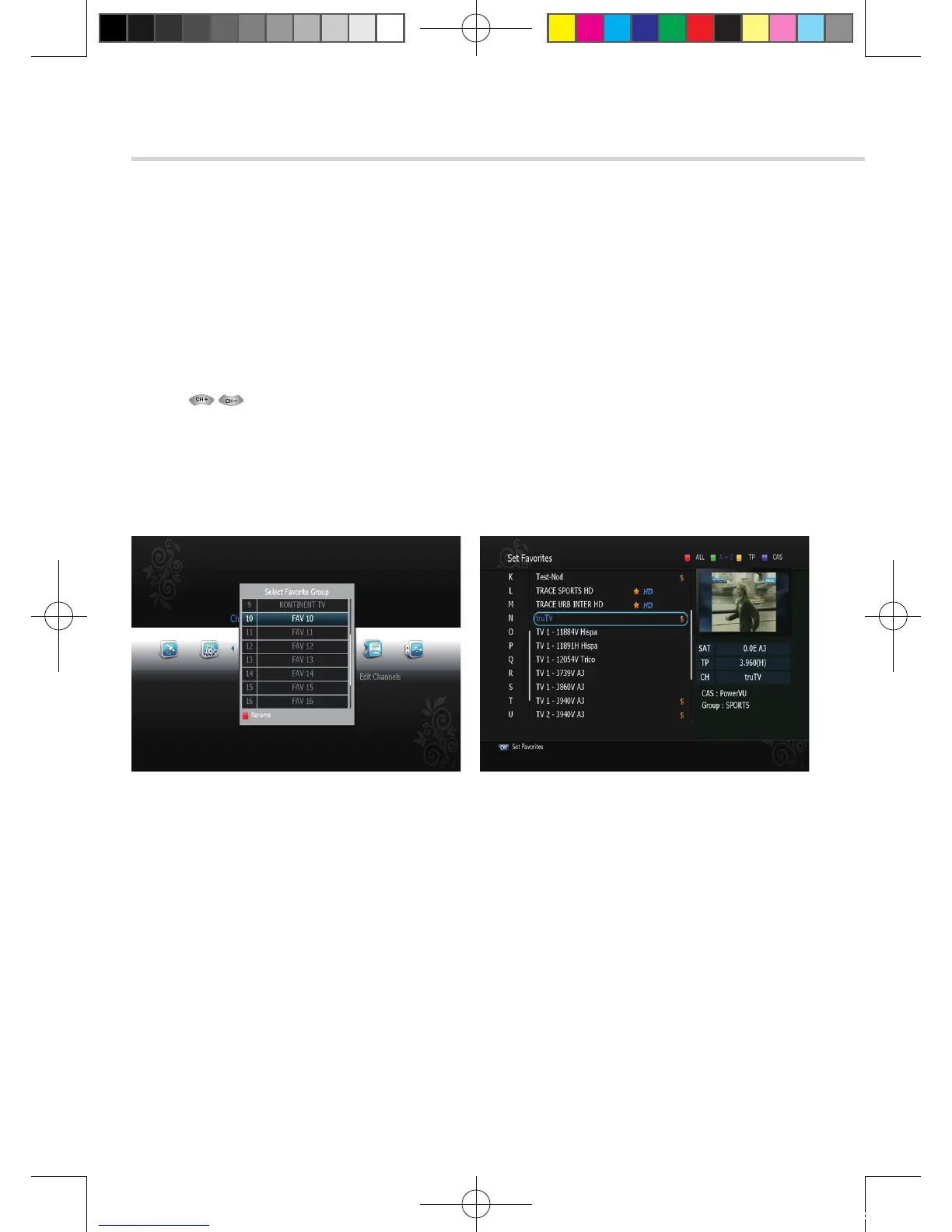
Figure 6.3.1 Figure 6.3.2
➊
Set Favorites
This submenu allows you to set up favorite groups of channels. You can select TV or
Radio channels in an alternative way by pressing the TV/RADIO button. The receiver
supports 16 favorite groups.
1. Press OK on ‘Set Favorites’. The list of groups will be displayed. <Figure 6.3.1>
2. Press and OK to choose a group. The following menu will be displayed.<Figure 6.3.2>
If you want to change the name of a favorite group, press the RED button.
3. Press OK to add (or remove if previously added) the selected channel to/from the
favorite channel group.
4. Press the EXIT button to return to the previous menu.
[2012.10.12]D15+F15_russian+english.indd 108 2012-10-12 11:23:13



 To Next Page