107
English
6. Operation
6.2 System Setting
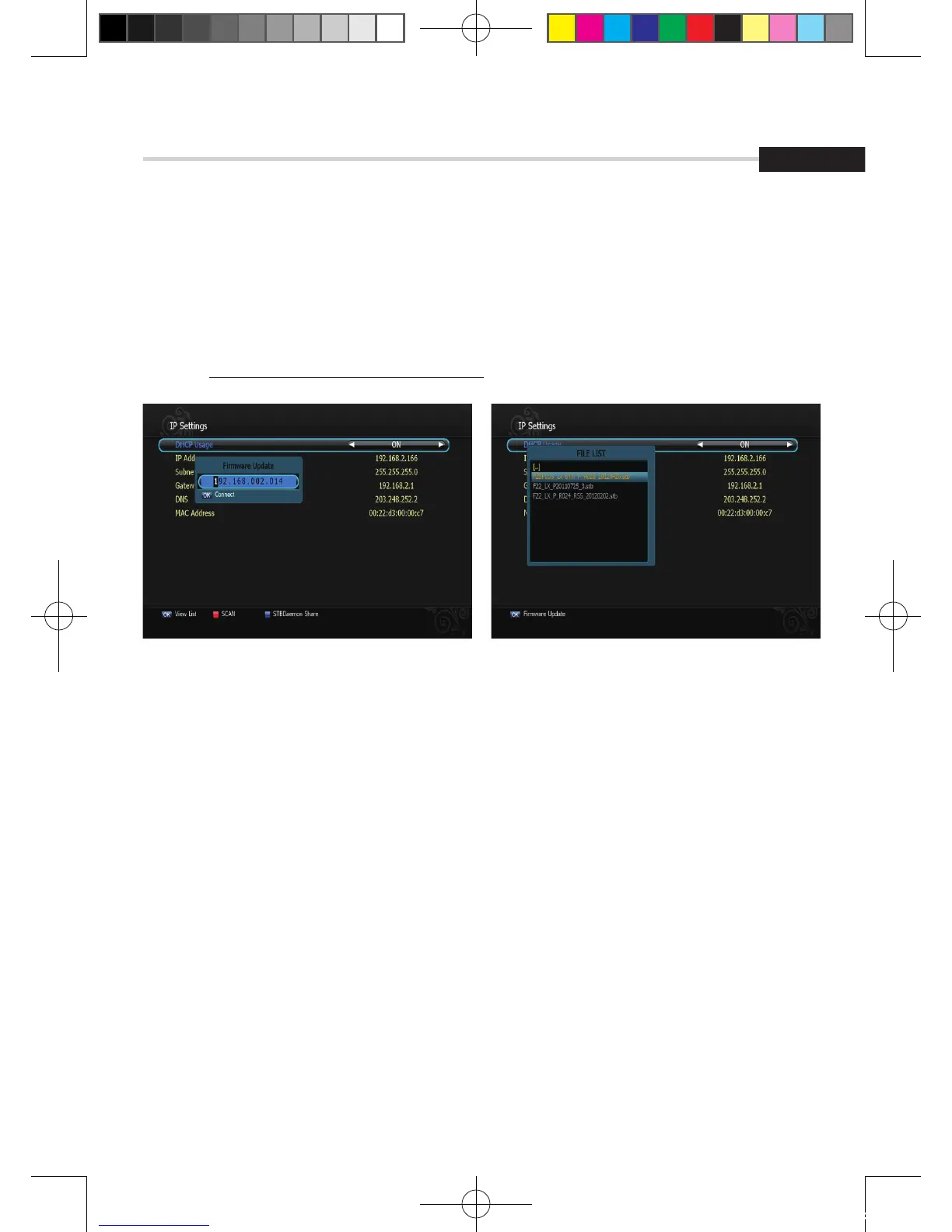
Figure 6.2.8 Figure 6.2.9
▪ Firmware update: Support download from a LAN.
1. BLUE button, appear input target IP address.
2. OK button to connect after input a target IP.
3. Choose a update software and OK button for downloading.
✽ Note: Have to run PC tool before connect PC.
[2012.10.12]D15+F15_russian+english.indd 107 2012-10-12 11:23:13



 To Next Page