103
English
6. Operation
6.2 System Setting
➌
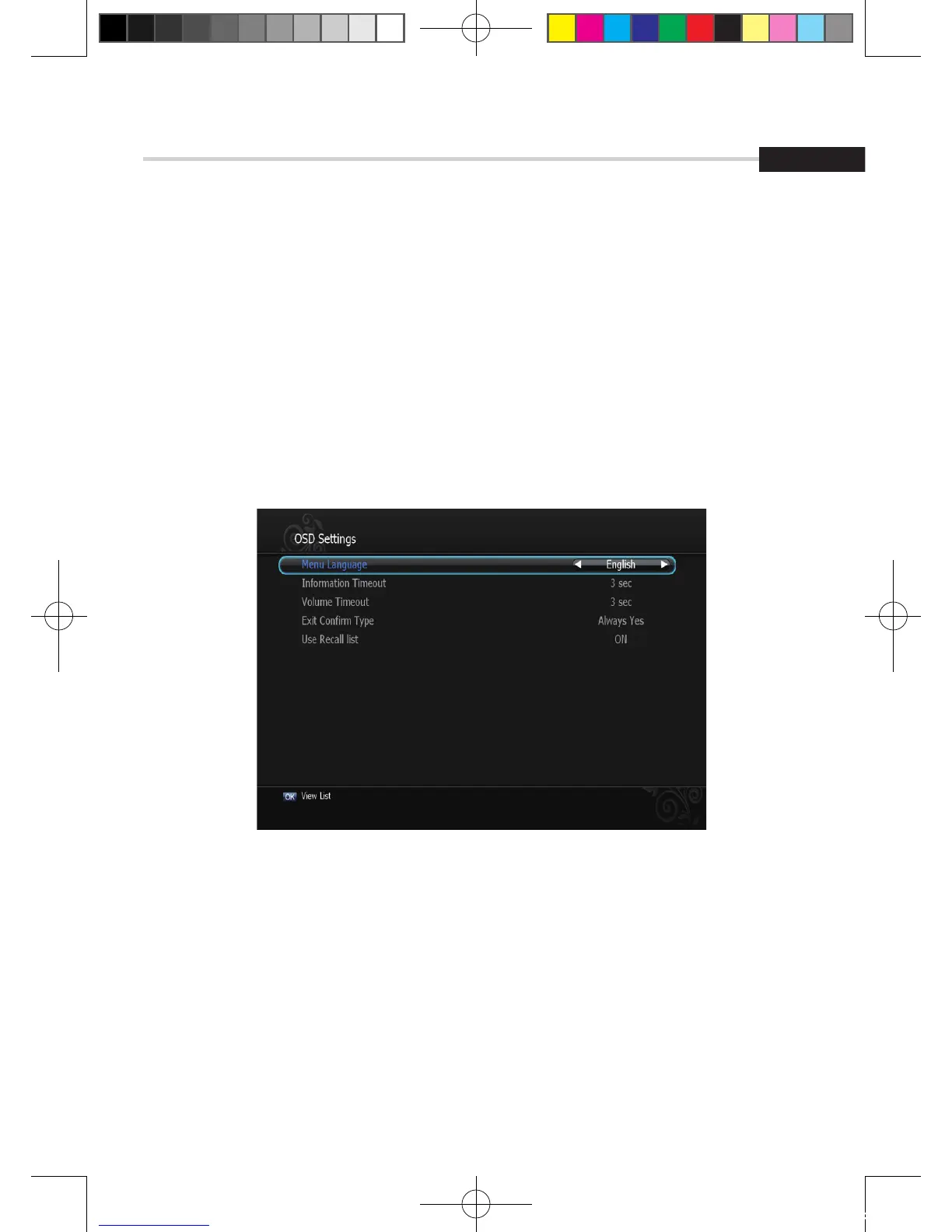
OSD Settings
This submenu allows you to set the menu language, OSD transparency and Information
and Volume timeouts. <Figure 6.2.3>
▪ Menu Language: Select the desired language for the menu.
▪ Information Timeout: Select the display duration of the information banner.
(1, 2, 3, 5 or 10 seconds)
▪ Exit Confirm Type: Set the Exit Confirm Type.(Always Yes / Popup(default Yes) Popup(Default No))
▪ Use Recall list: Store previous channels. If you press recall key on RCU then you will
show recall list.
Figure 6.2.3
[2012.10.12]D15+F15_russian+english.indd 103 2012-10-12 11:23:11



 To Next Page