86
6. Operation
6.1
Getting Started
After your receiver is powered on, proceed with installation as follows :
➊
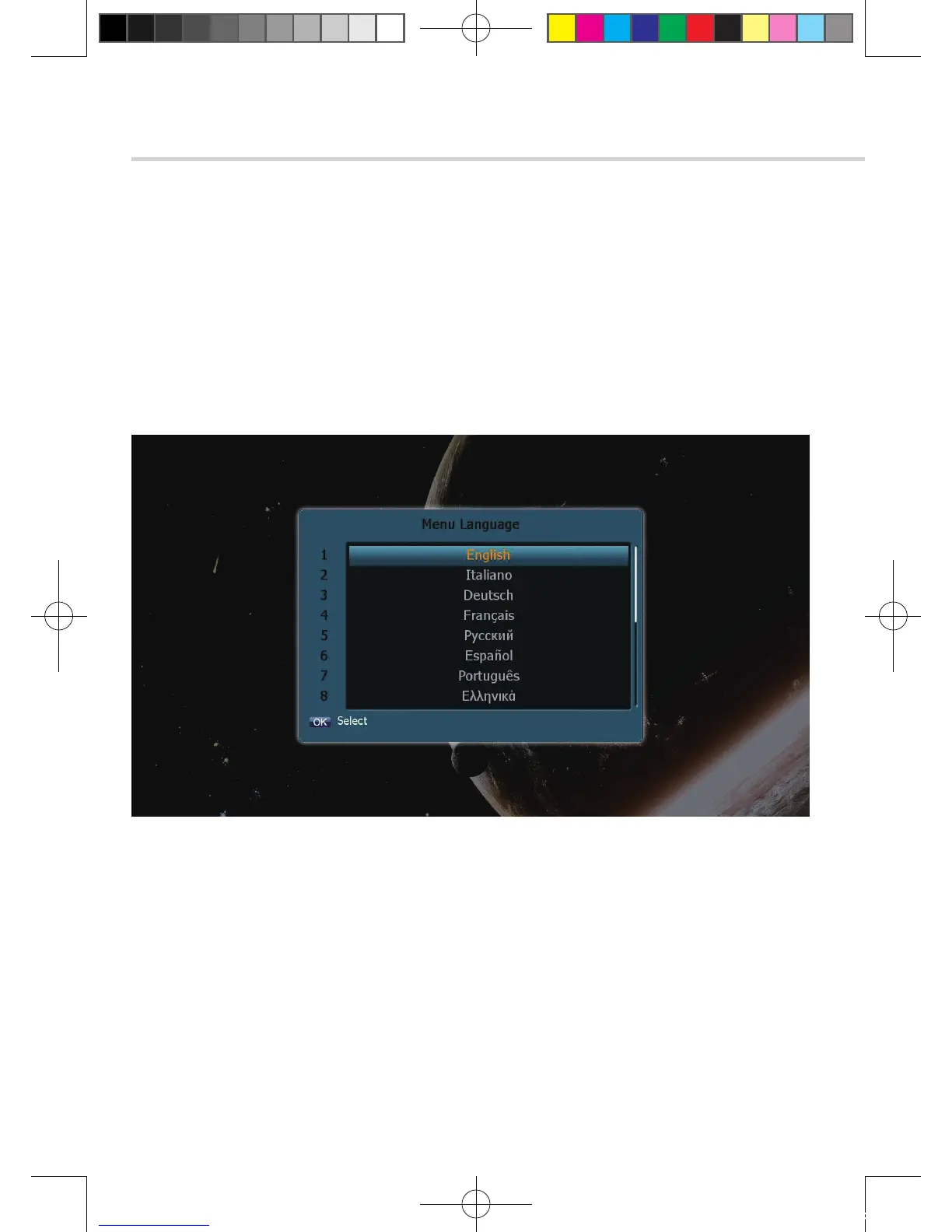
Menu Language Setting
1. Turn on your TV and receiver.
2. The pop-up menu for language selection will apprear. <Figure 6.1.1>
Select one language and press OK button to proceed.
Figure 6.1.1
[2012.10.12]D15+F15_russian+english.indd 86 2012-10-12 11:23:05



 To Next Page