102
➋
Timer Manager
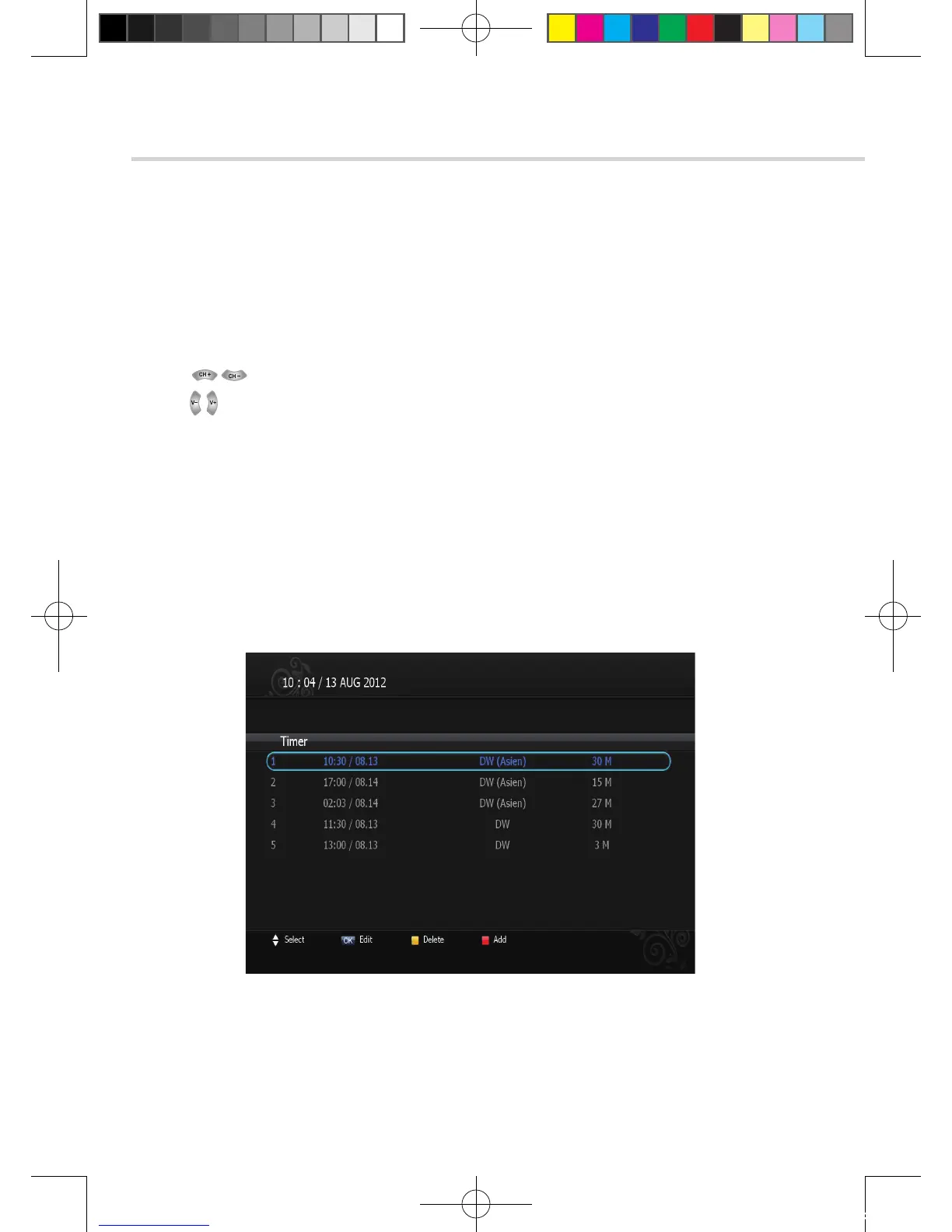
This sub menu allows you to set the on/off time of your receiver.
1. This submenu allows you to set on/off times of your receiver. To display the timer menu,
press the RED button while in the guide menu. <Figure 6.2.2>
2. Press to select a timer’s parameter.
3. Press to change the parameter.
▪ Timer No: Select the timer that you want to modify. (1- 8)
▪ State: Select the timer frequency. (off/once/daily/weekly)
▪ Date: Press OK to display a Calendar pop-up; Select a date
▪ Start Time: Input the time for your receiver power-on; use the NUMERIC buttons
▪ End Time: Input the time for your receiver power-off; use the NUMERIC buttons
▪ Channel: Press OK to display a Channel list pop-up; Select a channel
▪ File Name: You can change recording file name.
▪ Record: Set record On/Off.
6. Operation
6.2 System Setting
Figure 6.2.2
[2012.10.12]D15+F15_russian+english.indd 102 2012-10-12 11:23:11



 To Next Page