119
English
6.6 Utils
6. Operation
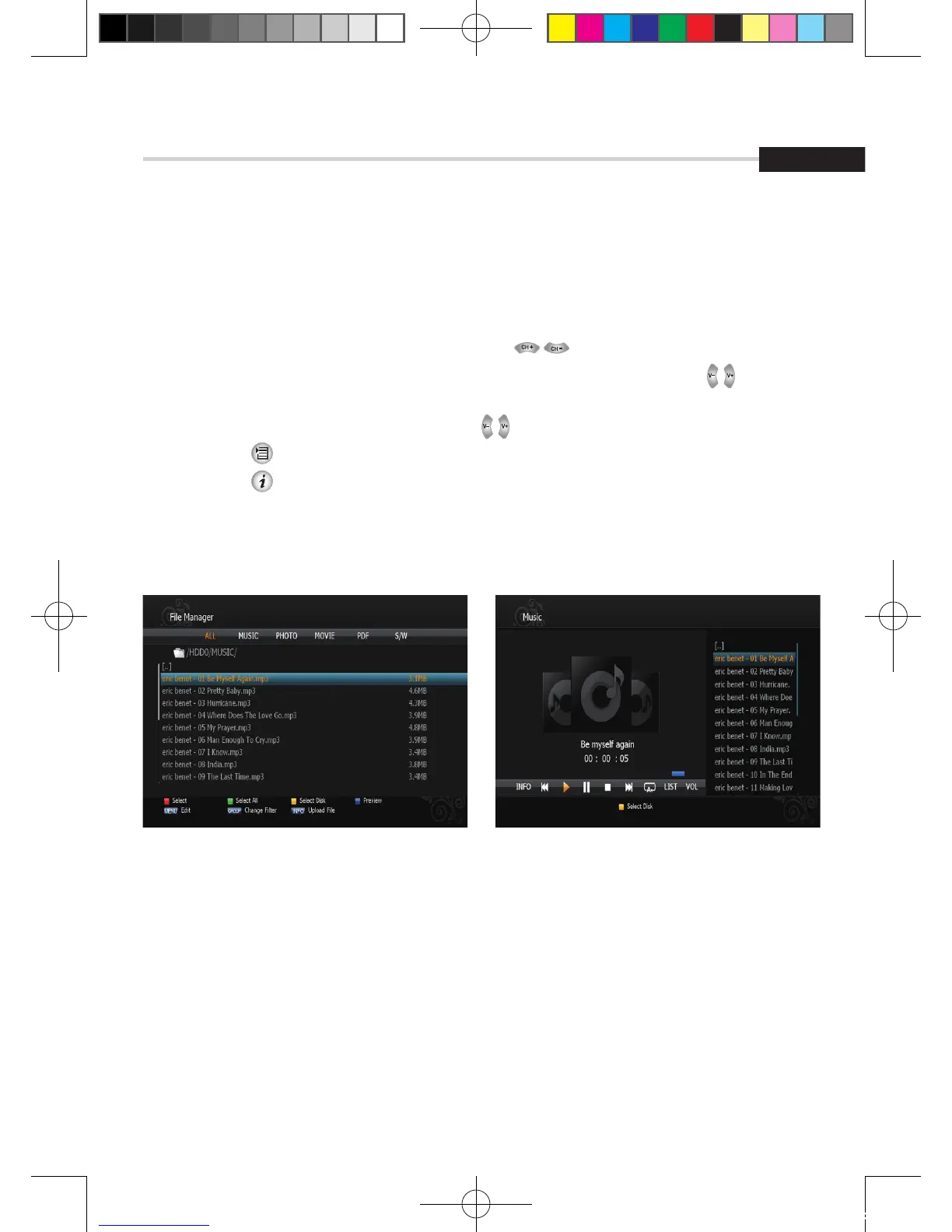
Figure 6.6.4Figure 6.6.3
➌
MP3 Menu
This submenu allows you to play various MP3 files, view JPG files or download a new
software by connecting your USB flash drive.
1.Select the MP3 file you want to play back by using , OK in the file list. <Figure 6.6.3>
2. Press the EXIT button to hide the file list. You can then select an option using , OK.
<Figure 6.6.4>
3. You can then change the volume by pressing .
4. Press OK on to display the MP3 file list.
5. Press OK on to display information about the selected MP3 file.
▪ FILELIST: Shows/Hides the MP3 file list
▪ INFO: Shows information about the MP3 file you selected.
▪ YELLOW: Choose the Hard disk volume or usb device with USB hub.
[2012.10.12]D15+F15_russian+english.indd 119 2012-10-12 11:23:18



 To Next Page