129
English
6.9 DVR
6. Operation
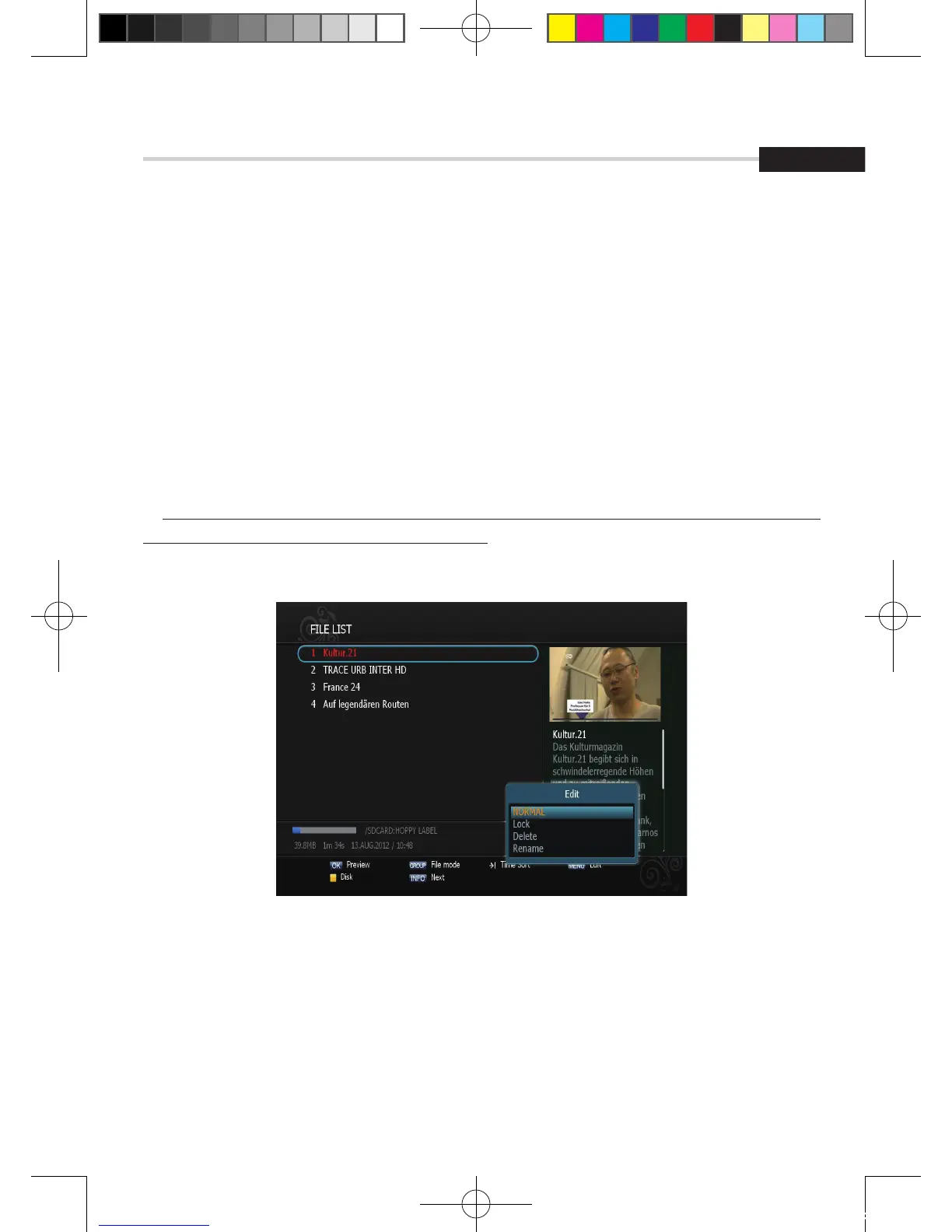
▣ Edit Menu
You will be asked to enter a password whenever you try to enter it. Press Menu.
The popup menu for selection will appear<Figure 6.9.3>. Select the item that you want to edit,
and set its parameters as desired
1. Normal Mode: Press OK on the file that you can see the preview of a selected file.
2. Lock Mode: Press OK on the file that you want to lock/unlock.
3. Delete Mode: Press OK on the file that you want to delete.
▪ Green: Select between, File Mode <-> Dir Mode
▪ ADVANCE: Shows all sorted files. Select between, Sort by name Sort by time.
✽ If you set ‘Channel Lock’ (refer to <Figure 6.2.4>security setting) to OFF, you will not be asked
to enter a password even if the channel is locked.
4. Rename Mode: Press OK on the file tha you want to rename.
Figure 6.9.3
[2012.10.12]D15+F15_russian+english.indd 129 2012-10-12 11:23:21



 To Next Page