97
English
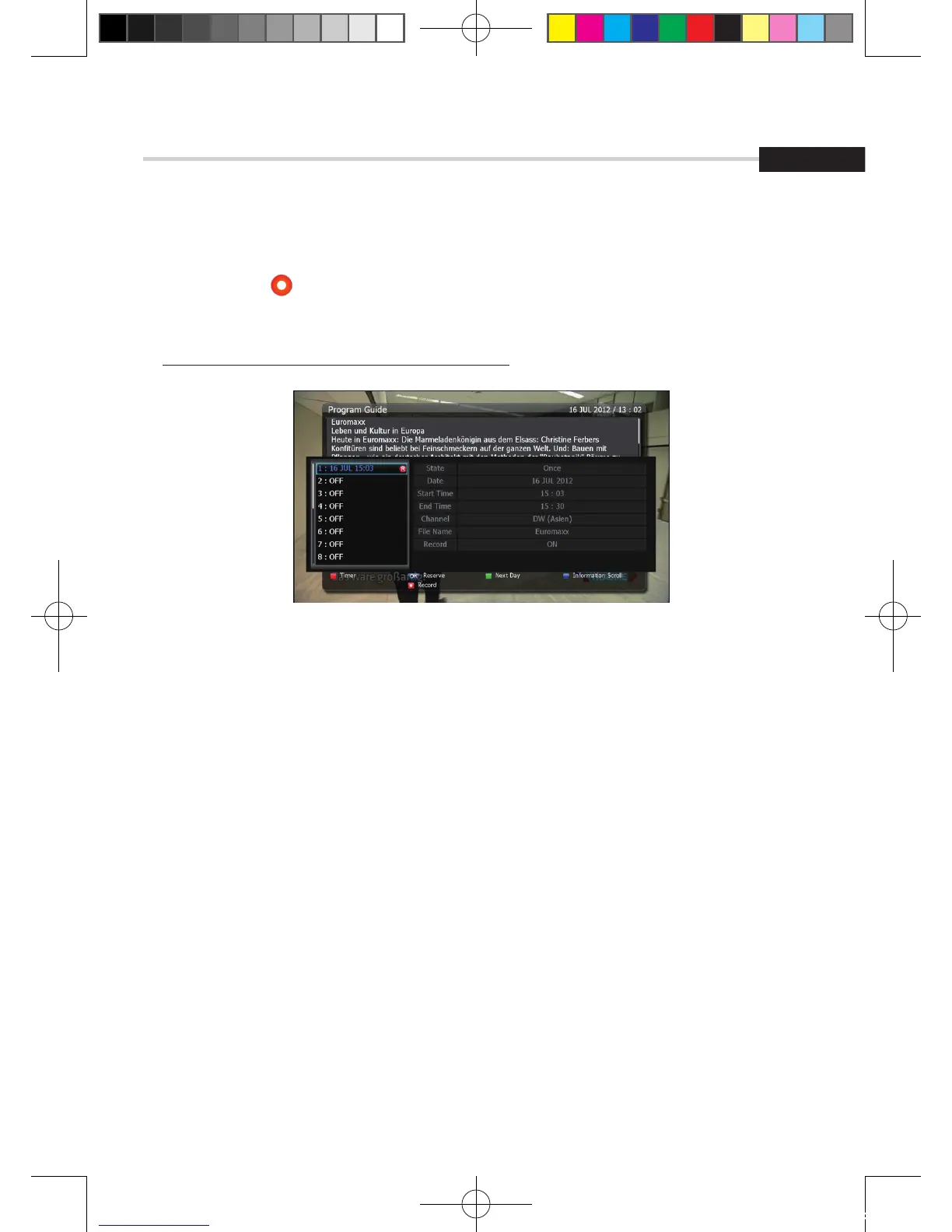
Figure 6.1.14
6. Operation
6.1
Getting Started
- If you want to record a program in the right side of the screen, you can select a
program by using . The selected program will be reserved and the evnet color text
will change to red. <Figure 6.1.14>.
- You can also see change the timer menu.
✽ It is worked when a USB device is connected.
[2012.10.12]D15+F15_russian+english.indd 97 2012-10-12 11:23:09



 To Next Page