Operating Concept
24
Instructions for Use Oxylog 3000 SW 1.n
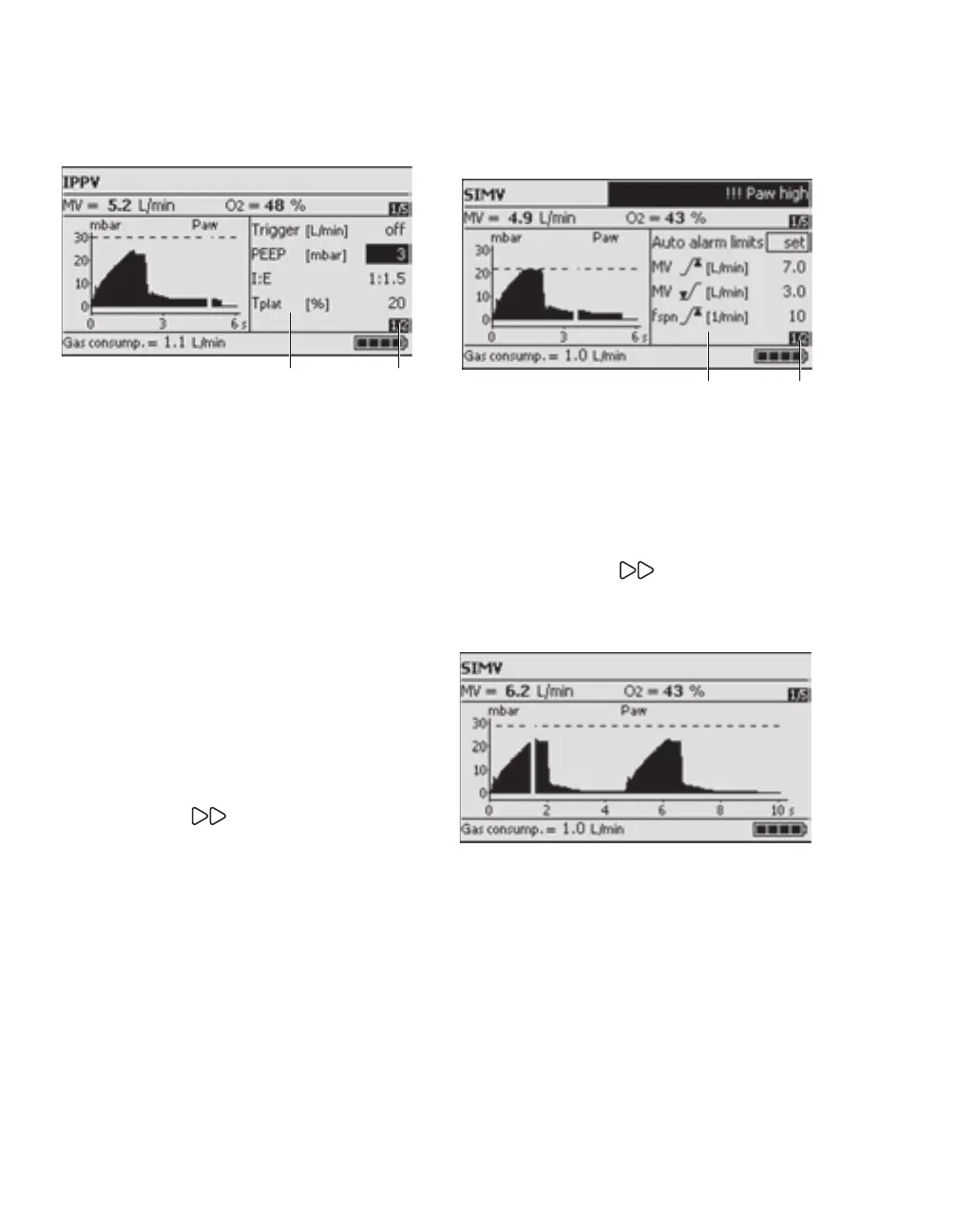
Settings window
A Menu for setting supplementary ventilation
parameters in accordance with the desired ven-
tilation mode:
–I:E
–Tinsp
– PEEP
– ΔASB
–Pinsp
– Trigger
–Tplat
–Ramp
–NIV
–Brightness
– fApnoea
– VTApnoea
B Page number: 1st page of 2 available pages.
z Press Settings key.
The pages are displayed consecutively.
Alarms window
A Menu for alarm limits and alarm parameters.
For detailed operating instructions, see "Setting
alarm limits" on page 67.
B 1st of 2 available pages.
To advance to the next page:
z Press the Alarms key.
Pressure curves main page
Displays the Paw (t) curves.
05737171
BA
1093717105537171
A B



 To Next Page
 Loading...










