Configuration
76
Instructions for Use Oxylog 3000 SW 1.n
Set configuration parameters / display information
The actual screen display may differ in appearance
or configuration.
1 Switch the Oxylog 3000 ON. Press the
O key.
The device performs a self-test and the
operator is prompted to enter the configuration
menu or device check:
Press rotary knob for device check and con-
figuration.
2 Press the rotary knob and confirm.
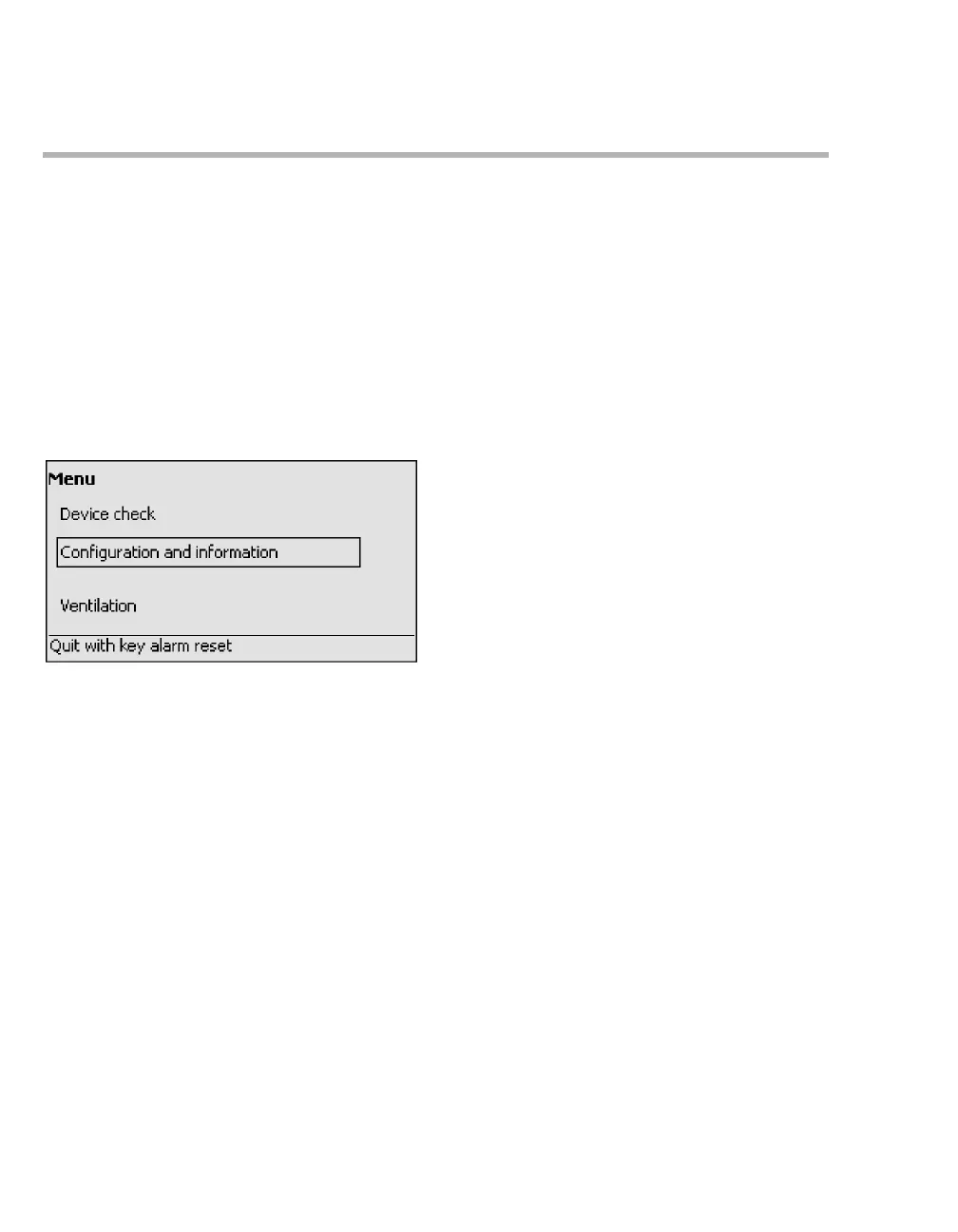
The main menu is then displayed:
3 Select and confirm Configuration and infor-
mation.
screen 15



 To Next Page
 Loading...










