VigorAP 900 User’s Guide
7
1
1
.
.
3
3
.
.
3
3
W
W
i
i
r
r
e
e
l
l
e
e
s
s
s
s
C
C
o
o
n
n
n
n
e
e
c
c
t
t
i
i
o
o
n
n
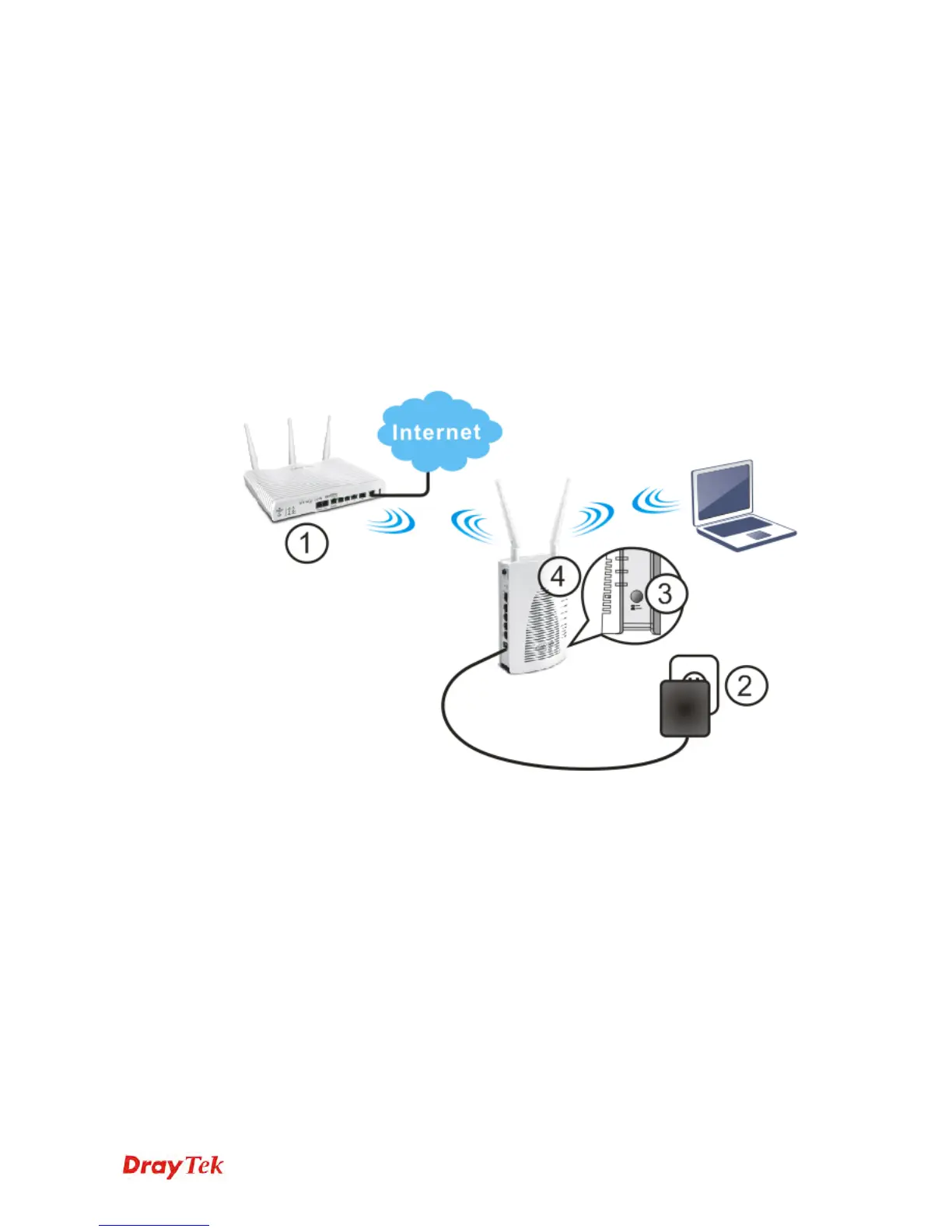
VigorAP 900 can access Internet via an ADSL modem, router, or switch/hub in your
network through wireless connection.
1. Connect VigorAP 900 to ADSL modem or router via wireless network.
2. Connect the A/C power adapter to the wall socket, and then connect it to the PWR
connector of the access point.
3. Power on VigorAP 900.
4. Check all LEDs on the front panel. ACT LED should be steadily on, LAN LEDs
should be on if VigorAP 900 is correctly connected to the ADSL modem, router or
switch/hub.
(For the detailed information of LED status, please refer to section 1.2.)













 To Next Page