VigorAP 900 User’s Guide
33
Universal Repeater
This product can act as a wireless range extender that will help
you to extend the networking wirelessly. The access point can
act as Station and AP at the same time. It can use Station
function to connect to a Root AP and use AP function to service
all wireless clients within its coverage.
Wireless LAN(5GHz)
AP
This mode allows wireless clients to connect to access point and
exchange data with the devices connected to the wired network.
Universal Repeater
This product can act as a wireless range extender that will help
you to extend the networking wirelessly. The access point can
act as Station and AP at the same time. It can use Station
function to connect to a Root AP and use AP function to service
all wireless clients within its coverage.
Note: The Wireless LAN settings will be changed according to the Operation Mode
selected here. For the detailed information, please refer to the section of Wireless LAN.
3
3
.
.
2
2
L
L
A
A
N
N
Local Area Network (LAN) is a group of subnets regulated and ruled by modem.
3
3
.
.
2
2
.
.
1
1
G
G
e
e
n
n
e
e
r
r
a
a
l
l
S
S
e
e
t
t
u
u
p
p
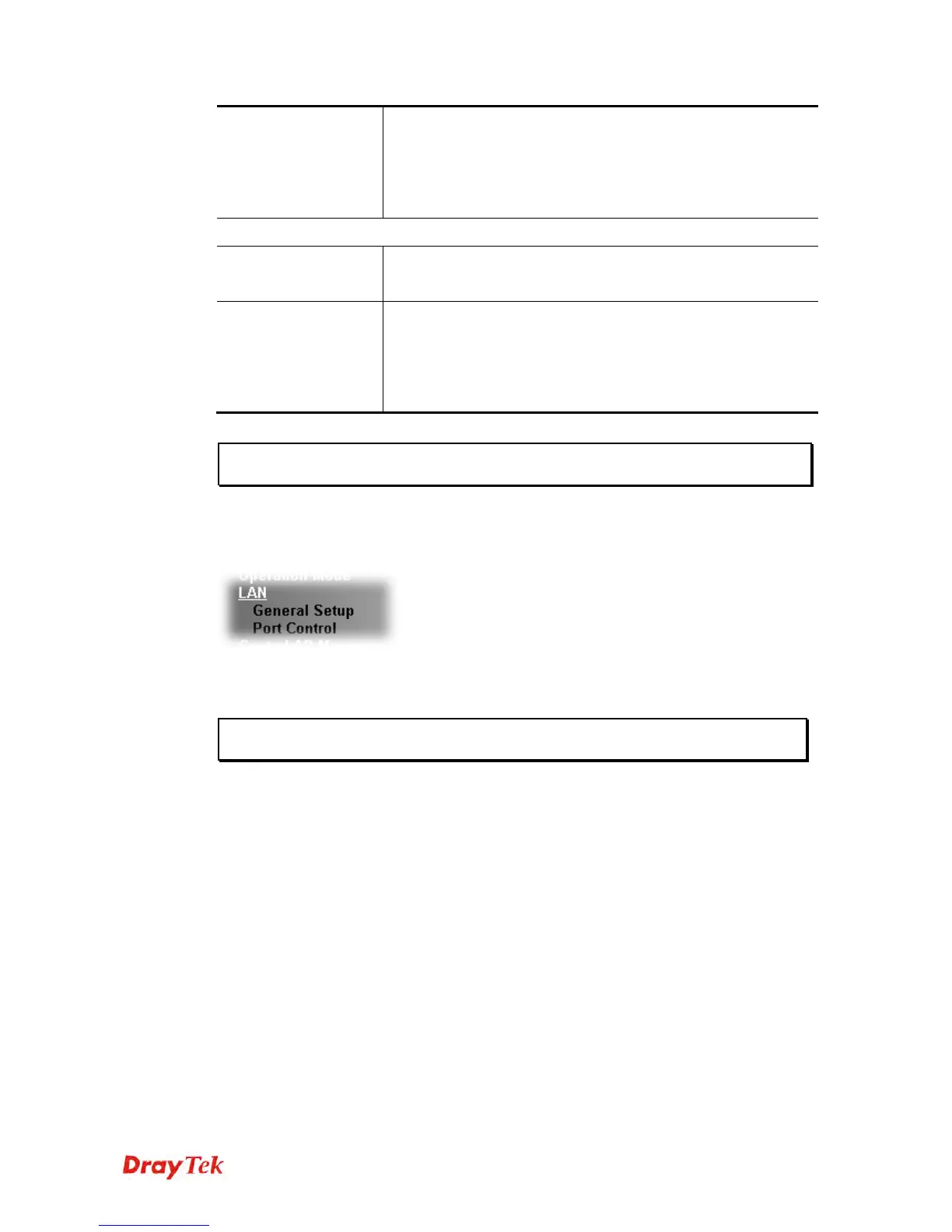
Click LAN to open the LAN settings page and choose General Setup.
Note: Such page will be changed according to the Operation Mode selected. The
following screen is obtained by choosing AP as the operation mode.













 To Next Page