VigorAP 900 User’s Guide
176
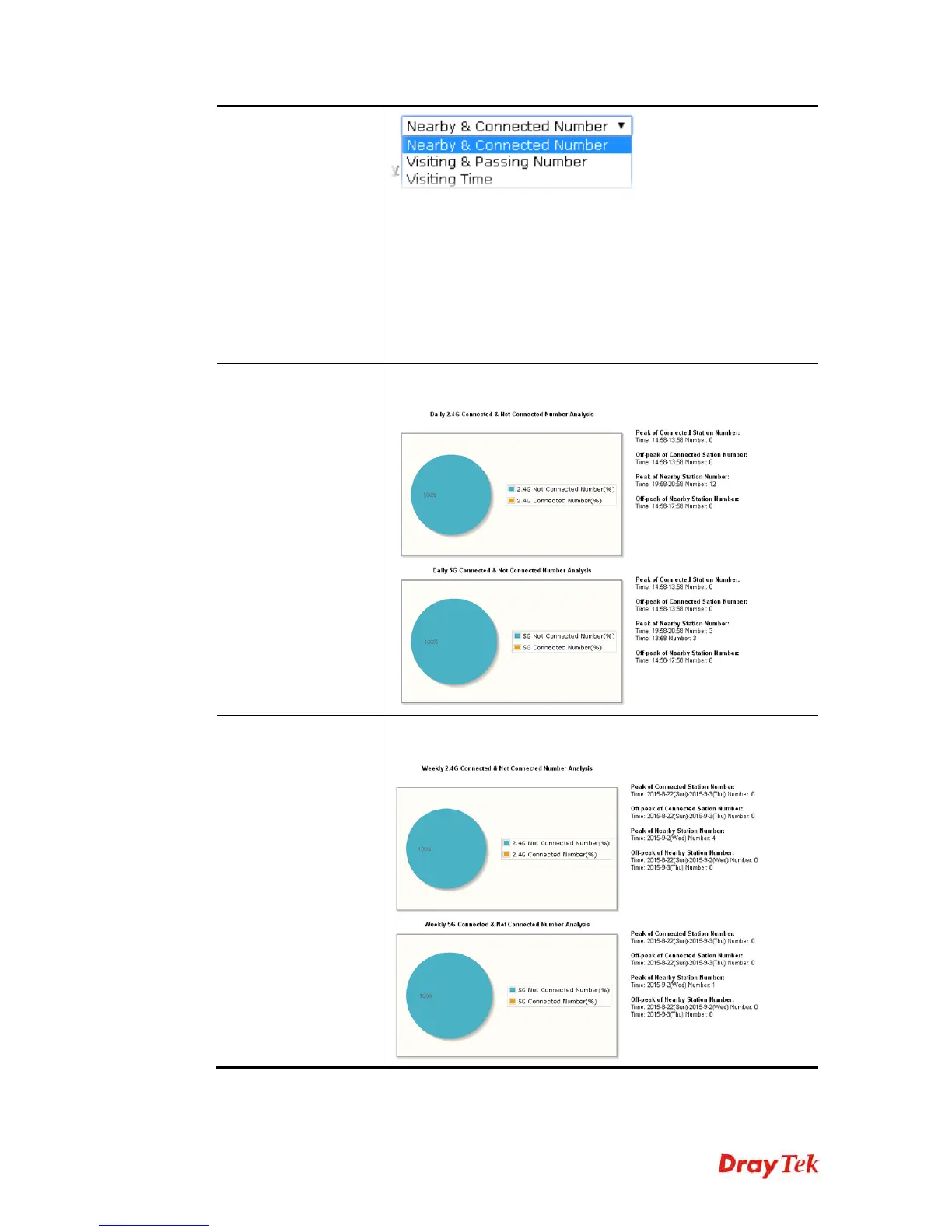
Nearby & Connected Number – Choose it to have the statistics
of the wireless stations which is nearby and connected to
VigorAP 900.
Visiting & Passing Number – Choose it to have the statistics of
the wireless stations which is visiting and passing to VigorAP
900.
Visiting Time - Choose it to have the statistics of the wireless
stations which is visiting VigorAP 900.
Daily Connected
Number Analysis /
Daily Visiting
Number Analysis
Click this button to get analysis pie chart for daily connected
wireless stations / daily visiting wireless station.
Weekly Connected
Number Analysis /
Weekly Visiting
Number Analysis
Click this button to get analysis pie chart for weekly connected
wireless stations / weekly visiting wireless station.













 To Next Page