DRC 242-A 2007-08-03 Page 4 DC3 with SEM Installation Instructions
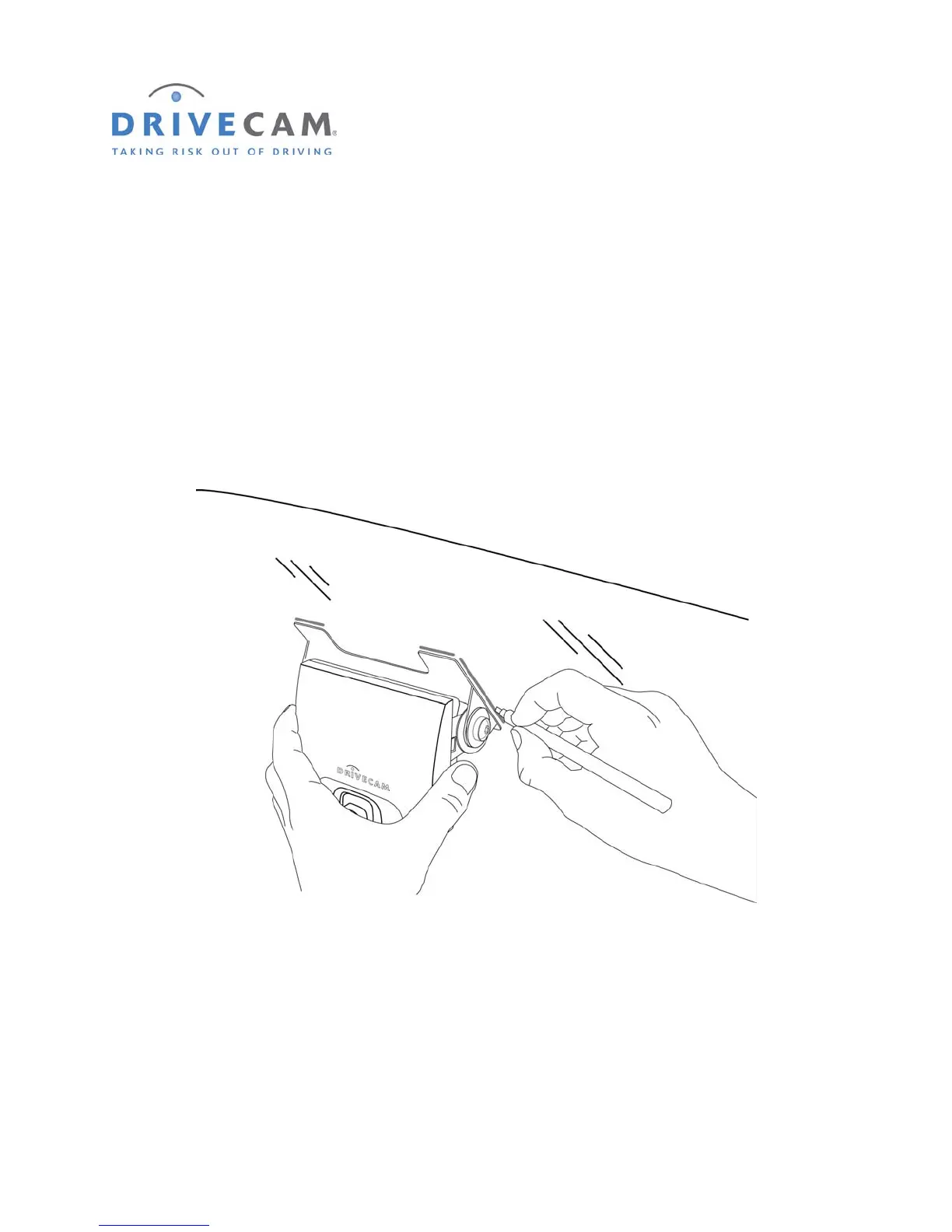
4. Mark the selected mounting location on the glass
Step 1 When you have selected the best mounting location, hold the assembly in place and trace
the outline of the bracket on the windshield with a felt tip marker.
Step 2 Make sure the traced guide marks are level before proceeding.
Step 3 Remove the event recorder from the mounting bracket.
Step 4 Check the fit of the bracket against the windshield.
If the windshield is curved, gently bend the bracket so that it will lie flush against the glass.



 To Next Page