Tamarisk
®
Camera Control Software User Guide
Where "%windir%" represents "Windows" directory present in the system drive
where Windows is installed in your system e.g. C:\Windows\
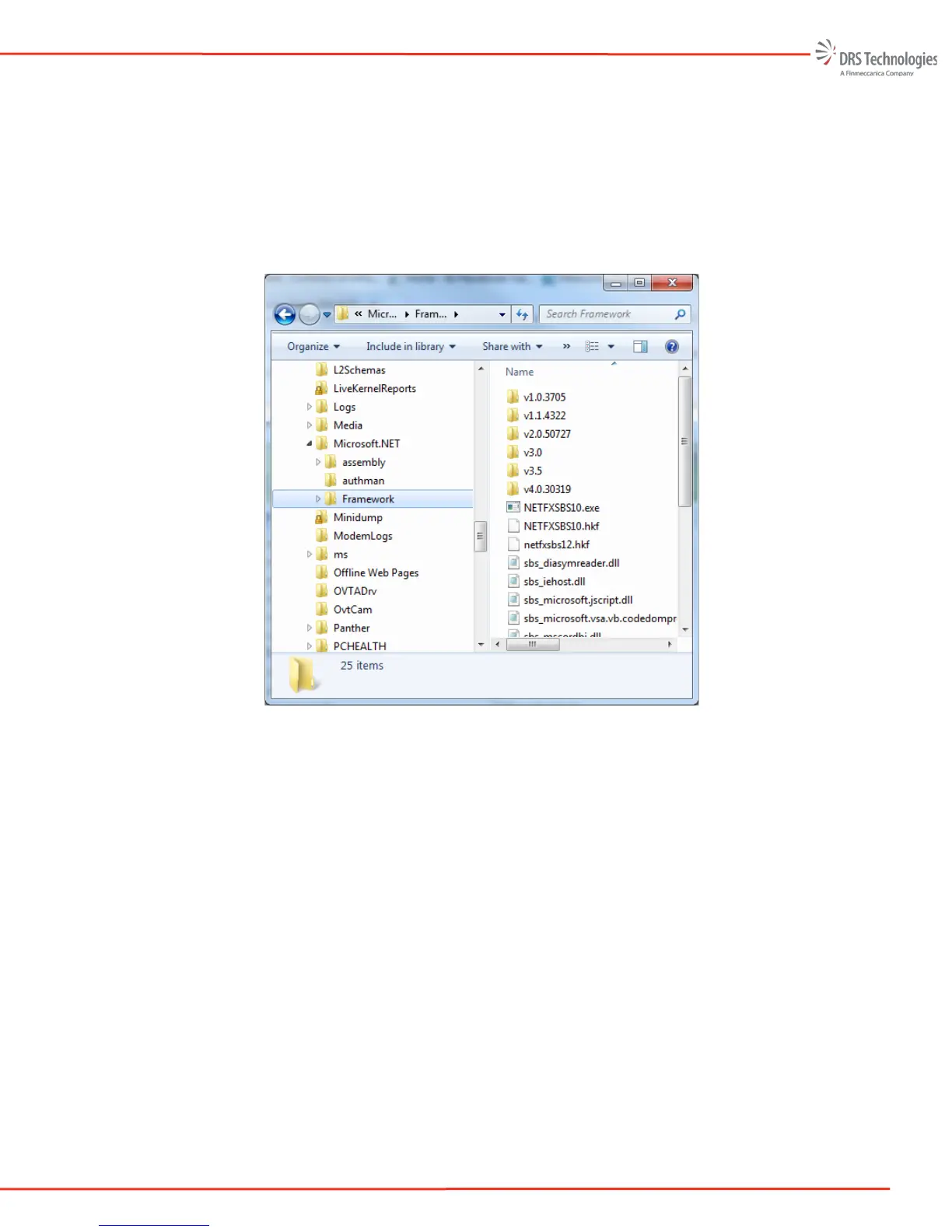
Within the Framework folder, ensure that the v4.0 directory is present (as shown in
Figure 60). If it’s not present, re-run the Camera Control Software Installer or
download the Framework from the following link:
http://www.microsoft.com/en-us/download/details.aspx?id=17113
Figure 60. Microsoft.net
• Symptom: The camera is connected via USB-to-serial port adapter, the Windows Device
Manager shows that the serial port is detected and installed properly, and the serial port pin out
is correct but the Camera Control Software will not automatically connect to the camera.
Check the following:
If Figure 57 is displayed, the user can manually connect to the camera by selecting
“Manually Add Device”. The user will then see the window show in Figure 61.


 To Next Page
 Loading...

