46
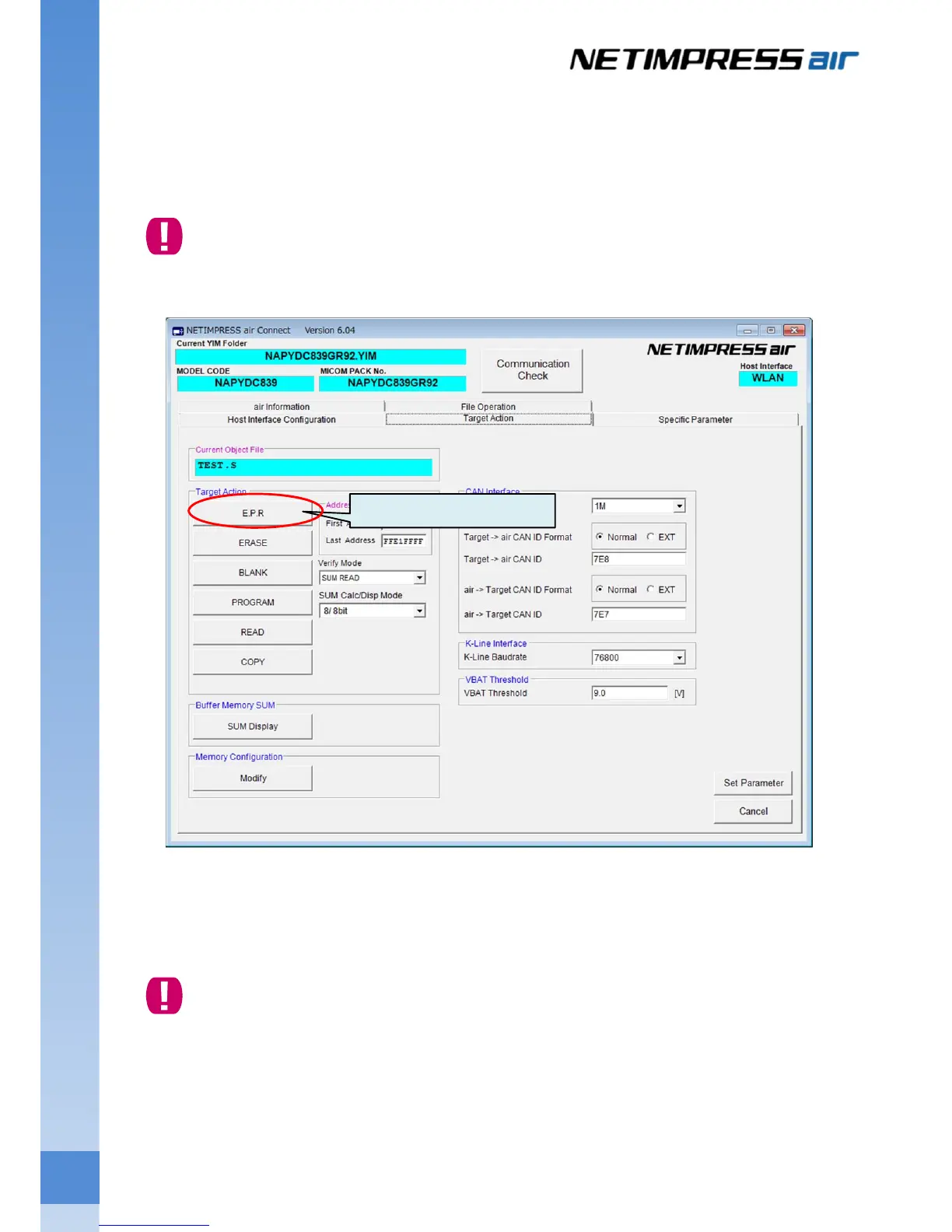
(4) Programming
Click the Target Action tab. Execute the device function to start the programming. Normally, execute the
E.P.R (Erase – Program – Read Verify).
Feature of device function may vary depending on the definition program.
For details of each device function, see the manual of the definition program.
(5) After the programming is completed, click the close button at the upper right of AZ990 (air Connect) window
to close the program.
(6) Turn off the power of target system and main unit.
Please note the order of power on/off.
Power on …. Turn on the power of main unit first, and then turn on the target system power.
Or, turn on the powers of both devices at once.
Power off …. Turn off the power of target system first, and then turn off the programmer power.
Or, turn off the powers of both devices at once.
Click “E.P.R”.



 To Next Page