54
7. YIM folder
7.1. Configuration of YIM folder
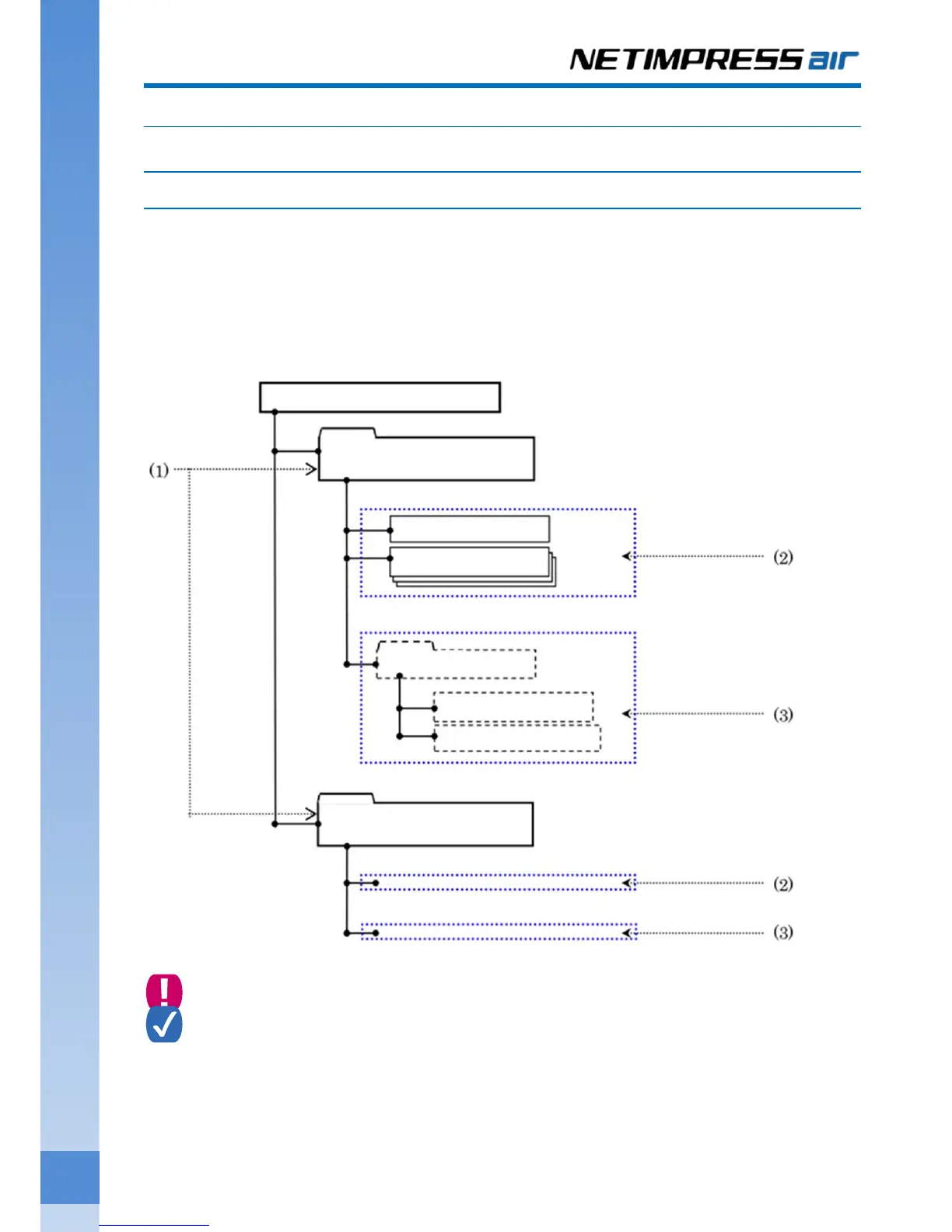
YIM folder is for managing the programming object of SD card and the programming environment.
(1) More than one YIM folder can be stored in one SD card. Current YIM folder can be switched by the function
operation.
(2) Store the BTP file (*.BTP), and user OBJ (*.KEY, *YSM, etc.) in YIM folder.
(3) Store the each buffer file (BUF.SYS), and definition file (CM.SYS) in the created YIM folder.
Do not change/erase BUF.SYS file, and CM.SYS file. If you do so, it will affect the programming.
File configuration in YIM folder can be checked by using AZ990 (air Connect). However please note that
read-only area cannot be referred to.
➥
For details on how to create YIM folder, see Chapter 4.2 “Creating a YIM folder”.
SD card for NETIMPRESS ai



 To Next Page