23
3.2.2 Connecting PC (Setting of AZ990 (air Connect))
(1) Make the wireless LAN connection settings on PC.
<When connecting the existing access point>
Connect the existing access point. (You do not need to make any settings if it is already done.)
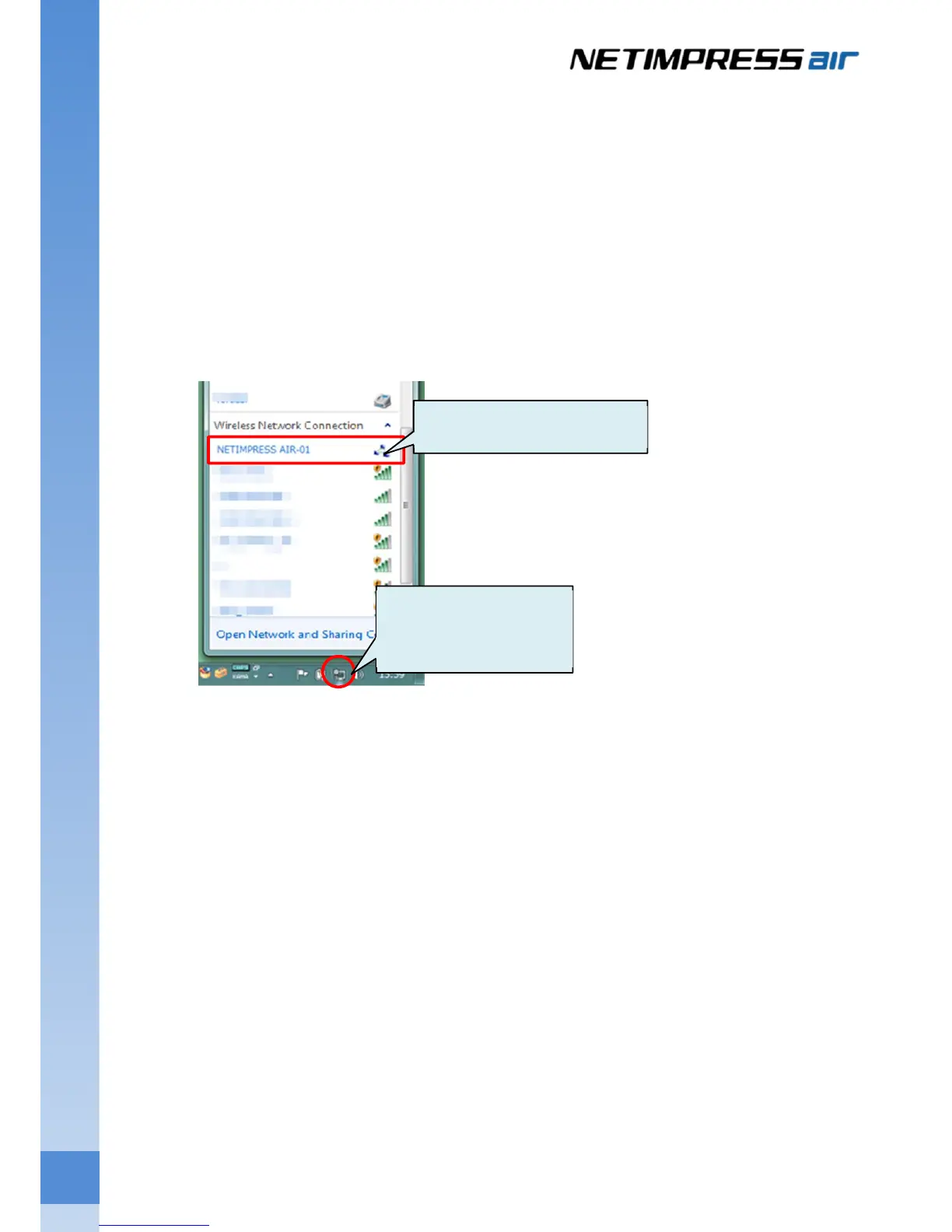
<When connecting 1:1 with PC (ad hoc mode)>
Select SSID you had registered at step 3 of Chapter 3.2.1.
Configure the environment for controlling NETIMPRESS air from AZ990 (air Connect).
(2) Start up the AZ990 (air Connect) from host PC.
Start up menu – All programs – DTS INSIGHT Tools – NETIMPRESS air Connect.
Click to display the
wireless network
Click to make a connection.



 To Next Page