48
(3) Programming
USB T-
---------------------
YIM:NAPYDC839GR92.YIM
T-ACT:E.P.R
SET:Exec ▼▲Select
IP:192.168. 0. 1
USB T-
---------------------
YIM:NAPYDC839GR92.YIM
T-ACT:E.P.R OK?
QUIT:Cancel SET:Exec
IP:192.168. 0. 1
T-ACT / E.P.R
---------------------
PASS P/ 20
R/ 20
▲
SET
SET
USB T-
---------------------
YIM:NAPYDC839GR92.YIM
T-ACT:COPY
SET:Exec ▼▲Select
IP:192.168. 0. 1
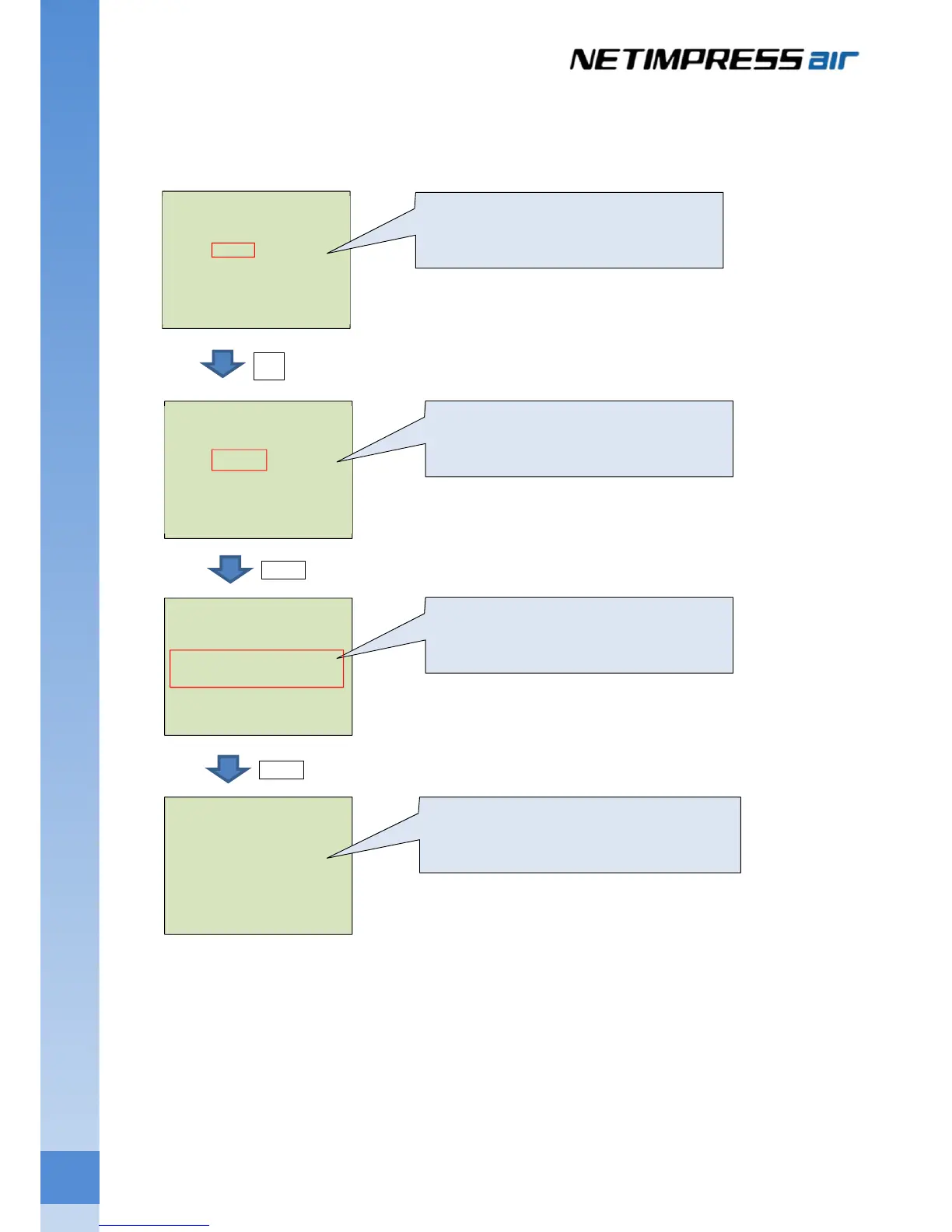
Select the Target Action by pressing ▲ / ▼.
Select E.P.R, and then press [SET].
Confirmation message is shown.
Press [SET] to execute it.
After the programming is completed, [PASS] is
shown on the screen, and the sum value at
verif



 To Next Page