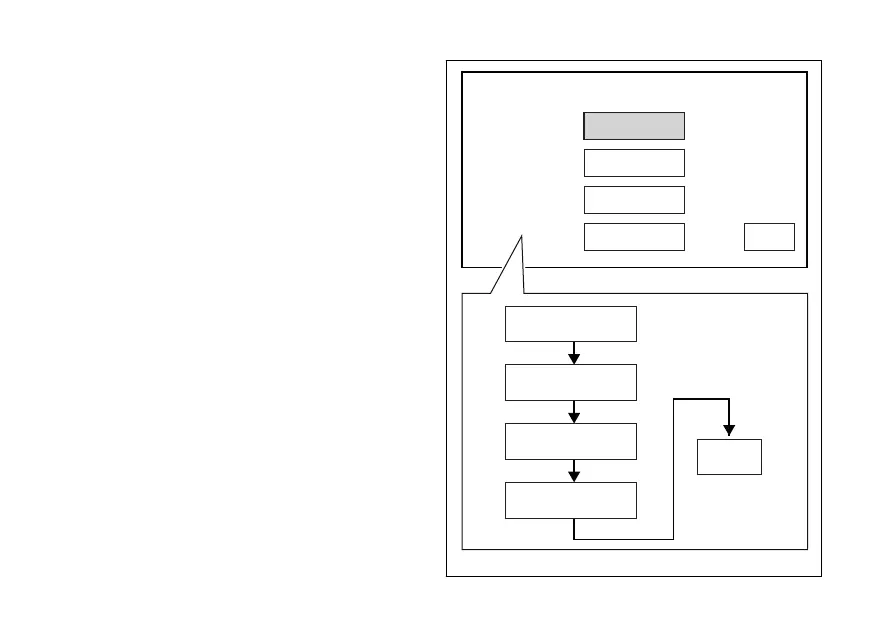
When entering the function, currently set display
mode is indicated on the left. The possible display
views are shown in the middle: CORE, FULL, TRACK,
DEFAULT.
Select the desired display mode (CORE, FULL or
TRACK), by pressing button (1) or (2). Once mode is
highlighted, press CONFIRM MENU button (4). The
selected option is stored, current mode indication is
refreshed and the EXIT option is automatically
highlighted. Press button (4) to go back to previous
display mode.
By selecting the “DEFAULT” mode, the instrument
panel will apply to each selected Riding Mode the
default display mode. If, otherwise, you select a
specific display mode, this will be kept regardless of
the selected Riding Mode.
CORE CORE
FULL
TRACK
DEFAULT
CORE
FULL
TRACK
DEFAULT
INFO MODE
EXIT
EXIT
Fig. 72
125












 To Next Page