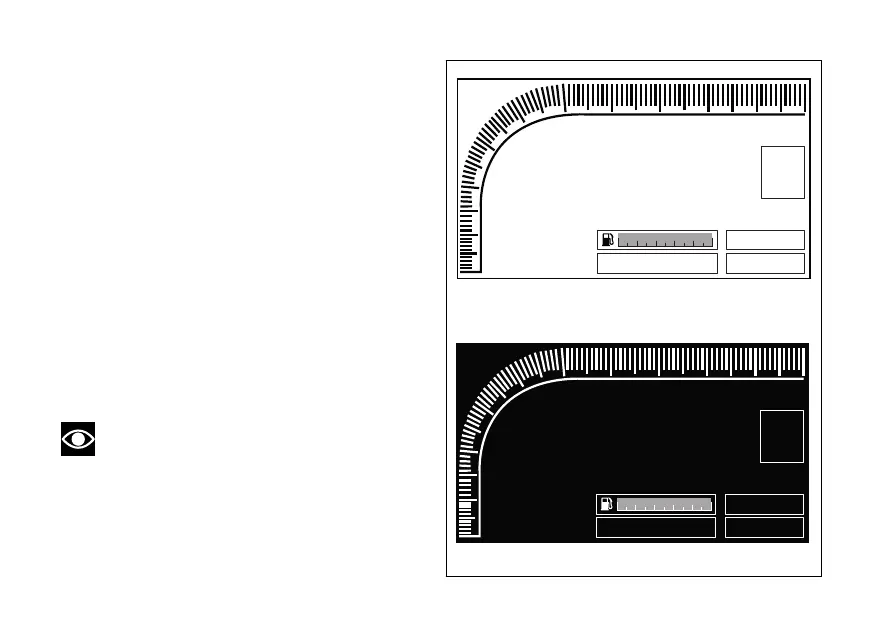
Display backlighting colour
Instrument panel can automatically adjust display
background colour based on ambient light. If
BACKLIGHT – AUTO function is active, when sensor
detects a "low ambient light" (night) it shifts to black
background mode (NIGHT); while when a "significant"
ambient light (day) is detected, it shifts to white
background mode (DAY).
It is possible to customise this function through the
Setting Menu, select "BACKLIGHT" and open the
"BACKLIGHT" menu:
- permanently set either one of the two modes
NIGHT or DAY, or
- set AUTO mode.
Refer to paragraph ("Display backlighting setting" page
126).
Note
If power is above 16 V, backlighting is disabled,
while if power is below 8 V, backlighting is turned off.
299
N
LAP
SPORT
98
6
5
4
3
2
1
7
10
11
km/h
RPM x 1000
DTC 1
ABS 1
TOT Km 199999
299
N
LAP
SPORT
98
6
5
4
3
2
1
7
10
11
km/h
RPM x 1000
DTC 1
ABS 1
TOT Km 199999
Fig. 123
180












 To Next Page