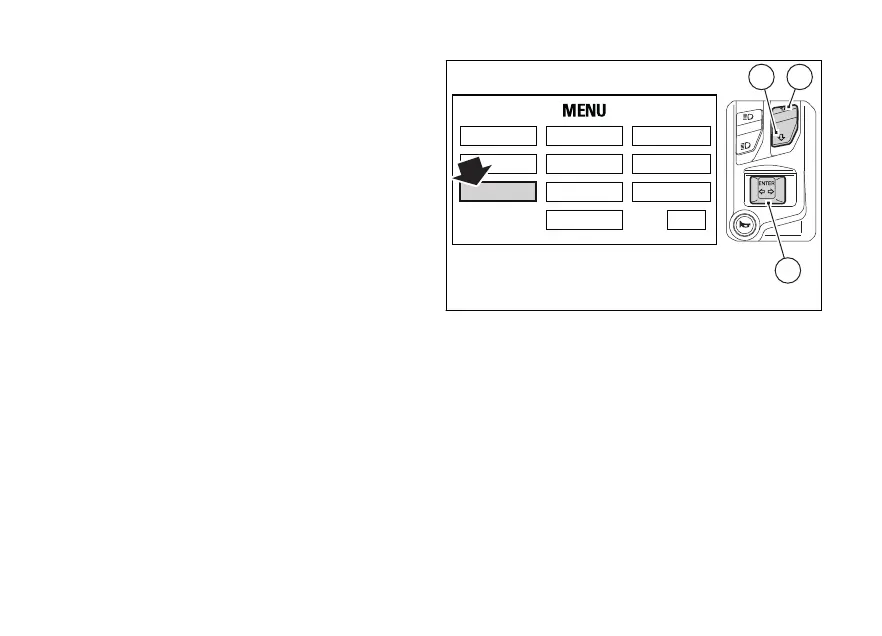
Entering the PIN CODE
To activate the PIN CODE function and enter your
own PIN CODE you must open the Setting Menu.
Select "PIN CODE" option, by pressing button (1) or
(2).
Once function is highlighted, press CONFIRM MENU
button (4).
You open the "PIN CODE" menu.
RIDING MODE
LAP SERVICE
DISPLAY
UNIT SETTING
PIN CODE
DATE & CLOCK
BLUETOOTH
INFO
TIRE SETTING
EXIT
2
4
1
Fig. 76
130












 To Next Page