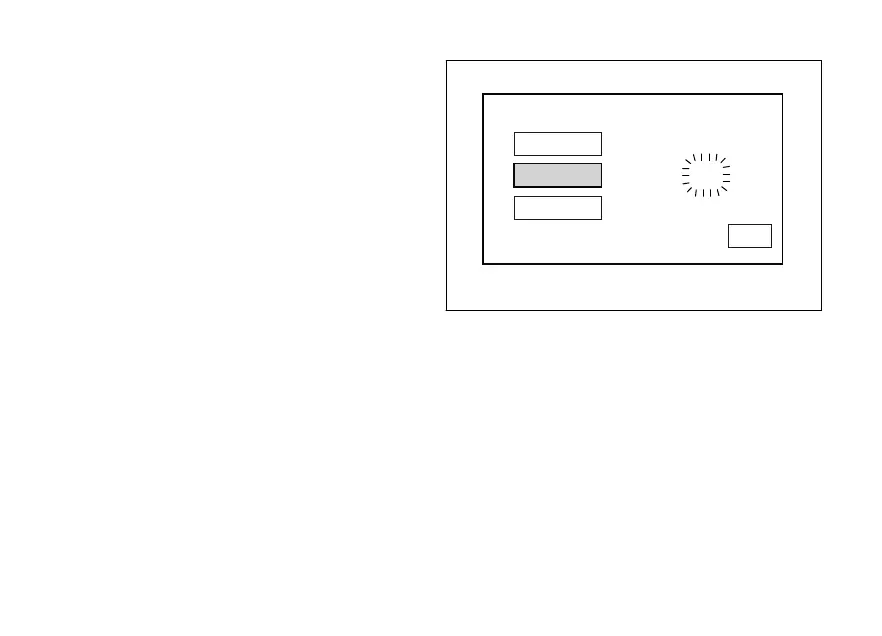
Month setting
Select "MONTH" option, by pressing button (1) or (2).
Once option is highlighted, press button (4).
Month value starts flashing.
Press button (1) to decrease month value by 1 unit:
12, 11, ... 01, 12.
Press button (2) to increase month value by 1 unit: 01,
02, ... 12, 01.
Once you reach the value to be set, press button (4)
and the set month will stop flashing.
YEAR
MONTH
DAY
DATE SETTING
2015 / 06 / 23
EXIT
Fig. 96
153












 To Next Page