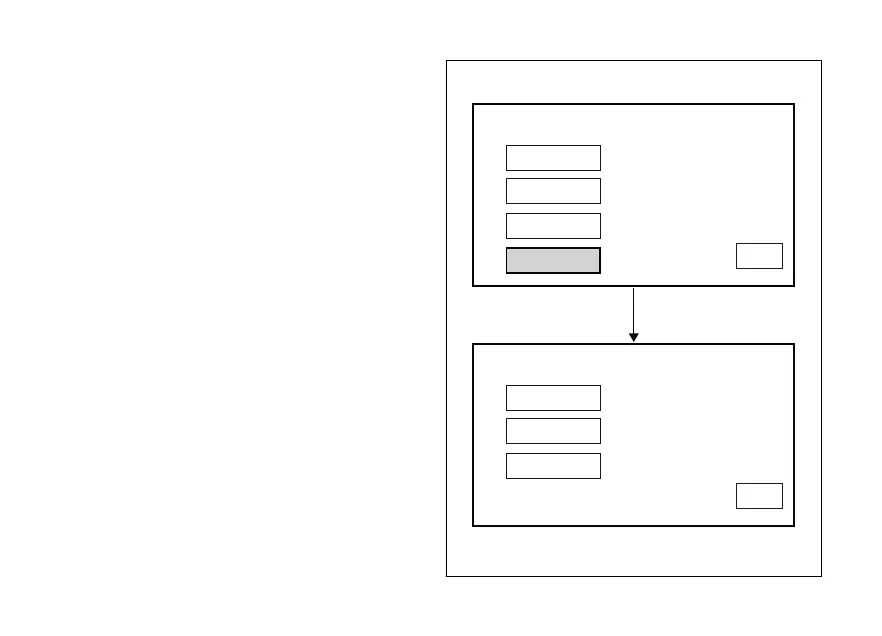
If date is not correct, the instrument panel will display
"WRONG DATE" flashing for three seconds and then
will automatically highlight EXIT, while date is
indicated as "---- / -- / --" steady. It is still possible to set
a new date.
To go back to previous page (setting menu page),
press button (4) when EXIT is highlighted.
YEAR
MONTH
DAY
WRONG DATE
DATE SETTING
2015 / 06 / 23
EXIT
YEAR
MONTH
DAY
DATE SETTING
2015 / 06 / 23
EXIT
Fig. 99
156












 To Next Page