19
System Setup
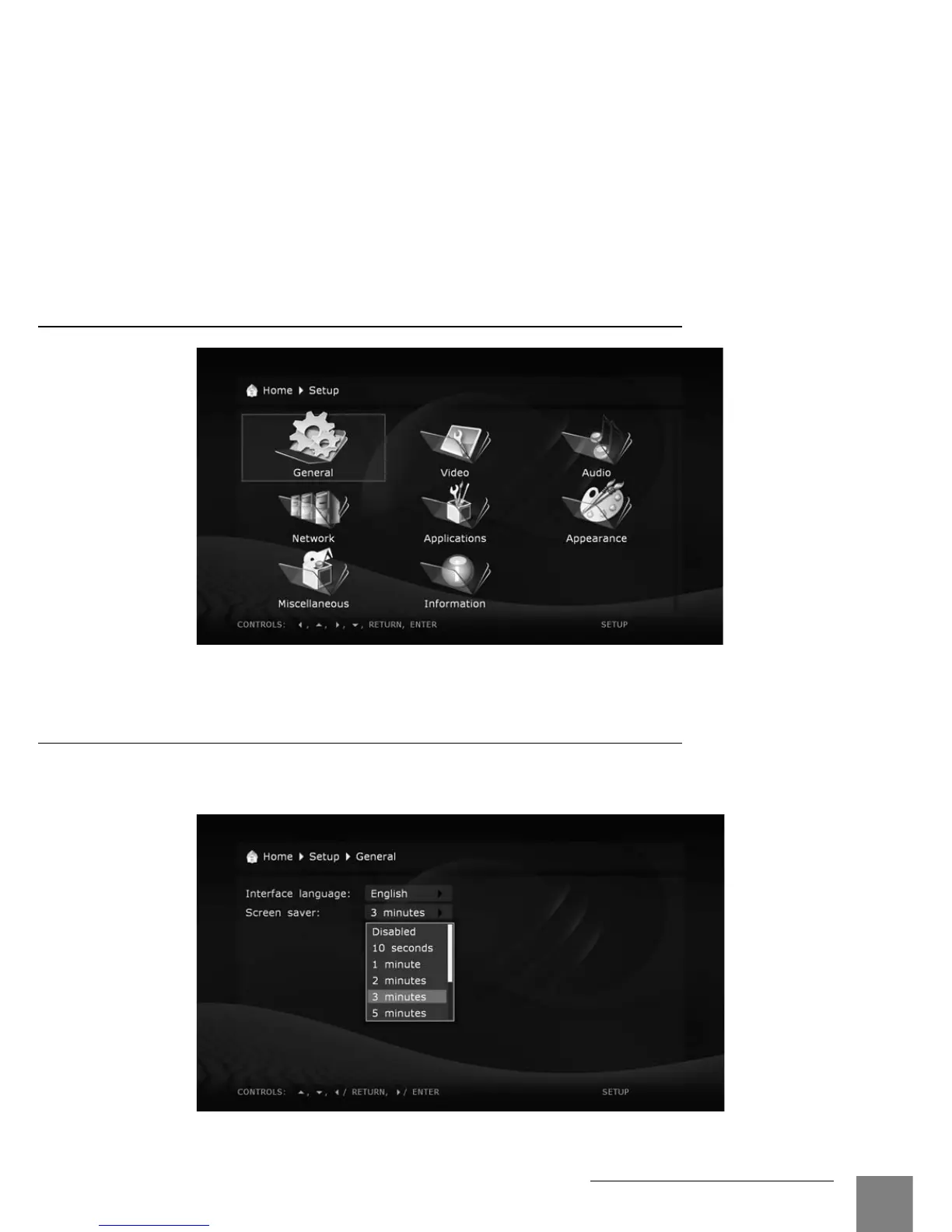
Setup Menu Sections
General
This section descrbes selection of general interface language and timeout for the screen
saver activation.
In case of any problems, to make sure that the playback is stopped and you are in the file
browser mode, switch the player off and then on, and wait until the player boots completely for
up to 60 sec. Refer to the "Standby Mode" section.



 To Next Page