Dune HD Base 3.0 user manual
34
Photo Viewer
The player supports viewing photo files as slide shows with nice transition effects. See "File
Playback" section on more details on how to select photos for showing.
In the photo viewer mode, the following RC buttons are available:
RETURN, STOP: Stop the slide show, return to the file browser mode.
PAUSE: Pause the slide show.
• To resume the slide show, press PLAY.
PREV (|<<), Left: Show the previous file.
NEXT (>>|), Right: Show the next file.
POP UP MENU: Toggle showing of the browser of the current playlist.
REPEAT: Toggle the cyclic playback of the playlist.
SHUFFLE: Toggle the random playback of the playlist.
ROTATE: Rotate the picture clockwise.
1, 2, 3, 4, 5: Rotate/mirror the picture in different ways.
INFO: Show/hide information on the current file:
Format — file type. Width — picture width (pixels). Height — picture height (pix-
els). Bit Depth — number of colors.
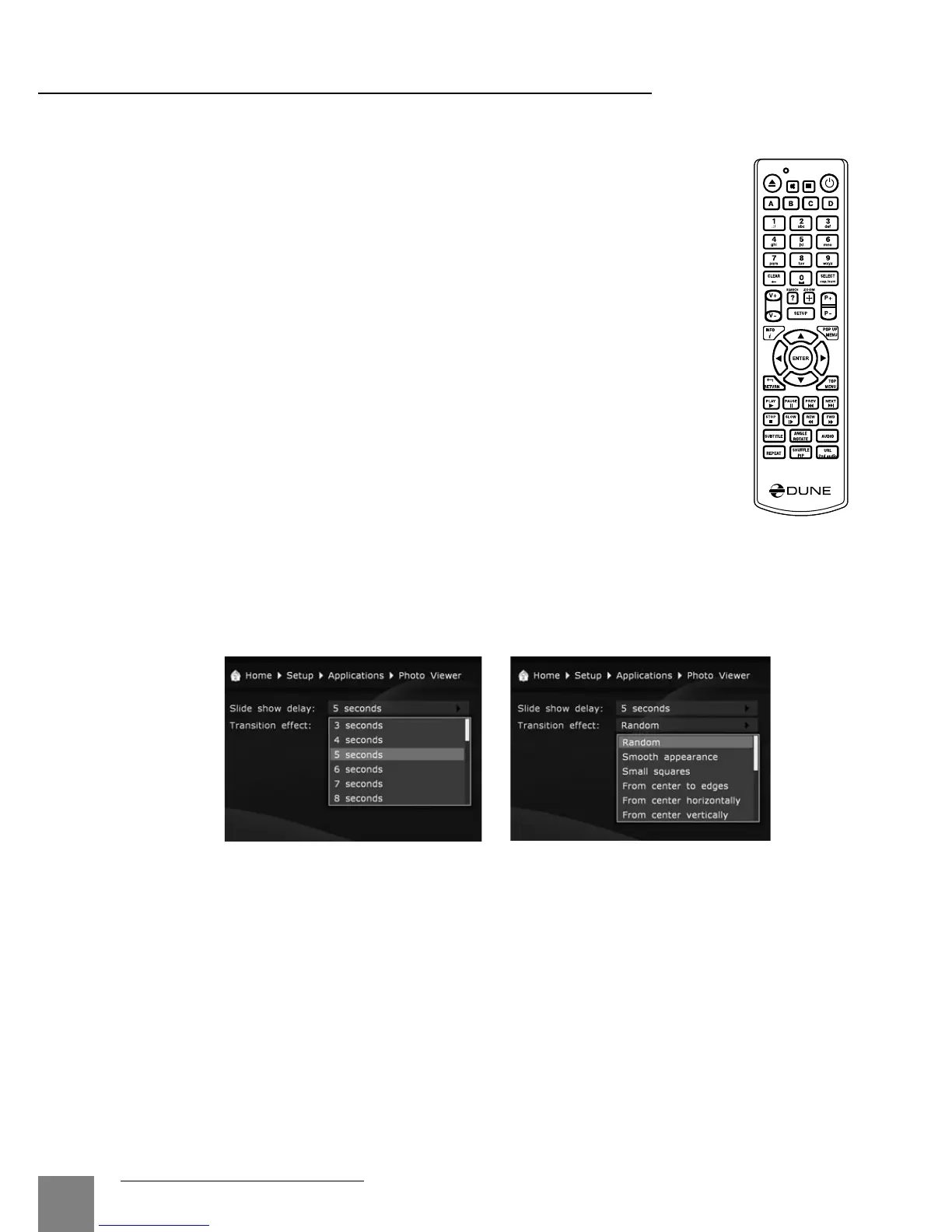
In the "Applications / Photo Viewer" section of the player settings menu it is possible to
adjust the interval of picture switching (slide show) and set the type of the picture transition.
If the "random" transition mode is selected, the effects will be used in a random order.



 To Next Page