21
Audio
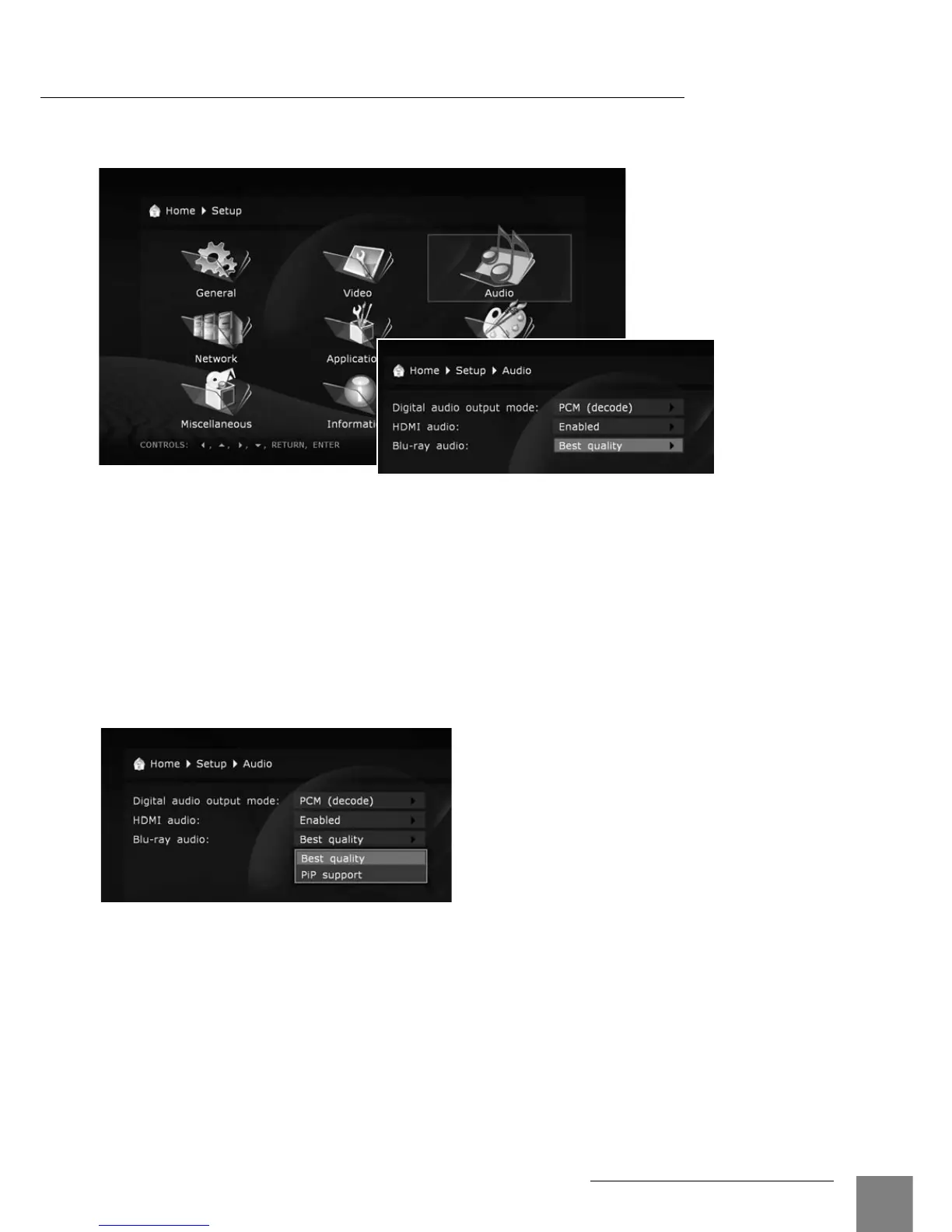
This section of the setup menu allows to set the connection type of relevant audio
equipment.
Digital audio output mode: you may switch the mode of digital optical output.
PCM (Pulse Code Modulation, forced decoding): a mode in which the original sound track,
i.e. Dolby Digital or DTS, is converted (decoded) to the Pulse Code form. It is supported by
decoders of virtually any up-to-date audio equipment. But this mode is only recommended in
case your AV receiver does not support full decoding of multichannel sound of above formats,
or the audio subsystem of a TV set connected via HDMI cable is used instead of a home the-
ater system.
Original (Bitstream): a mode in which the original sound track, i.e. Dolby Digital or DTS, is
transmitted to an external decoder in its original, encoded, form. Refer to the "Transmission of
Digital Audio to AV Receiver" section.
HDMI audio:
turn on and off transmition of audio signal via HDMI.
Blu-ray audio
●
When set to "Best quality", and the "Digital audio output mode" set to "Bitstream", the primary
audio track is sent to both S/PDIF (digital audio output) and HDMI as a bitstream not depend-
ing on the presence of secondary audiotrack; secondary audio/video functions ("PiP") are
disabled.
●
When set to "PiP support", secondary audio/video functions are enabled, and, to support
these functions, the player is allowed to use the "decode" mode instead of the "bitstream"
mode on digital audio outputs (so the audio quality may suffer, e.g. stereo PCM may be sent
to the S/PDIF output, and multichannel PCM may be sent to the HDMI output).
System Setup



 To Next Page