27
File Playback
In case of moving files/folders within a single partition of a drive, there is no physical copy-
ing of the data (only the directory information is updated on the drive), files/folders are moved
to the new location instantly. In case of moving files/folders between different partitions or
different drives, files/folders will be first copied to the new location, and then deleted from
the old location. During copying you should not unplug the player or disconnect the drive.
Otherwise the information loss may occur.
The player supports playback of media files (video, music, photos) in various formats. You can
play files from any drives attached to the player, or from network drives.
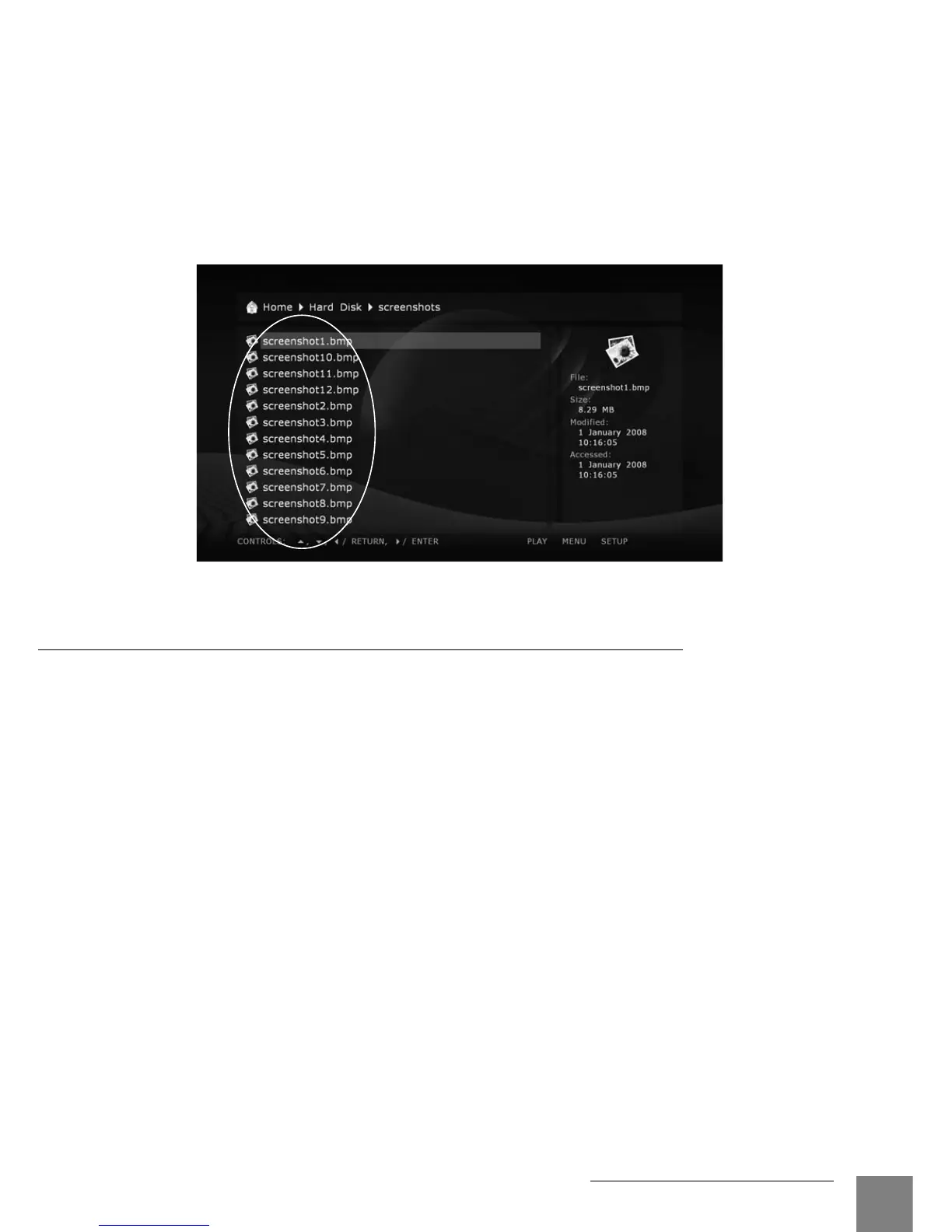
To play a media file, select the file in the file browser, and press ENTER.
To play all media files in the current folder starting with a certain file, select the file in the file
browser, and press PLAY. The player will generate a playlist consisting of all media files in the
current folder (not including files in subfolders), and will start playback of this playlist starting
with the selected file.
To play all media files in a certain folder (including files in subfolders), select the folder, and press
PLAY. The player will generate a playlist consisting of all media files in the folder (including files
in all subfolders), and will start playback of this playlist.
To play a predefined playlist file (in M3U or PLS format), select the playlist file, and press PLAY.
The player will load the playlist file, and will start playback of all items in the loaded playlist.
To play a given set of media files and/or folders and/or playlist files, mark all needed files and/
or folders and/or playlist files using RC buttons SELECT and MENU, and press PLAY. The
player will generate a playlist comprising all marked content (including all marked media files,
all media files in the marked folders and all their subfolders, and all items from the marked
playlist files), and will start playback of this playlist.
During playback of a playlist, you can easily navigate through the playlist using RC buttons
NEXT, PREV, MENU.
When playing video or audio files, the player uses so called "file playback mode". Entering and
leaving the file playback mode may take some time, and black screen may be shown.
When playing a list of photos, a special photo viewer application is used for nice photo showing
Playback



 To Next Page