Dune HD Base 3.0 user manual
24
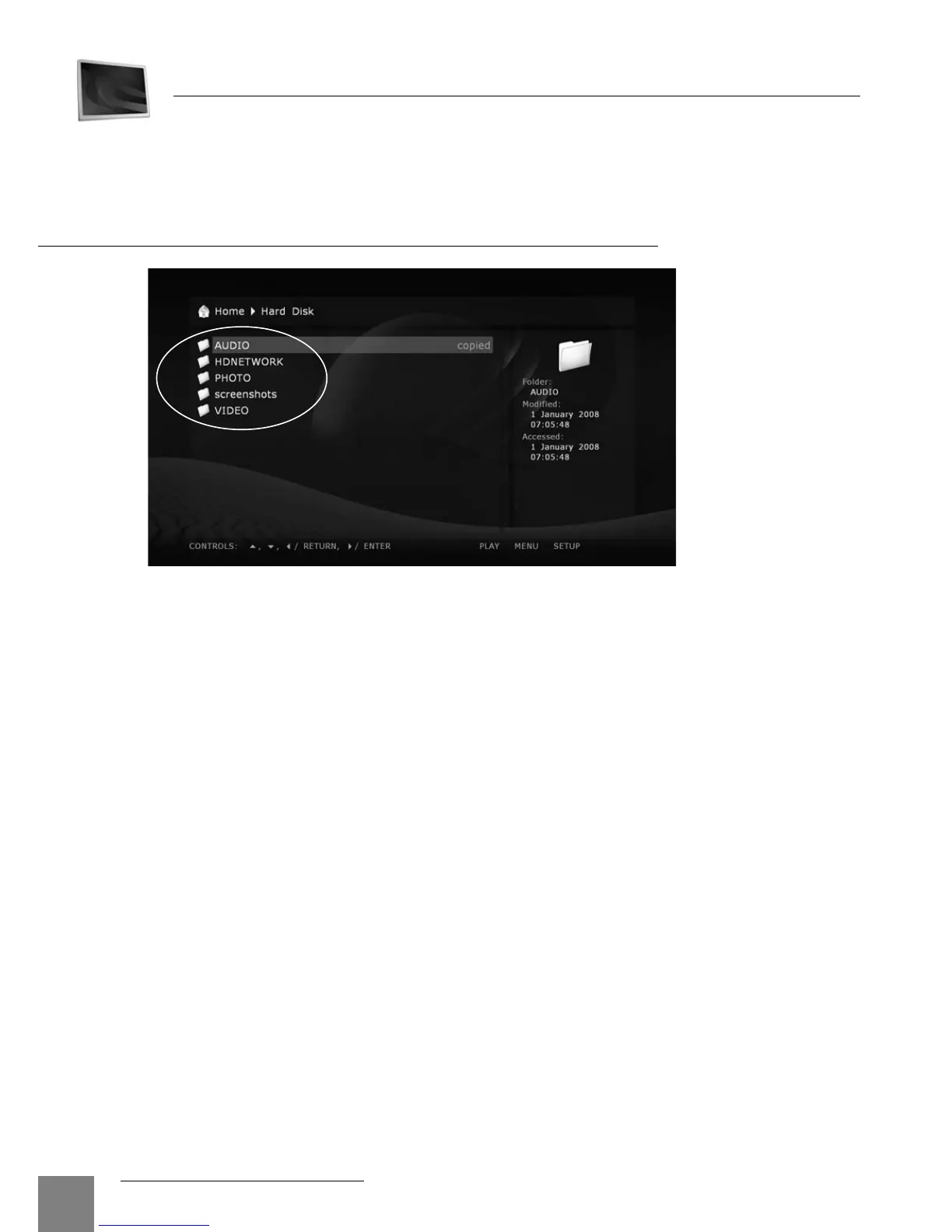
The file browser allows browsing of all files and folders available. Browsing starts from the
Main screen (also called the root folder), which includes subdivisions corresponding to con-
nected drives and network resources.
Up: Select the previous file/folder from the list. Move the cursor to the area of the current path
indication (in case the selection is on the first element of the list).
Down: Select the next file/folder from the list.
Left/Right: Depending on the chosen menu style, navigate the icon grid or perform the same
function as the ENTER/RETURN buttons respectively.
P+: Select a file from the top of the page / move one page up.
P–: Select a file from the bottom of the page / move one page down.
RETURN: Return to the main (root) folder.
ENTER:
Enter the folder (when selected).
Start playback of the selected media file.
Show the selected picture.
Start playback of a folder with video disc content.
Start firmware update (in case a firmware file is selected).
PLAY:
Start playing of all media files in the current folder (except for the files in subfolders) starting
from the current file (you need to select a starting file using arrow buttons).
File Browser
Playback
Chapter 6



 To Next Page