Dune HD Base 3.0 user manual
20
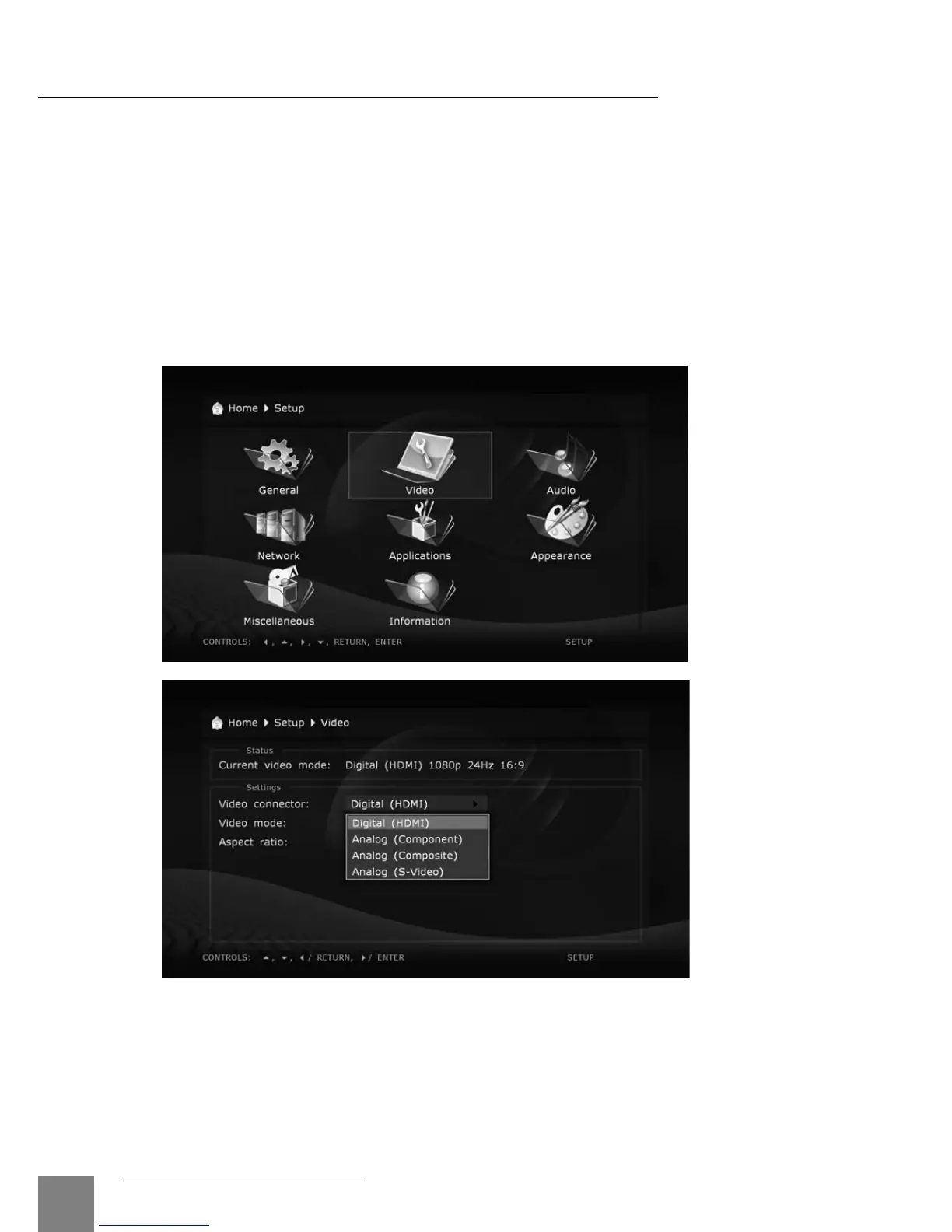
Video
In this section you will find settings of video output type (digital HDMI or analog) and
adjusting of video resolution on selected output.
● The selected resolution will be used by default for all media files.
● Read carefully the manual for your TV/monitor/projector. Some video modes may not be
supported by your equipment.
● In case of using the HDMI connection, depending on HDMI support in your TV/monitor/
projector, intermediate HDMI equipment (if any) and the player, some video modes may not
be available or may function improperly. In this case, use other video modes or other con-
nection type.
● To have the best picture quality, it is recommended to use an HDMI connection. Refer to the
"Connection to TV/Monitor/Projector via HDMI Input" section.



 To Next Page