5-4
Chapter 5 Cleaning the Machine
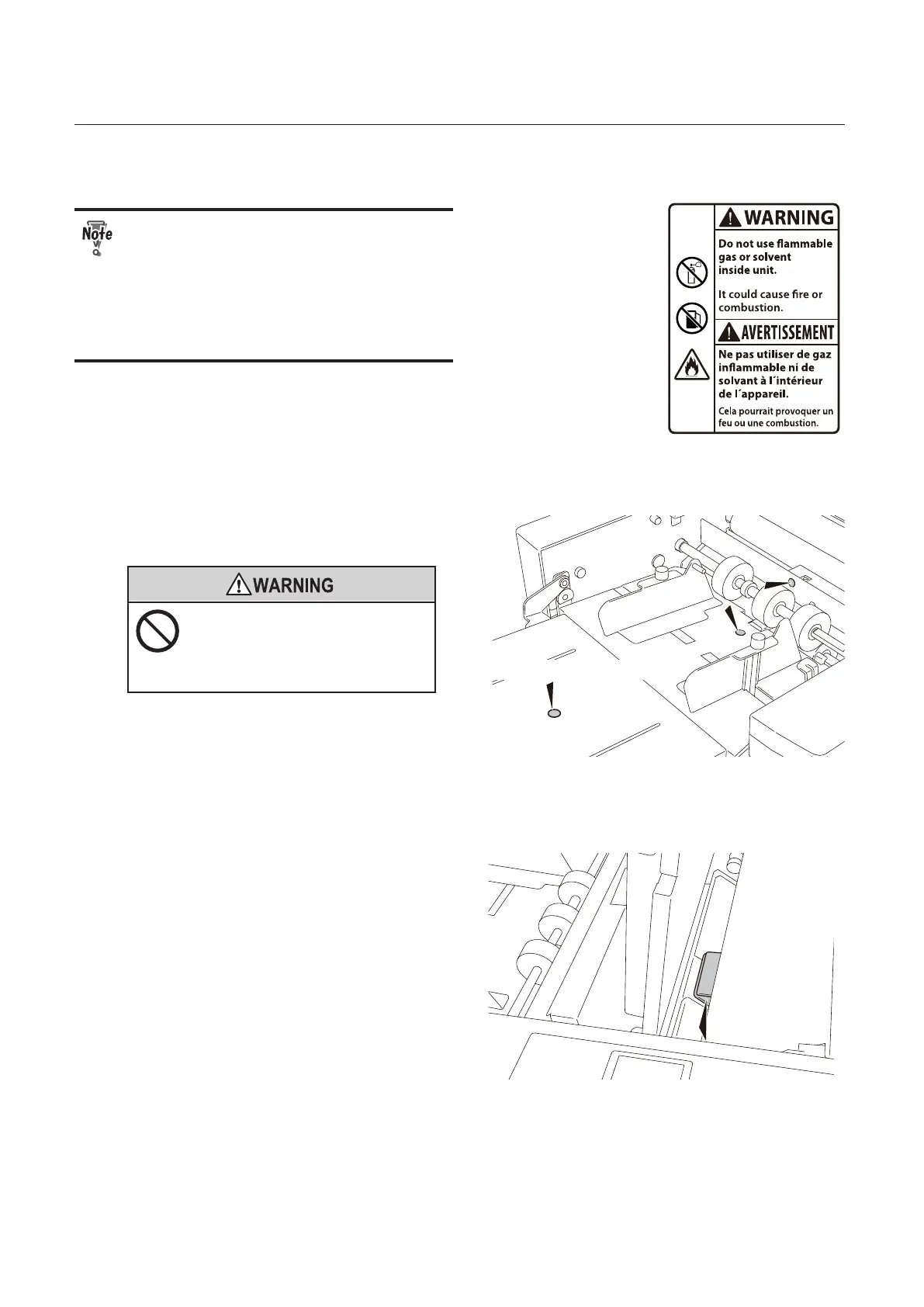
Keep in mind the following notes when using the air duster.
• Use a non-ammable air duster. Read
the cautions for use well, and be sure to
keep the descriptions in mind.
• The sensors and metallic section are
cooled by gas in the air duster, and may
be temporarily condensed. Wait for
about ve minutes.
Paper feed inlet sensor (up and down), paper sensor
(Only for North America)
1
Open the top cover.
Open or close the top cover
gently.
Hands or ngers may be caught in the
cover section. Doing so may result in
injury.
2
Insert the nozzle of air duster into the
hole shown in the gure to blow air.
Paper ejection inlet sensor upper
1
Remove the folding plate 1.
2
Spray the air duster onto the sensor.


 To Next Page