43
1
7.8.2 System information
–
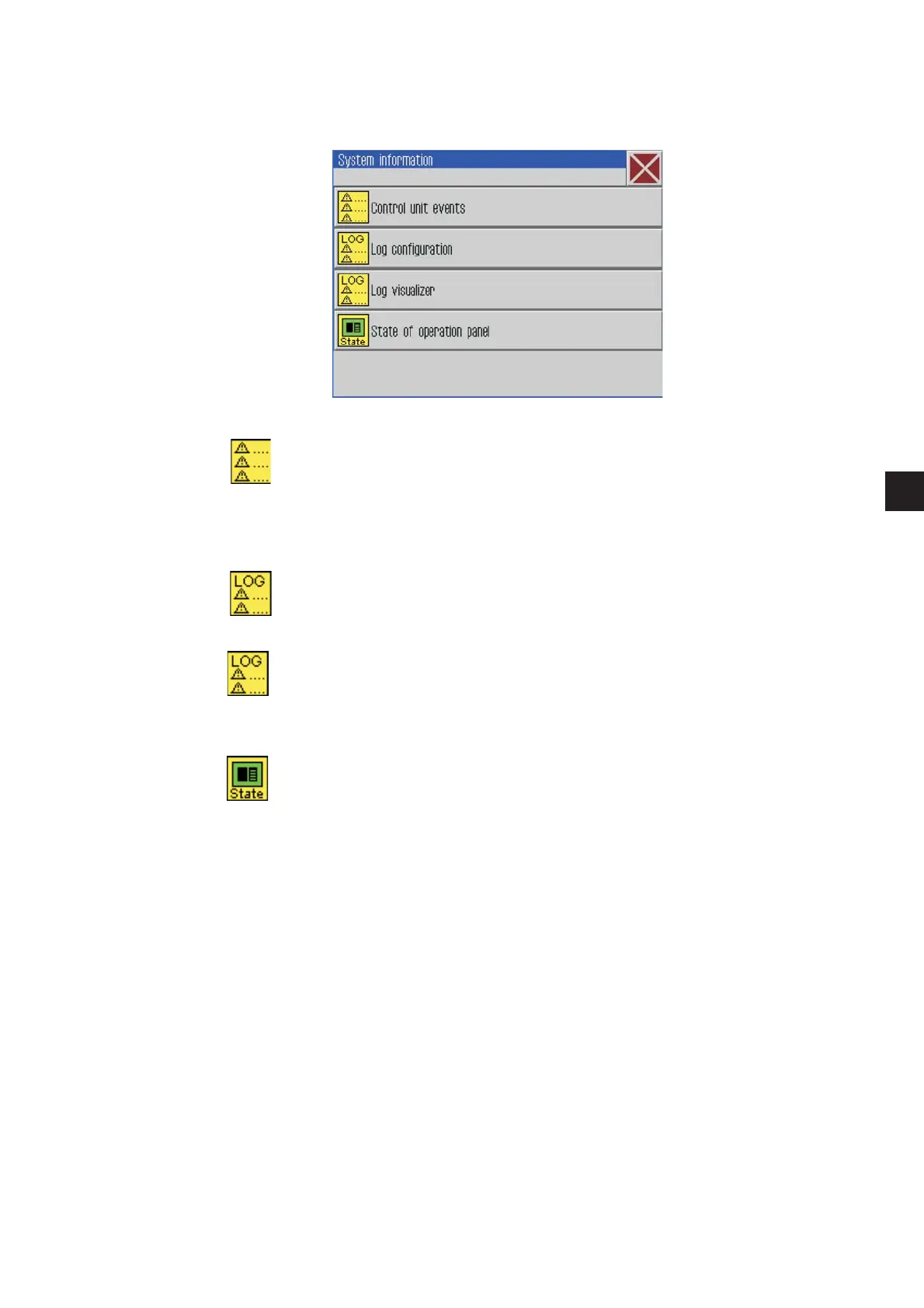
Click Extras -> Service -> System information
The following screen will appear.
Control unit events
A list with the errors that occurred lately will appear.
Log configuration
This function is reserved for the Dürkopp-Adler service personnel.
Log visualizer
A list with the last log settings will appear.
State of the operation panel
After effectuating the button the status will appear in the log display.







 To Next Page